Custom Educational Software
Purpose-built tools, dashboards, trackers, and student-facing experiences designed around your workflow instead of forcing you into someone else’s platform.
Treetown AI helps schools and educators move beyond generic tech. I design classroom-tested software, immersive history simulations, teacher dashboards, and practical professional development that makes AI useful, understandable, and safe in day-to-day teaching.
Consulting grounded in real classroom experience, with a focus on tools that teachers and students will actually use.
Purpose-built tools, dashboards, trackers, and student-facing experiences designed around your workflow instead of forcing you into someone else’s platform.
Interactive, game-based learning experiences that turn history, economics, and civic concepts into memorable, hands-on participation.
Training for teachers and administrators on practical AI use, classroom guardrails, workflow support, and student AI literacy.
Help evaluating tools, writing usage norms, identifying high-impact pilot ideas, and turning AI curiosity into a realistic school plan.
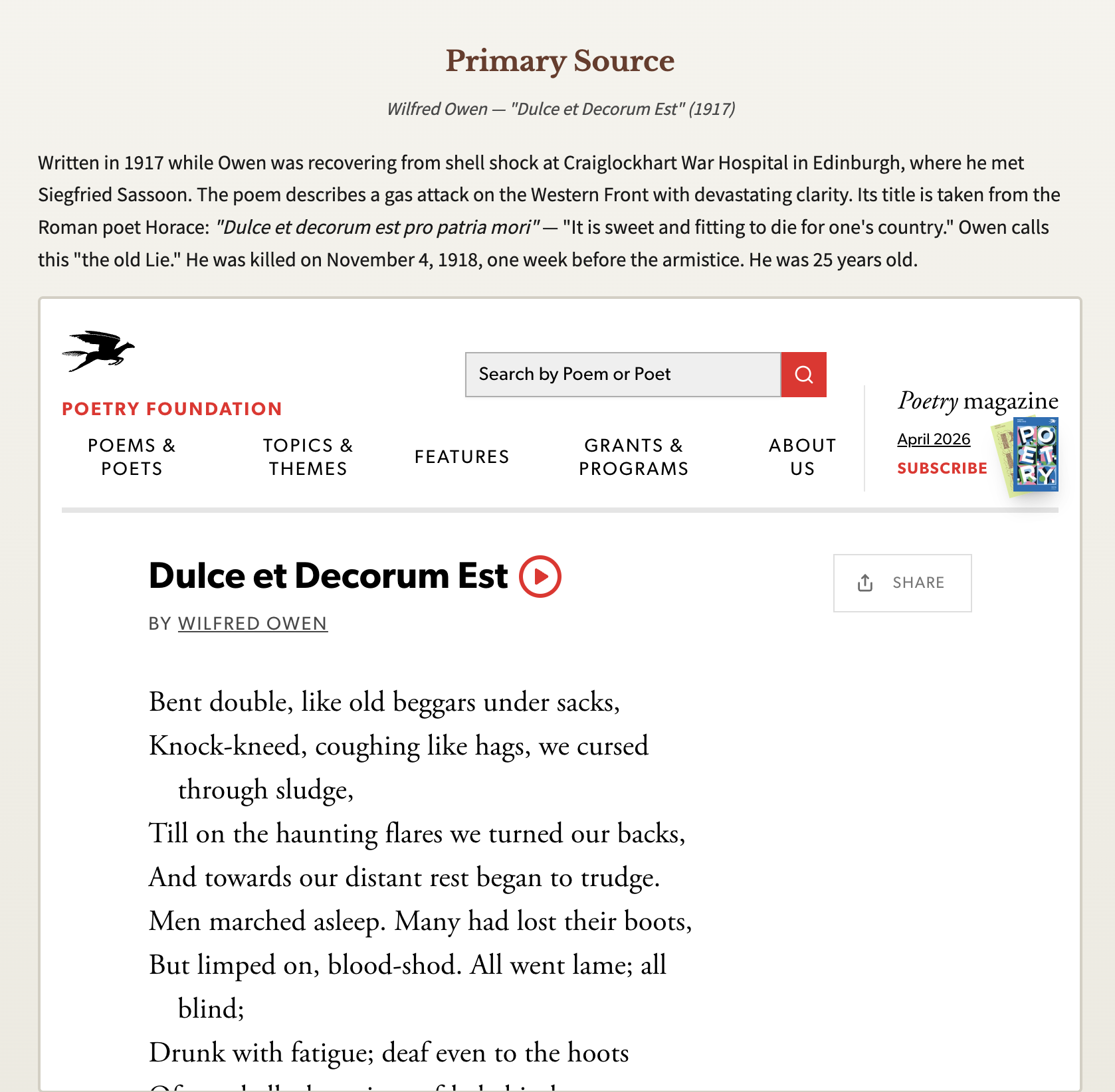
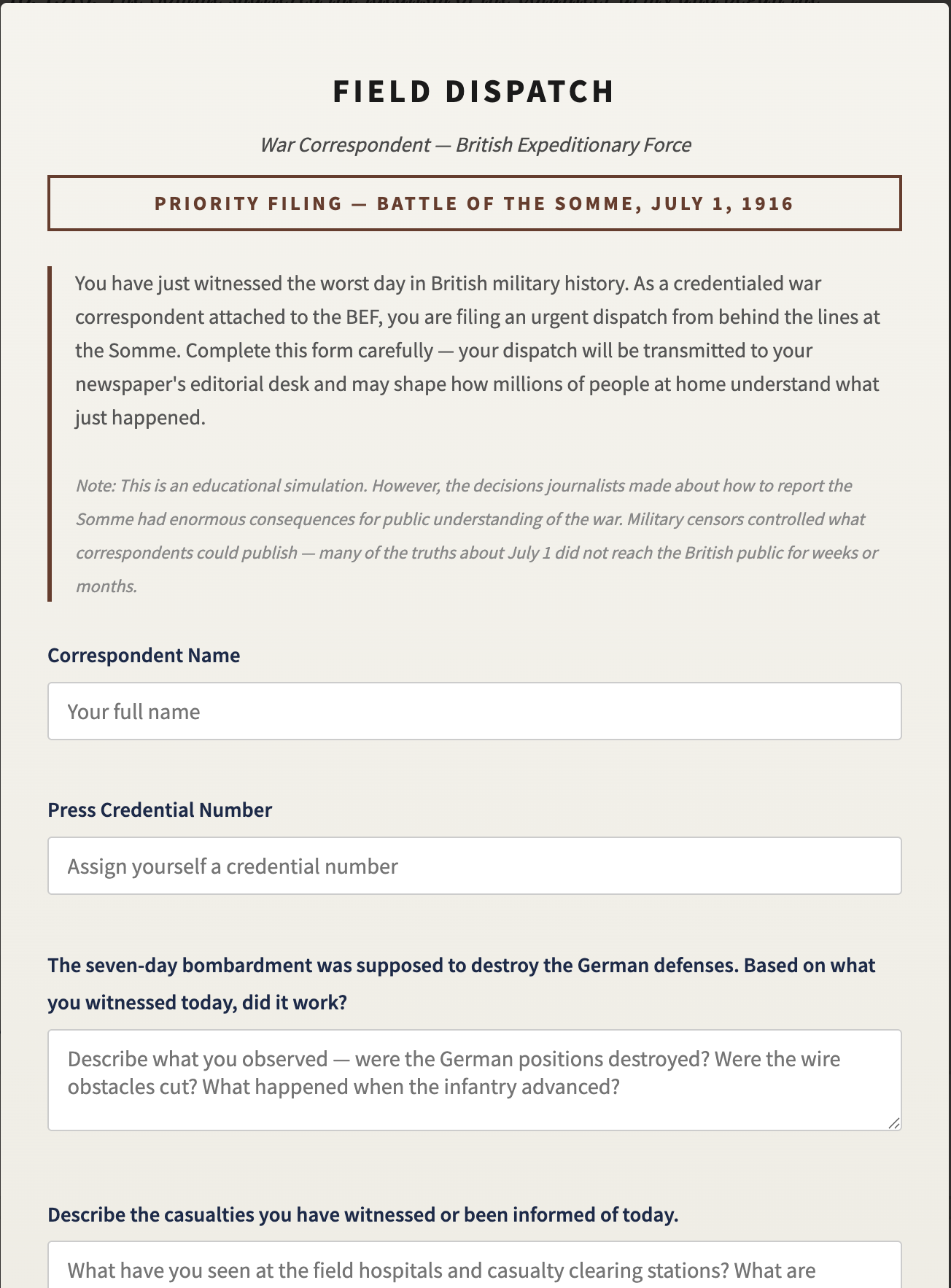
Not mockups. Not side projects collecting dust. Every build here is real — designed around actual classroom friction, tested with real students, and deployed.
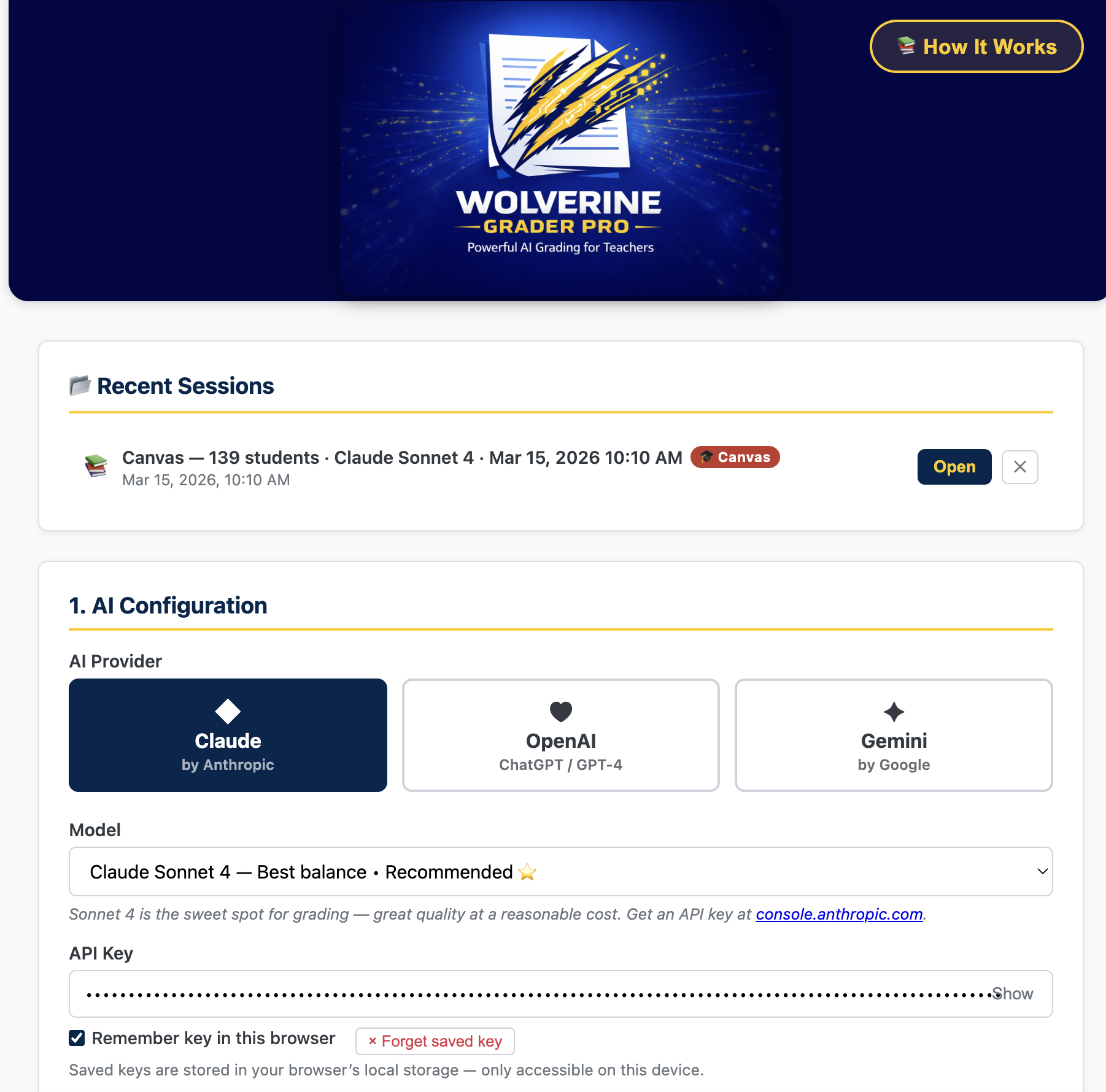
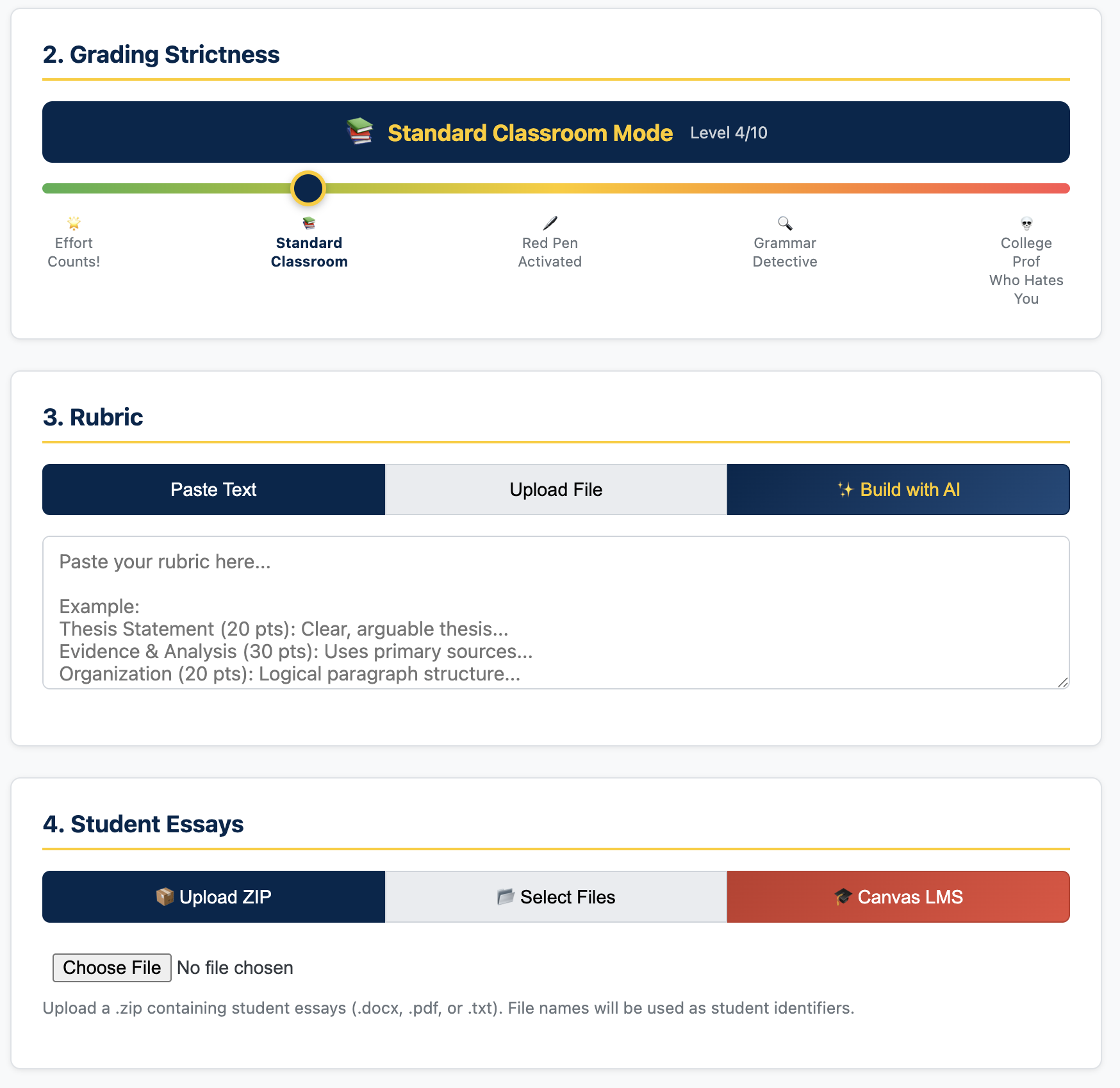
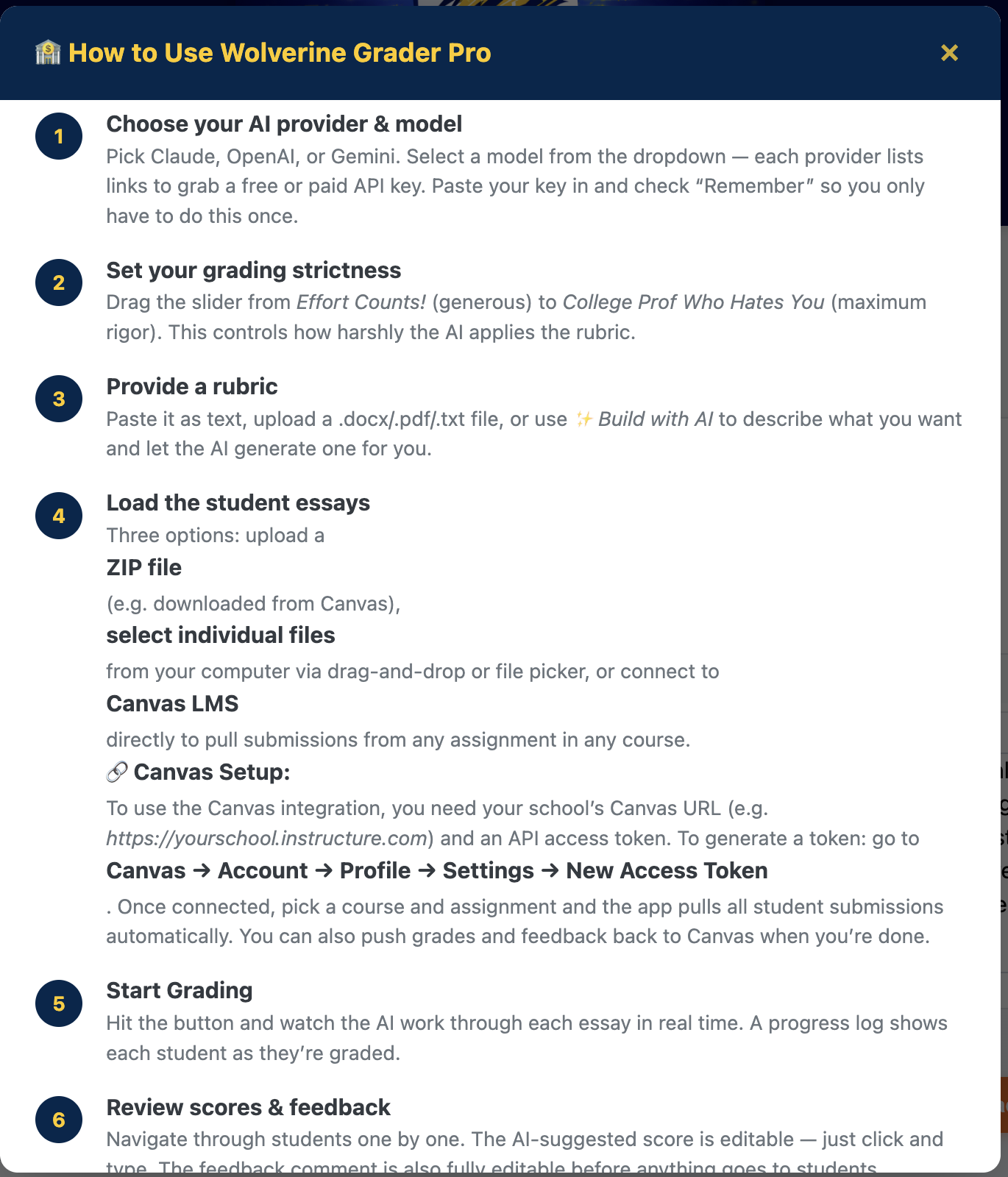
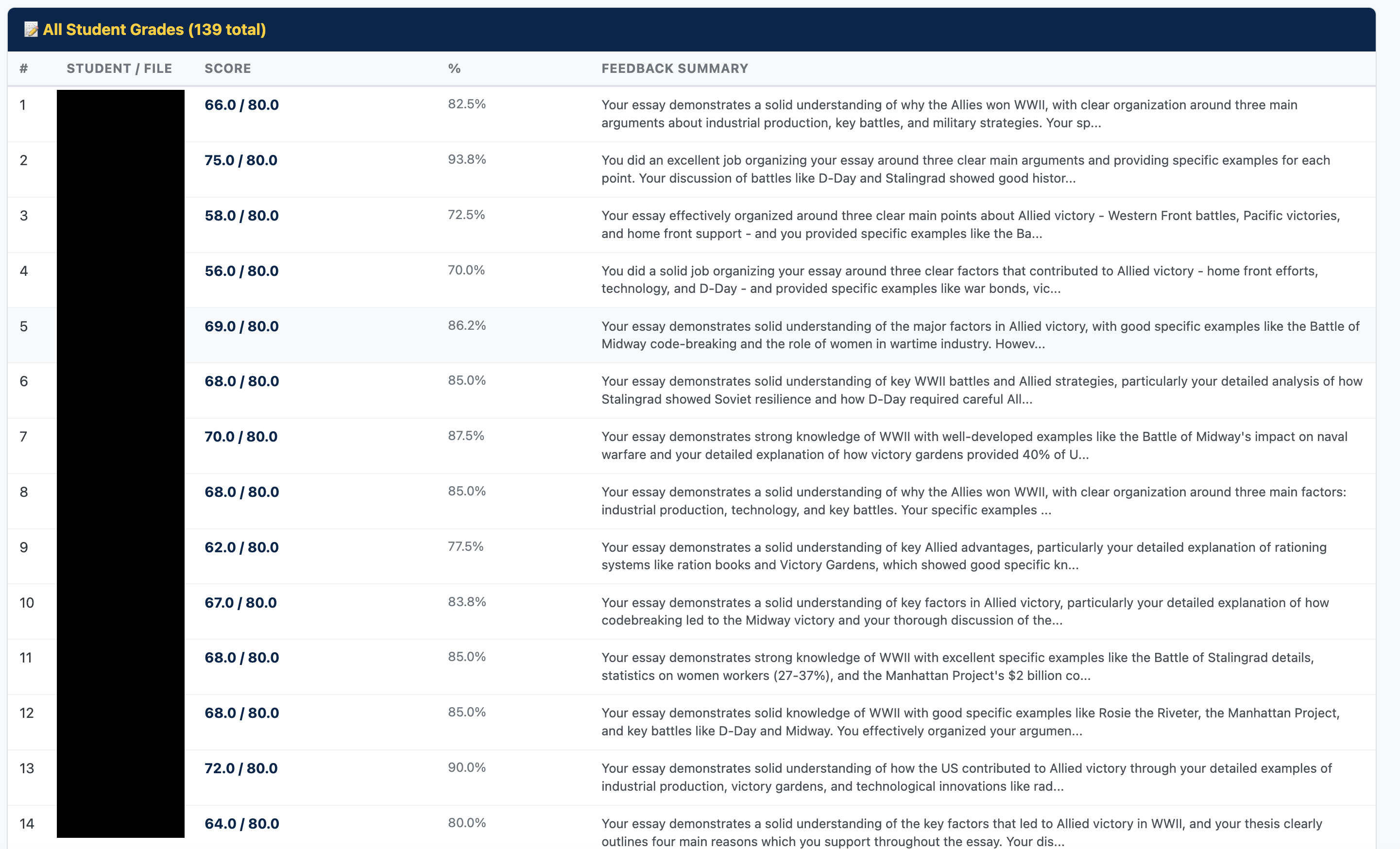
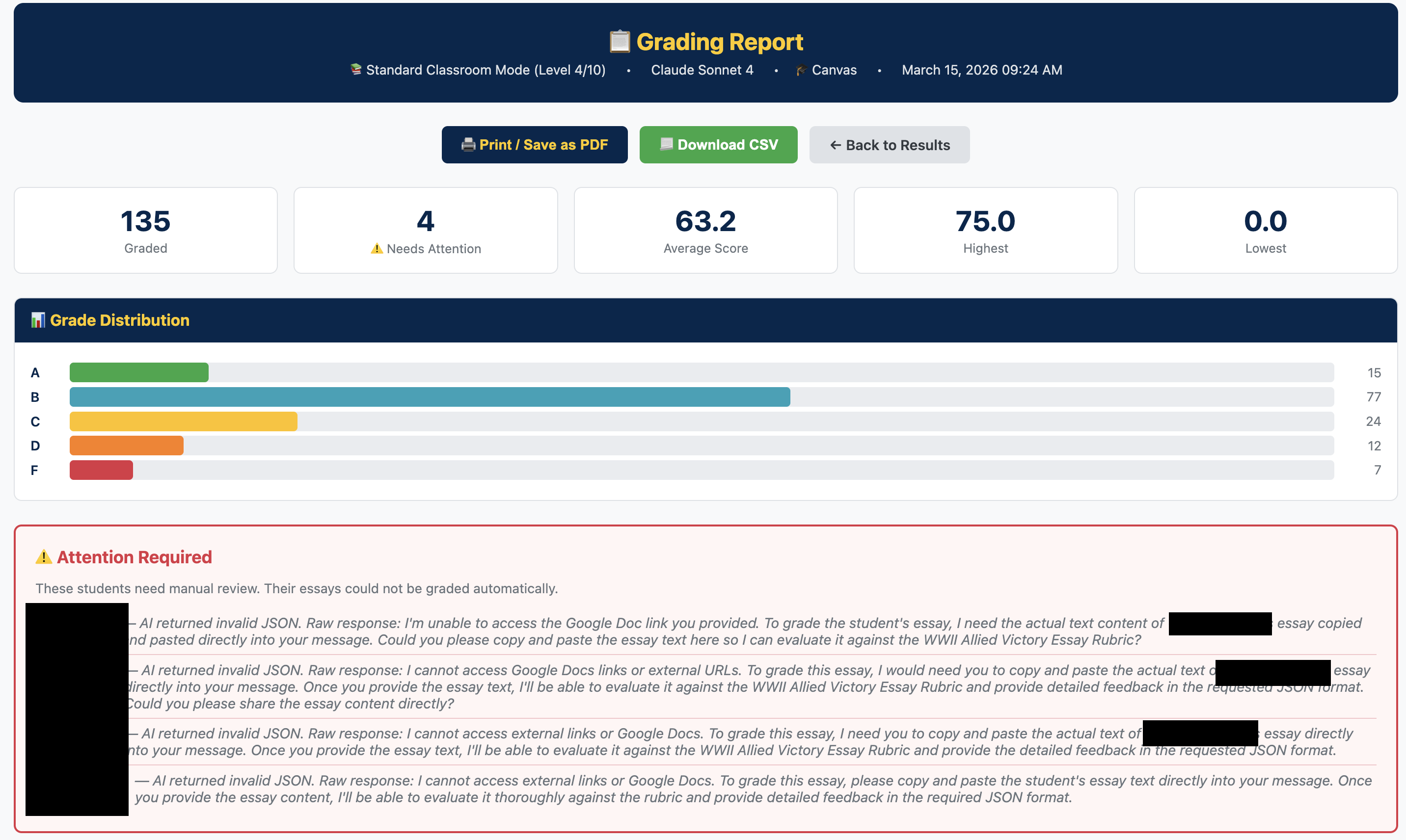
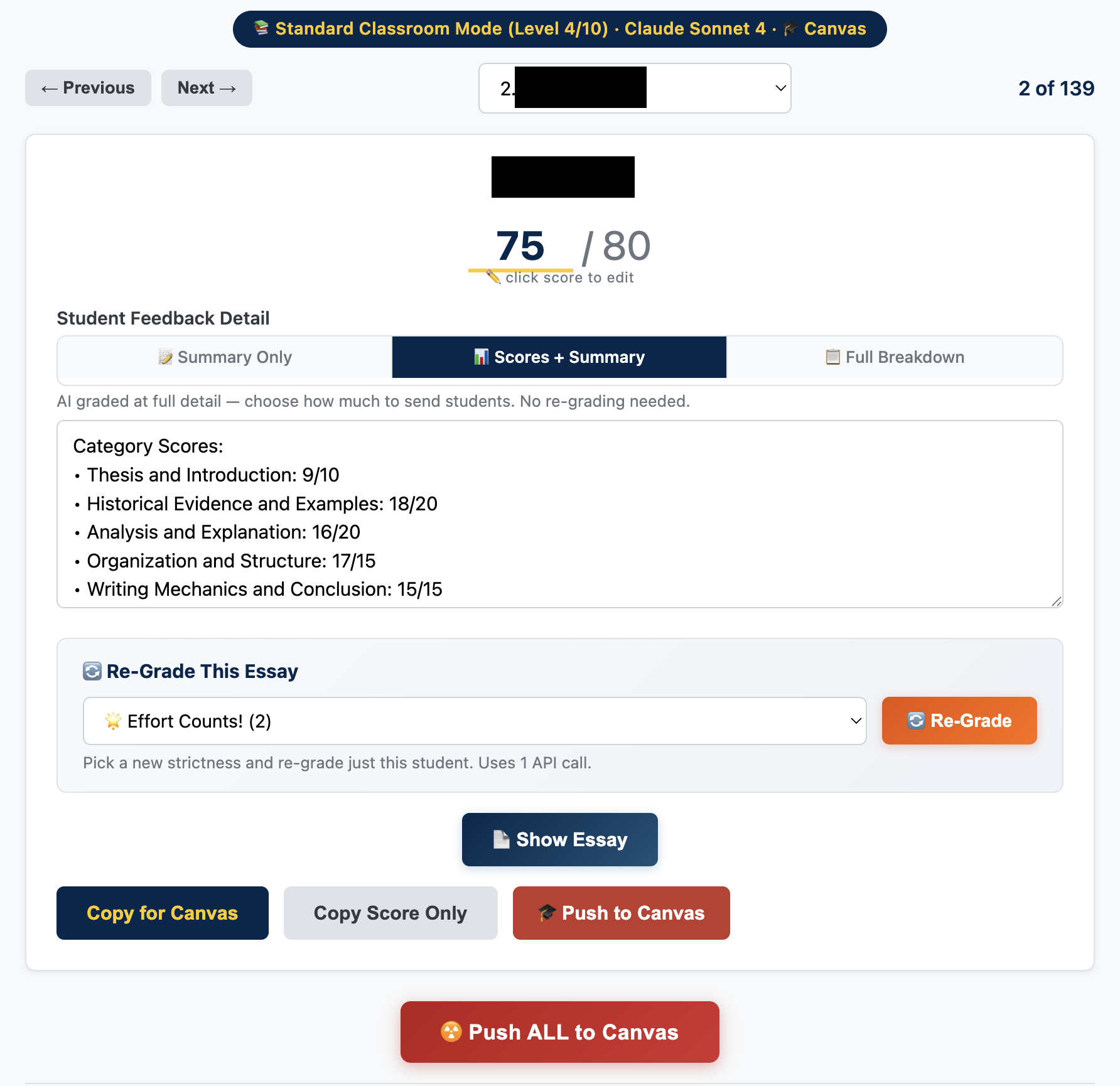
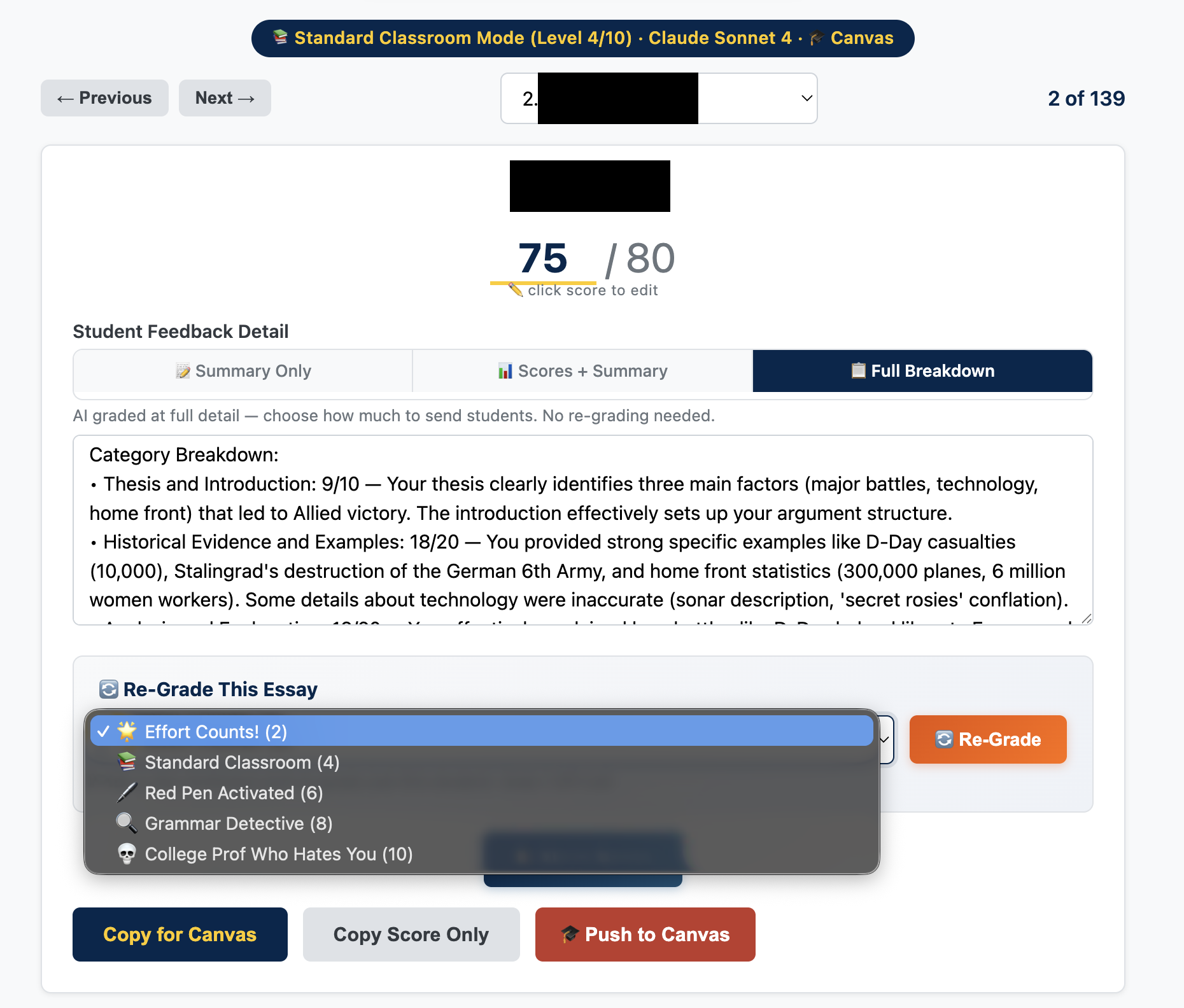
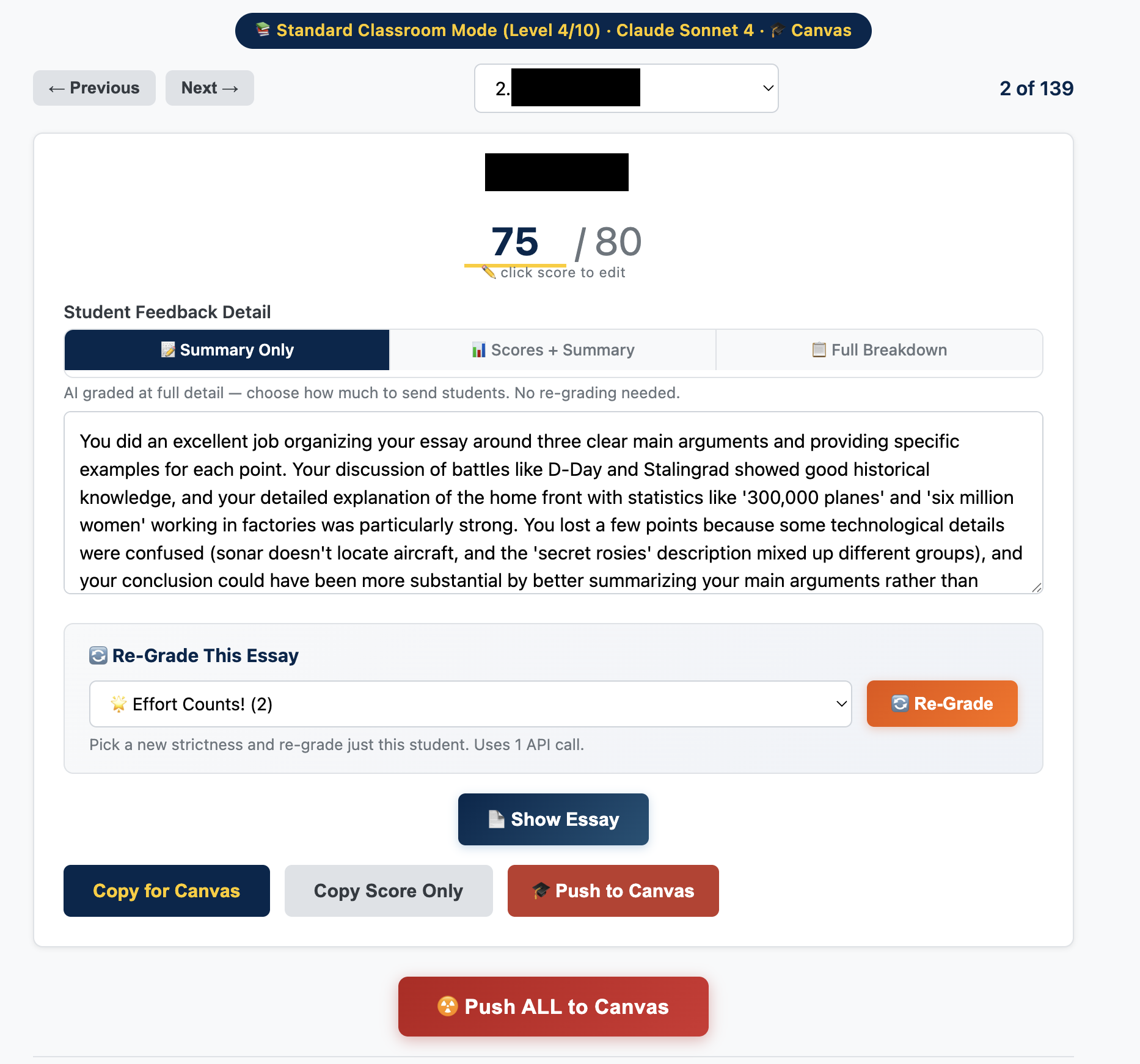
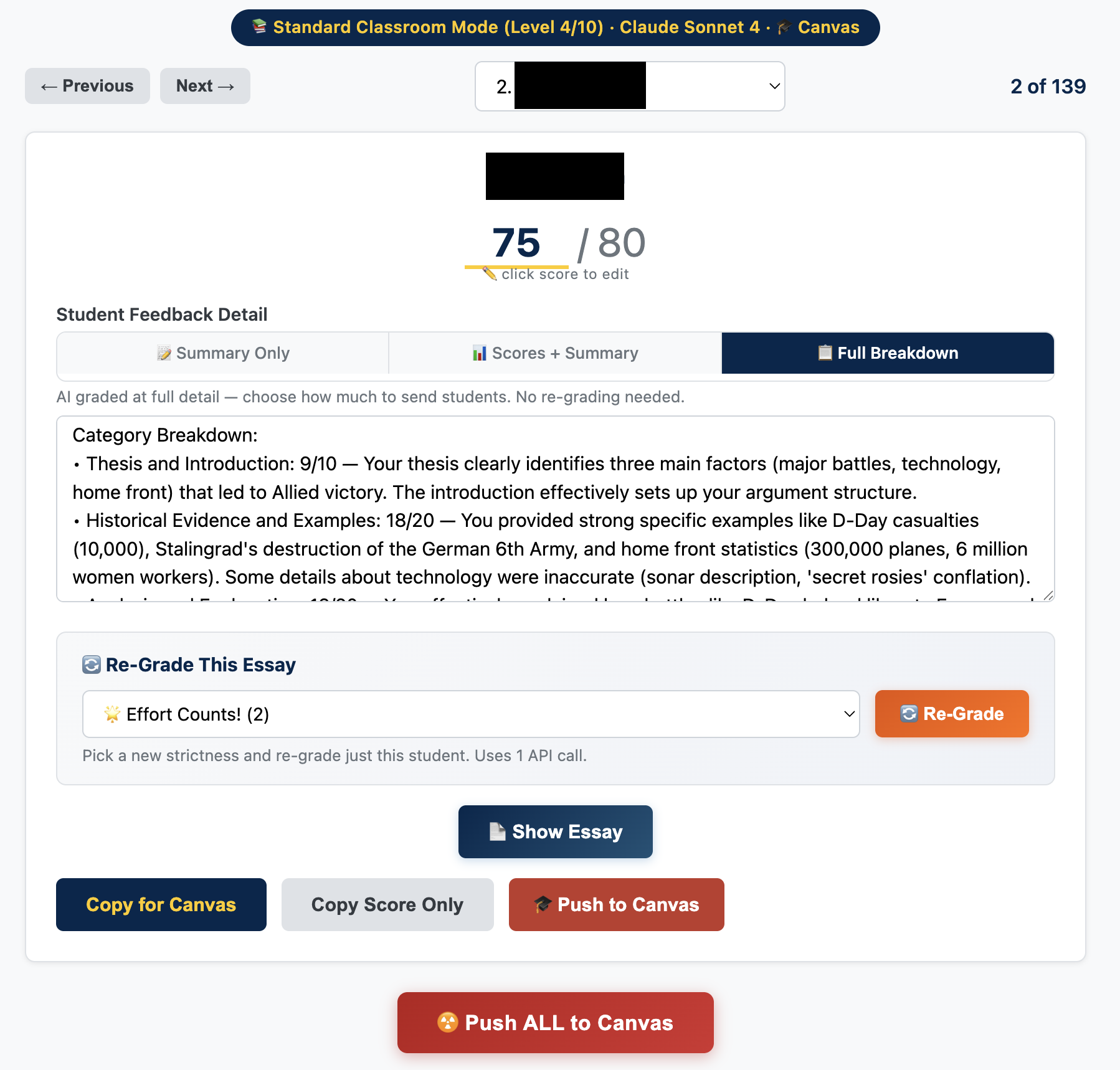
A powerful AI grading tool for written work. Integrates with Canvas LMS to pull assignments directly, or accepts batch uploads. Grade with Claude, OpenAI, or Gemini using your own API key — no monthly subscription, fully customizable rubrics and feedback.

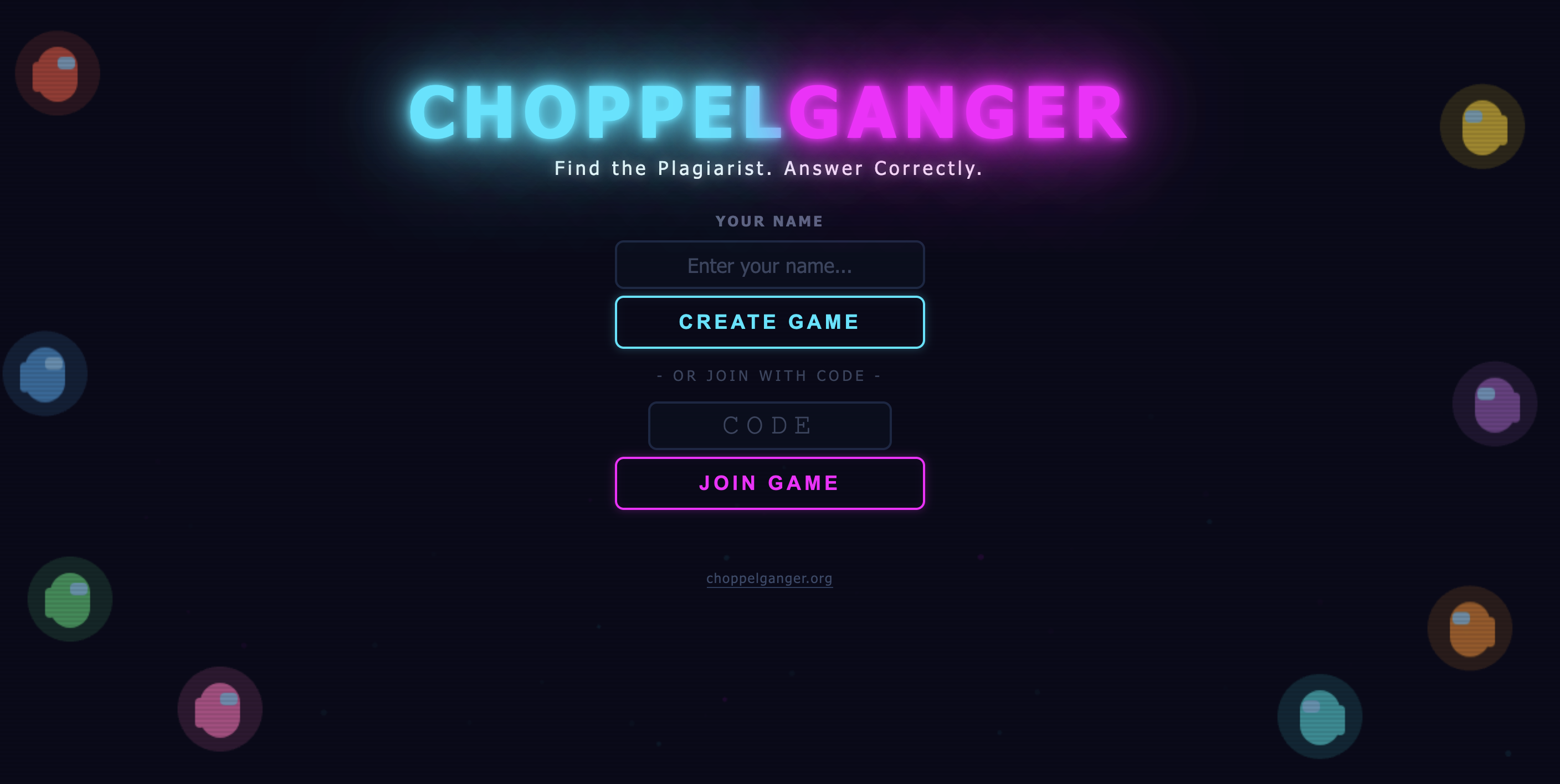
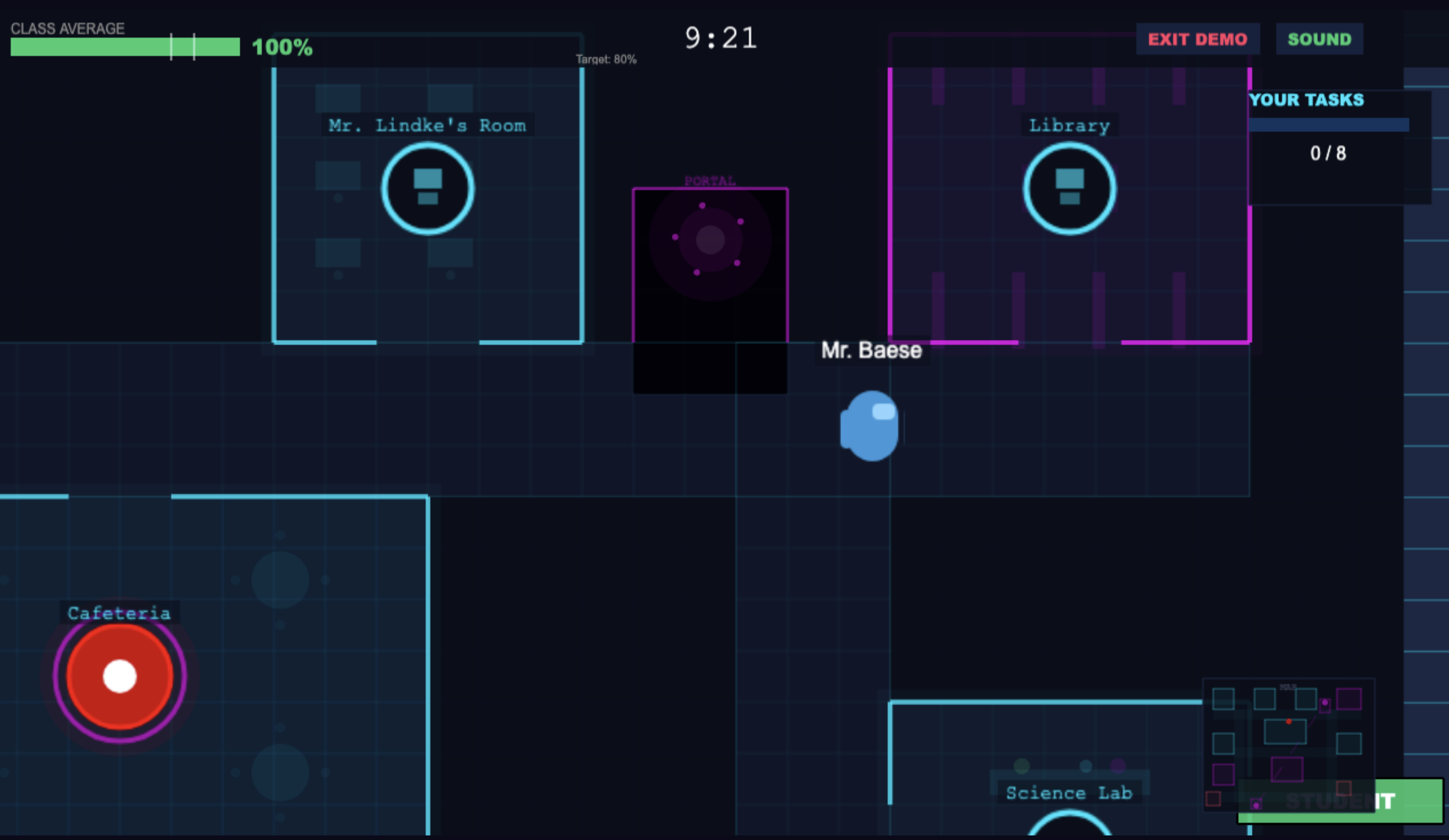
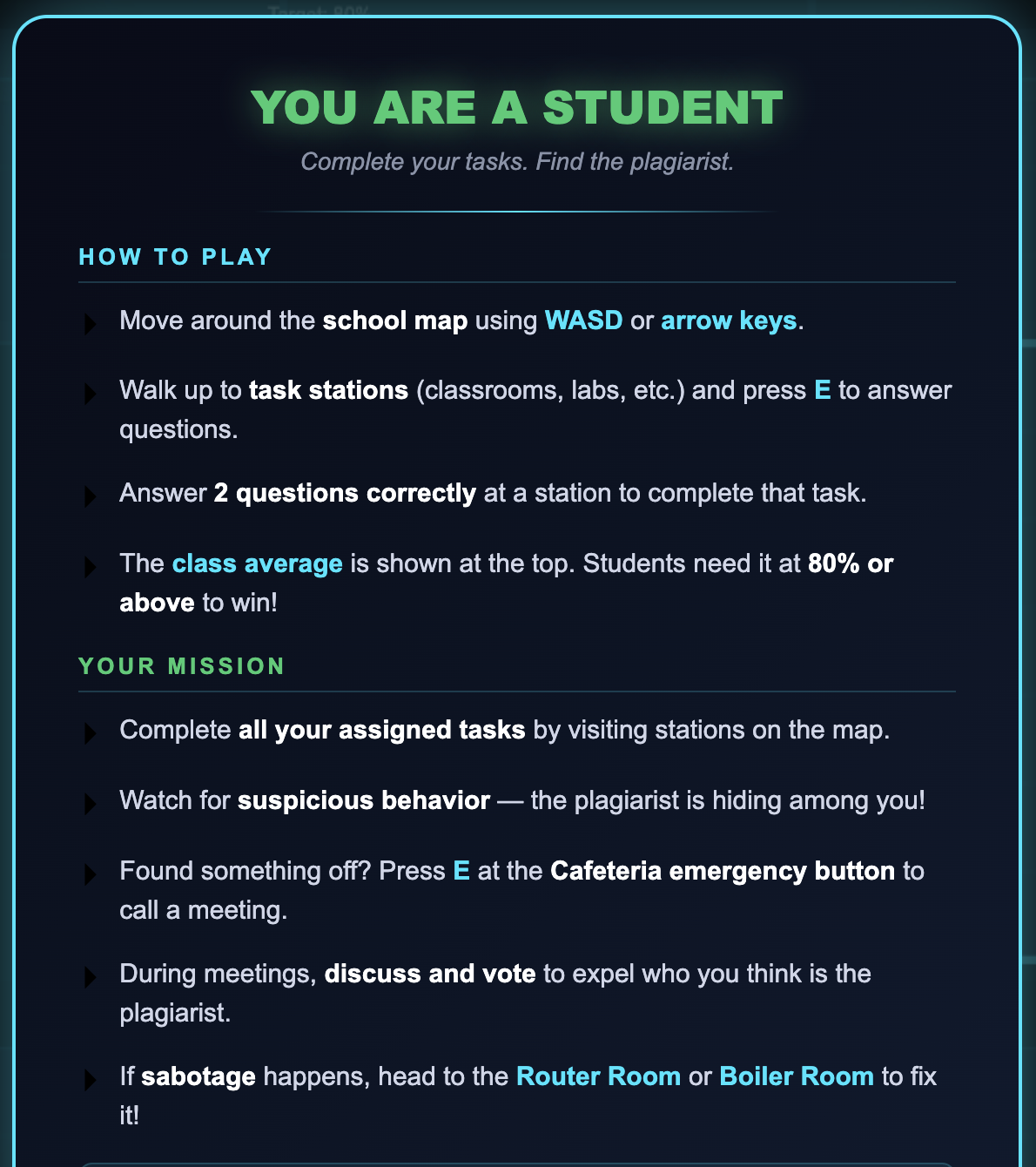
A social-deduction-style classroom review game that blends academic questions with high-engagement play.

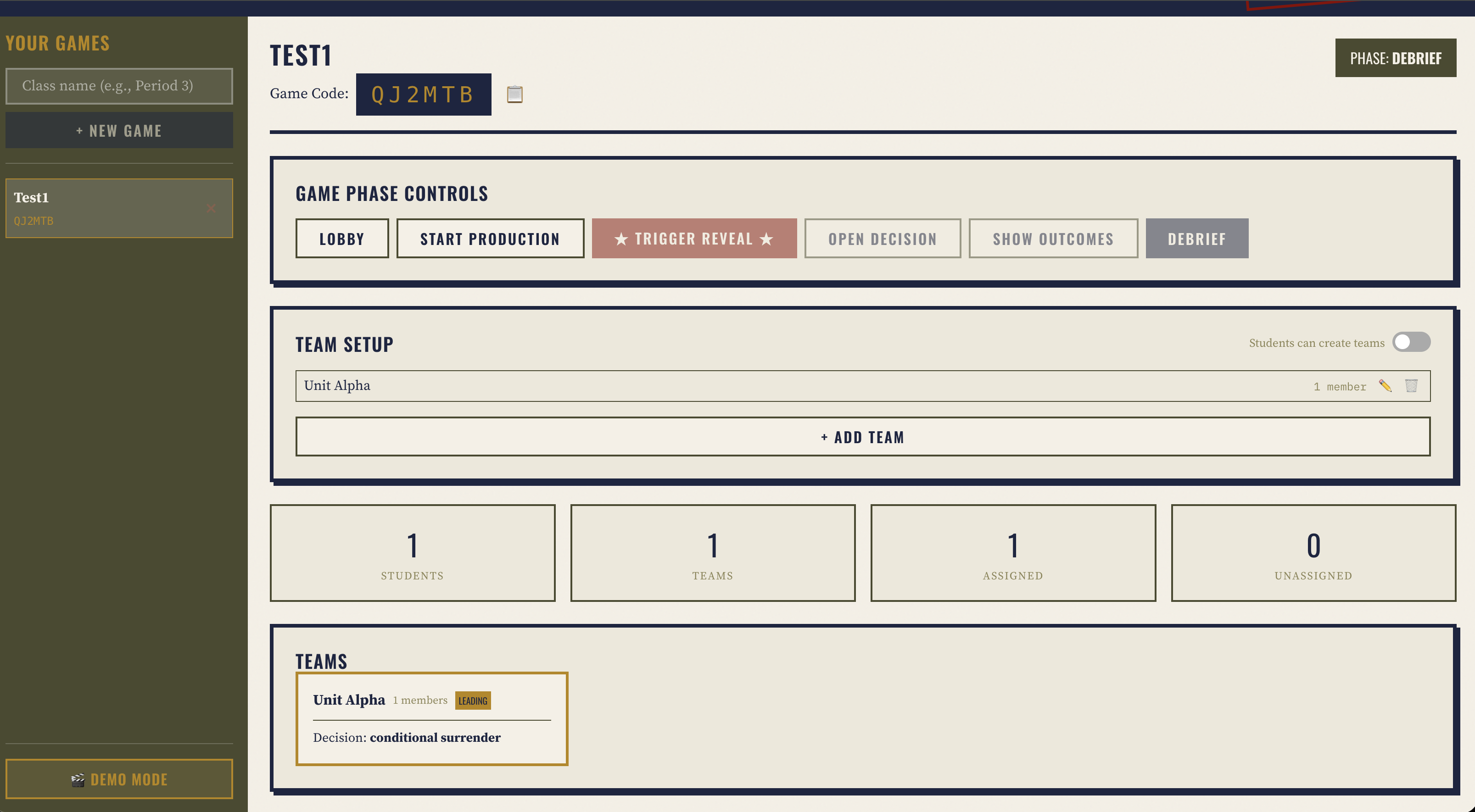
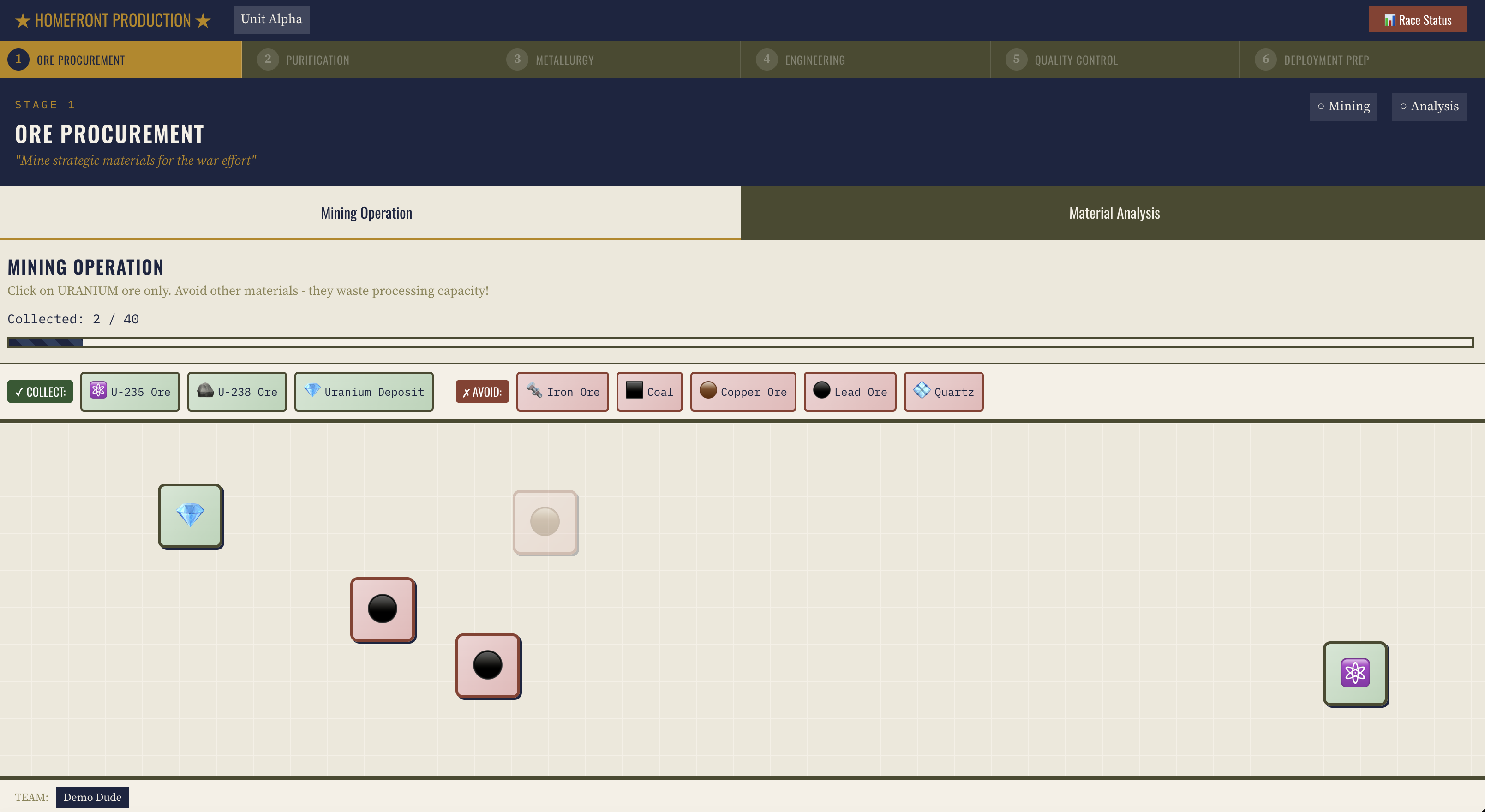
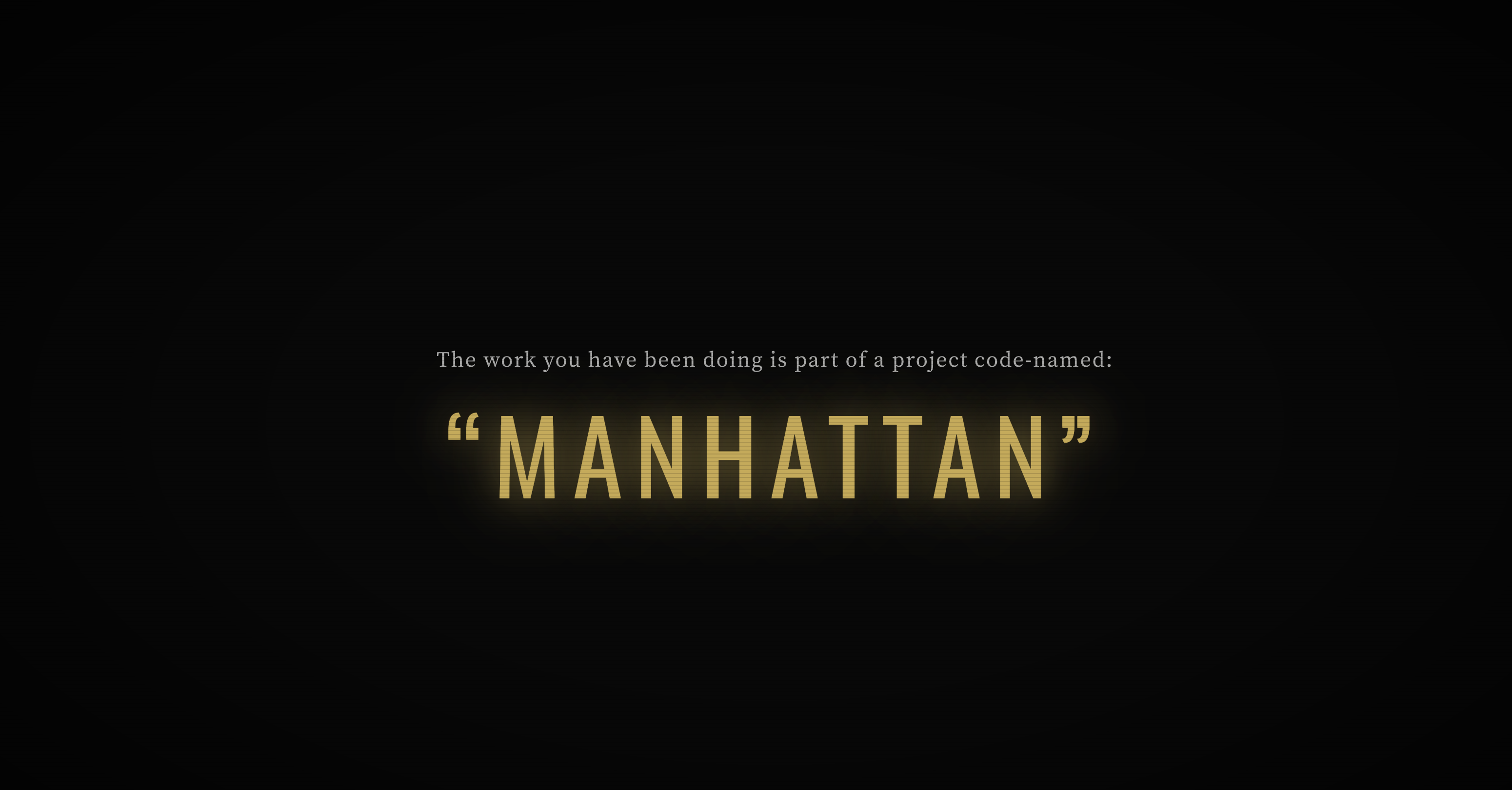
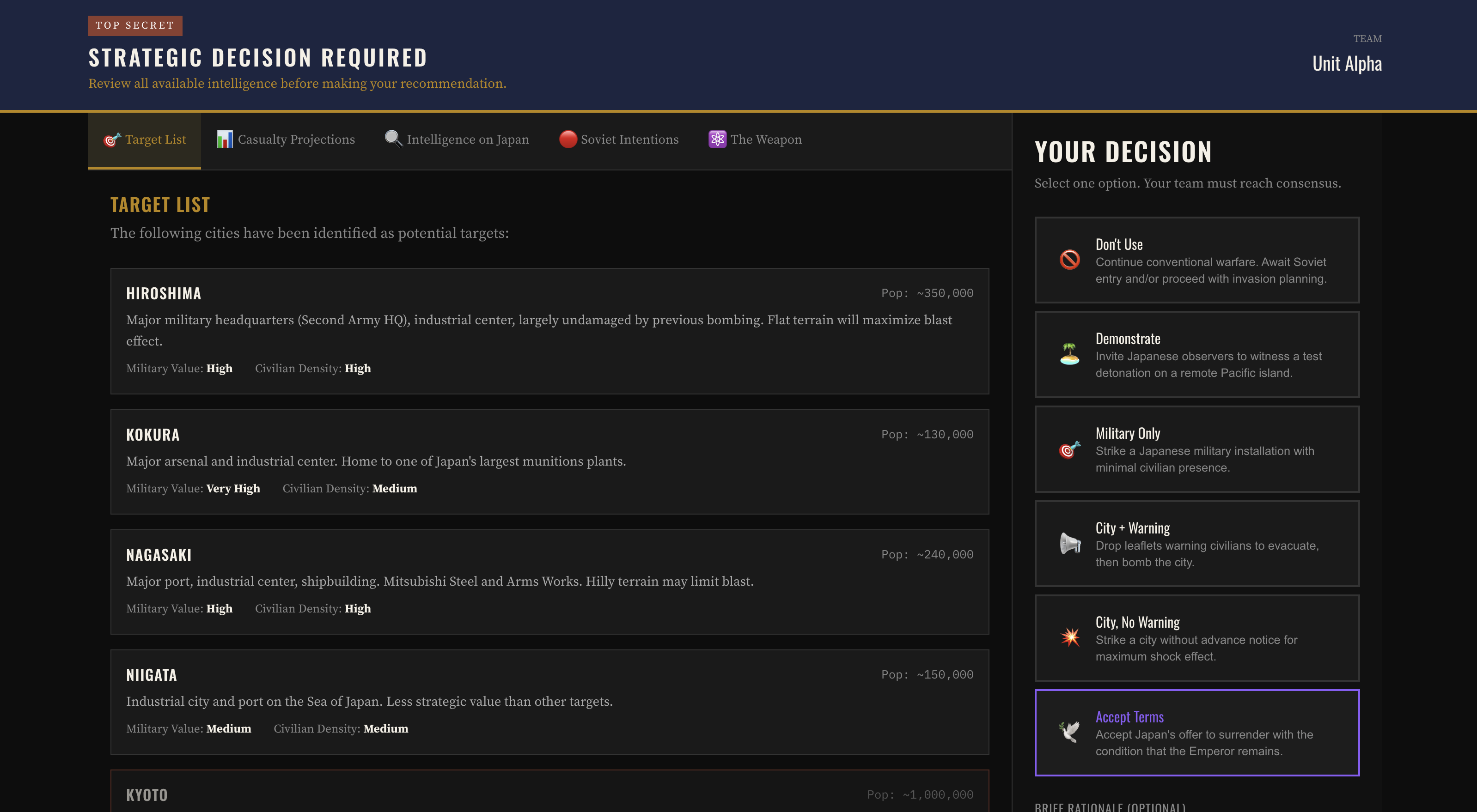
An interactive simulation that helps students experience tradeoffs, scarcity, propaganda, and homefront decisions during World War II.
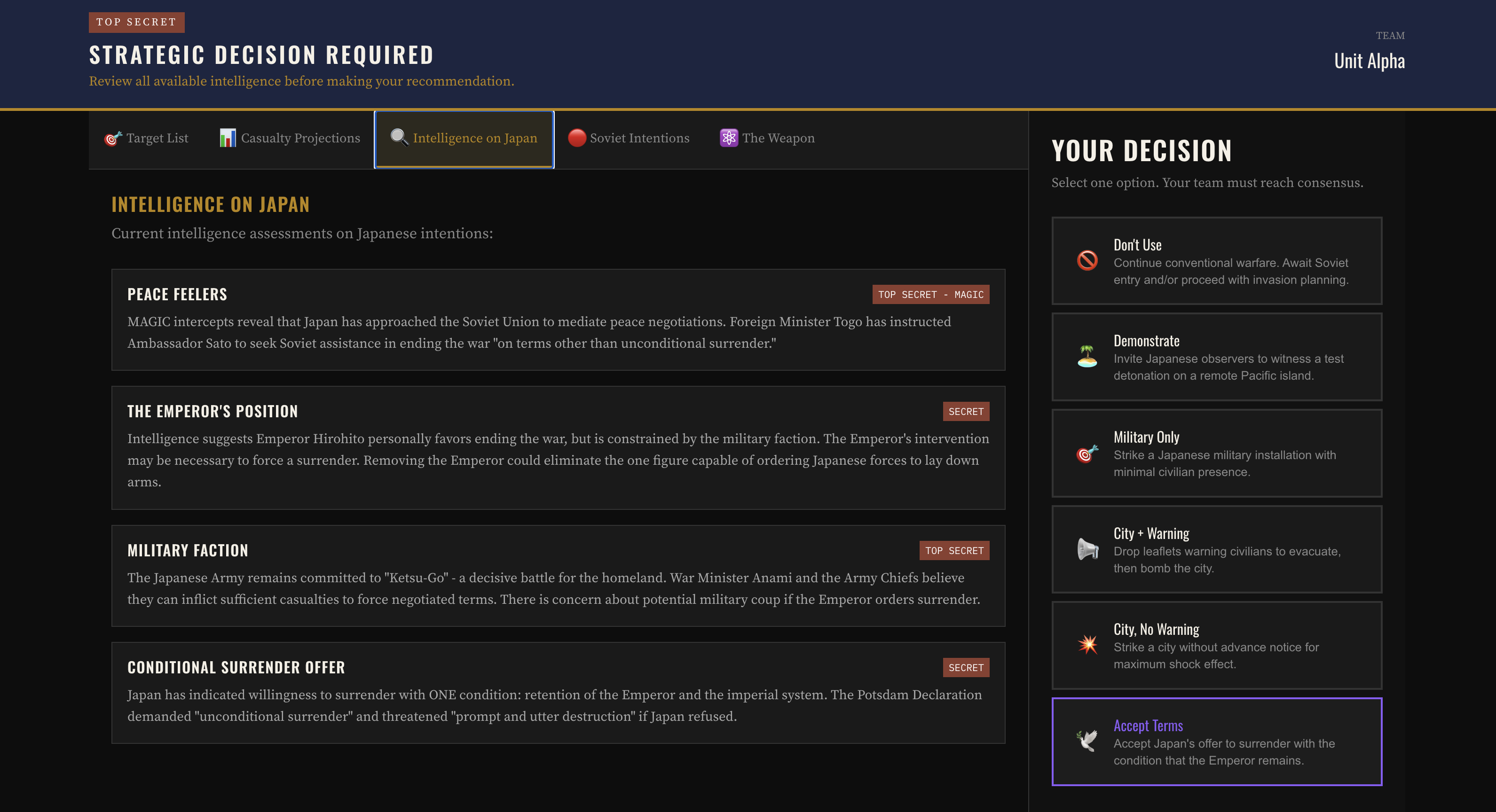
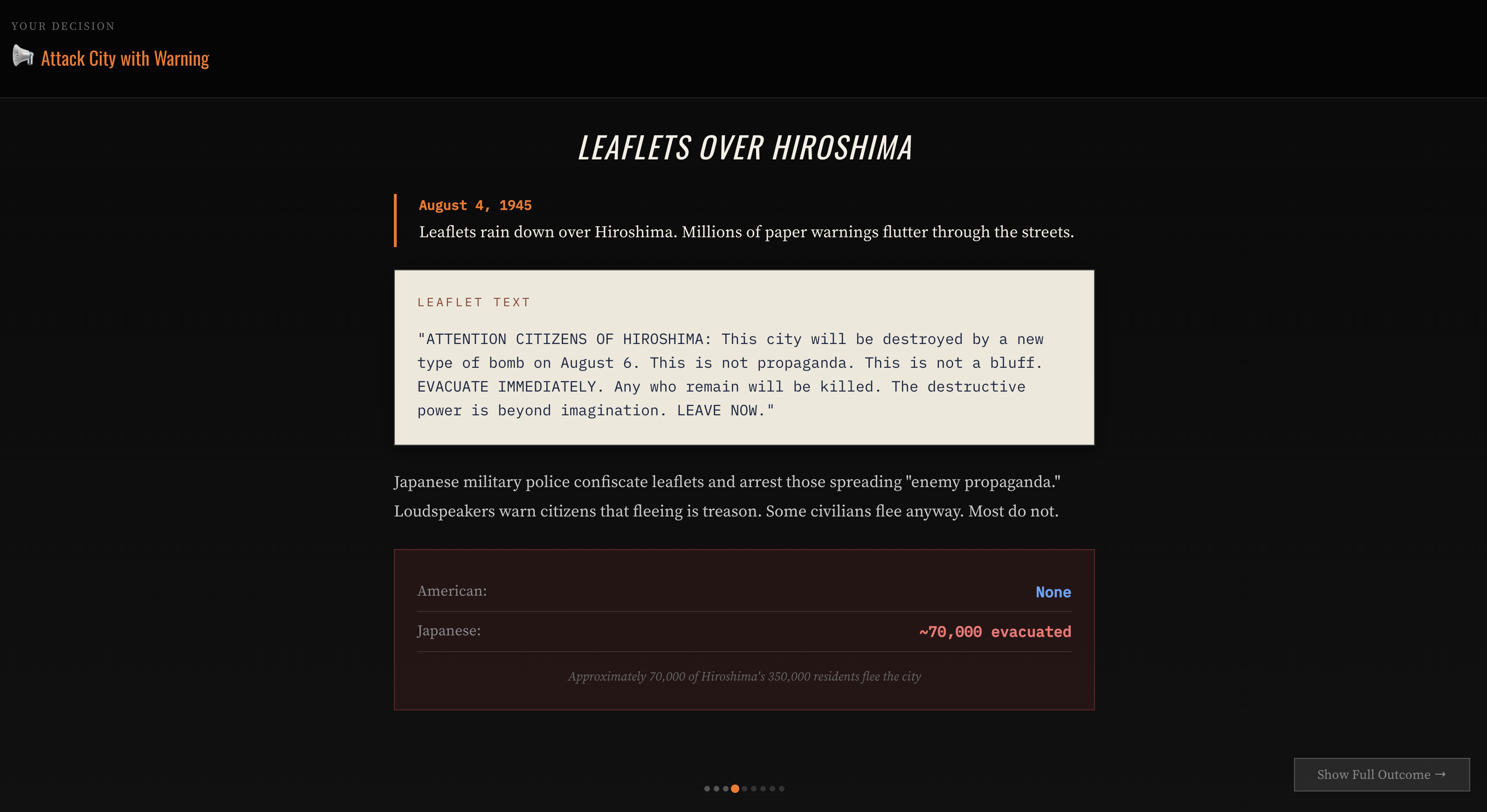
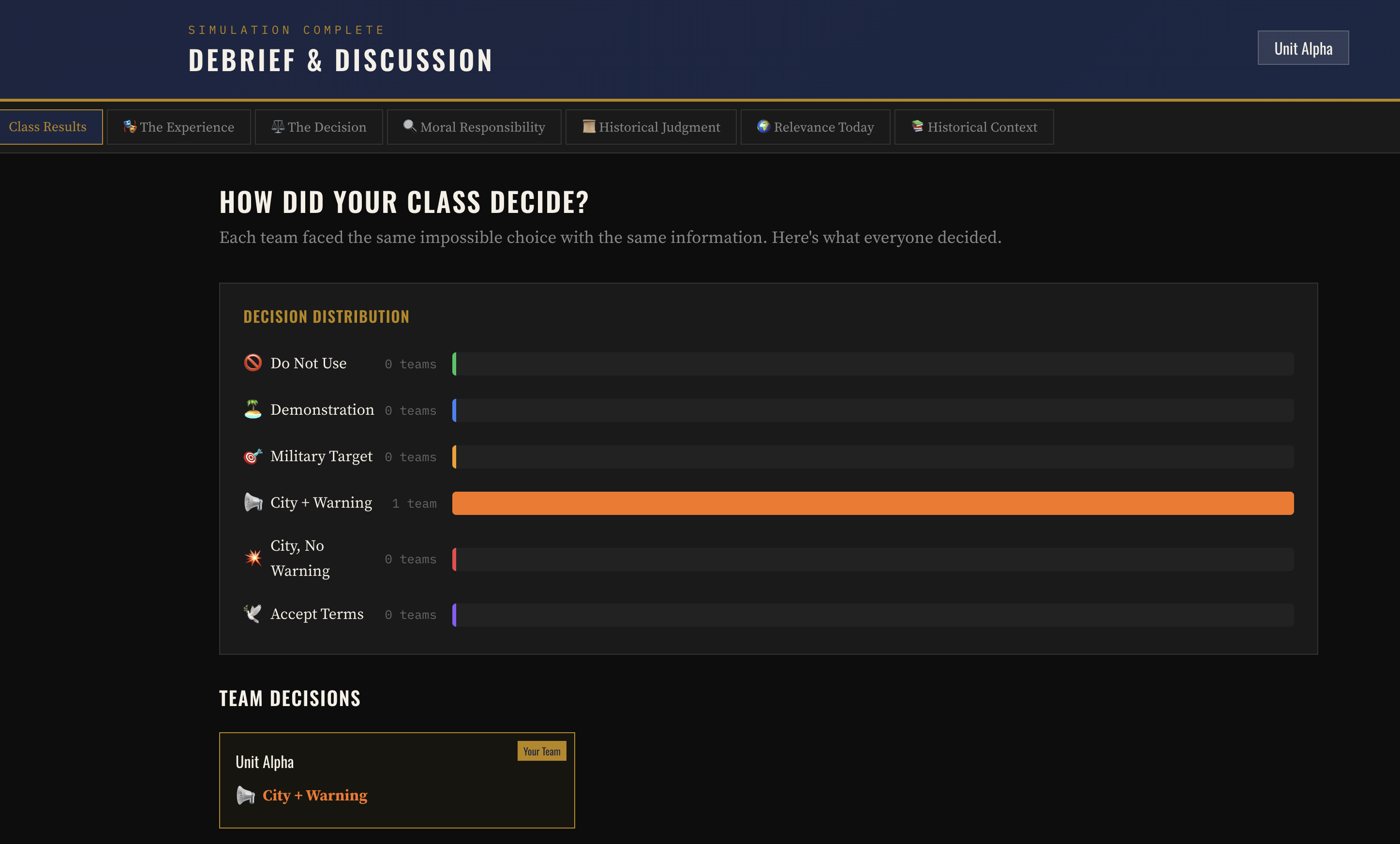
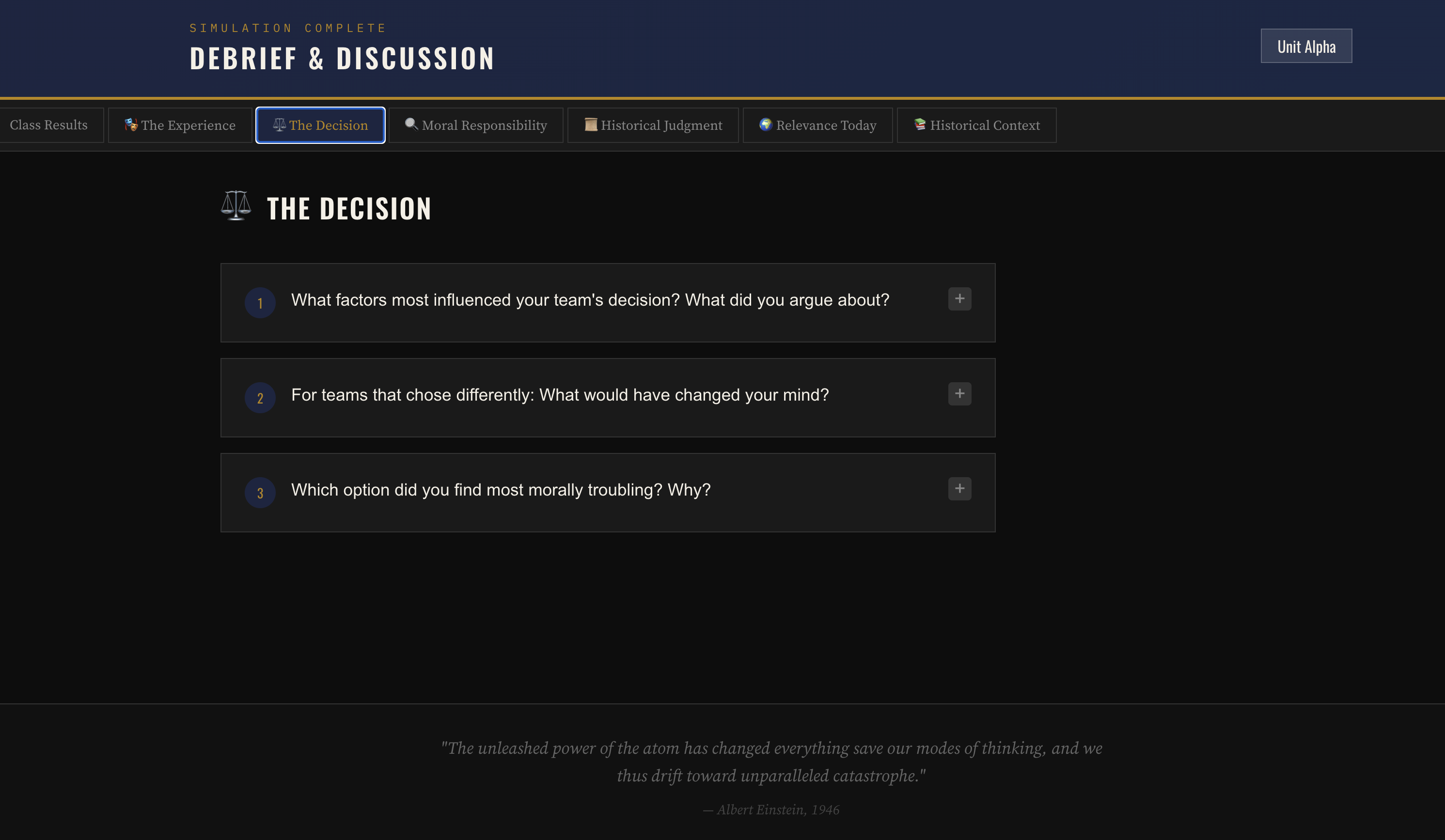
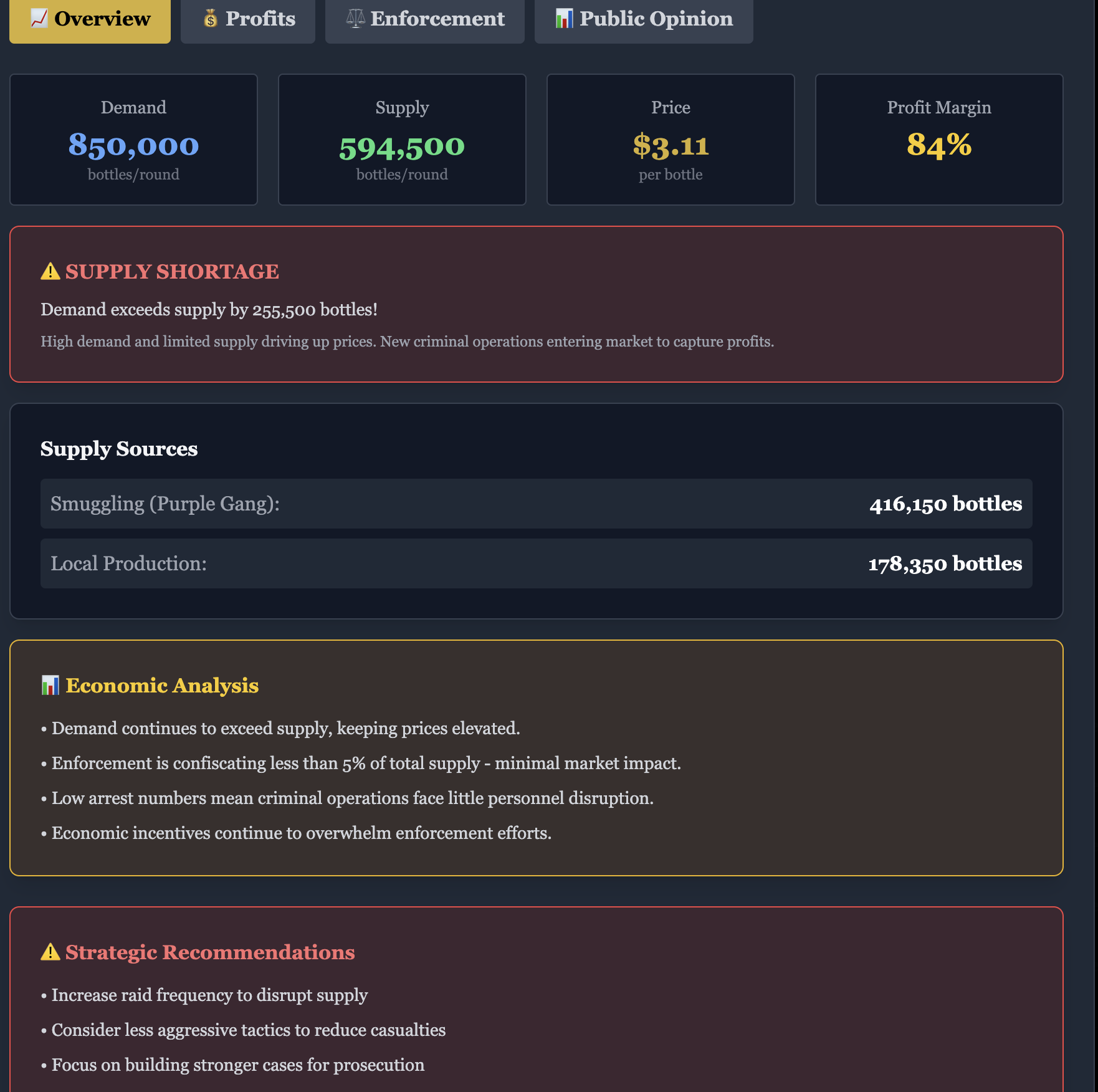
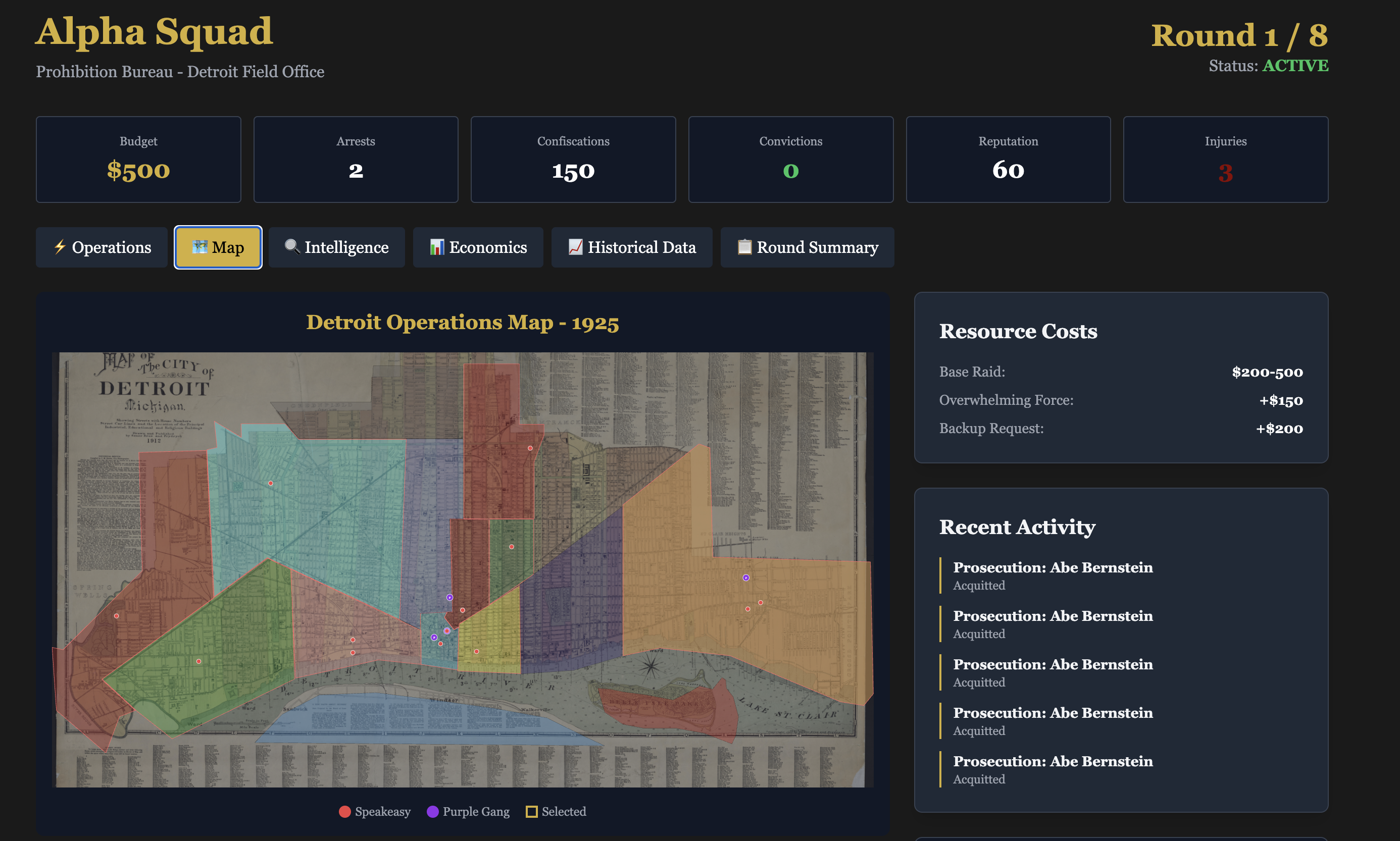
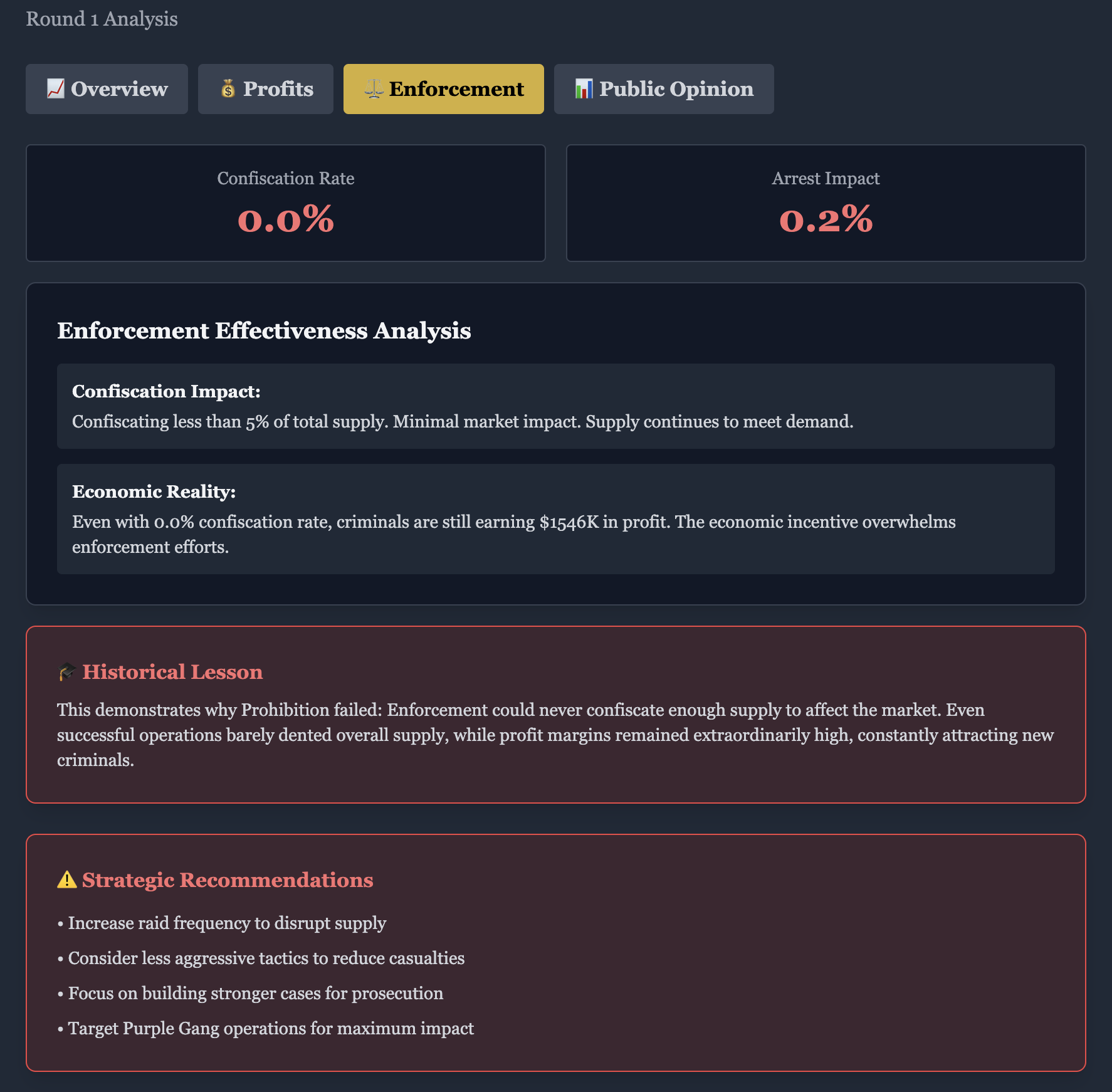
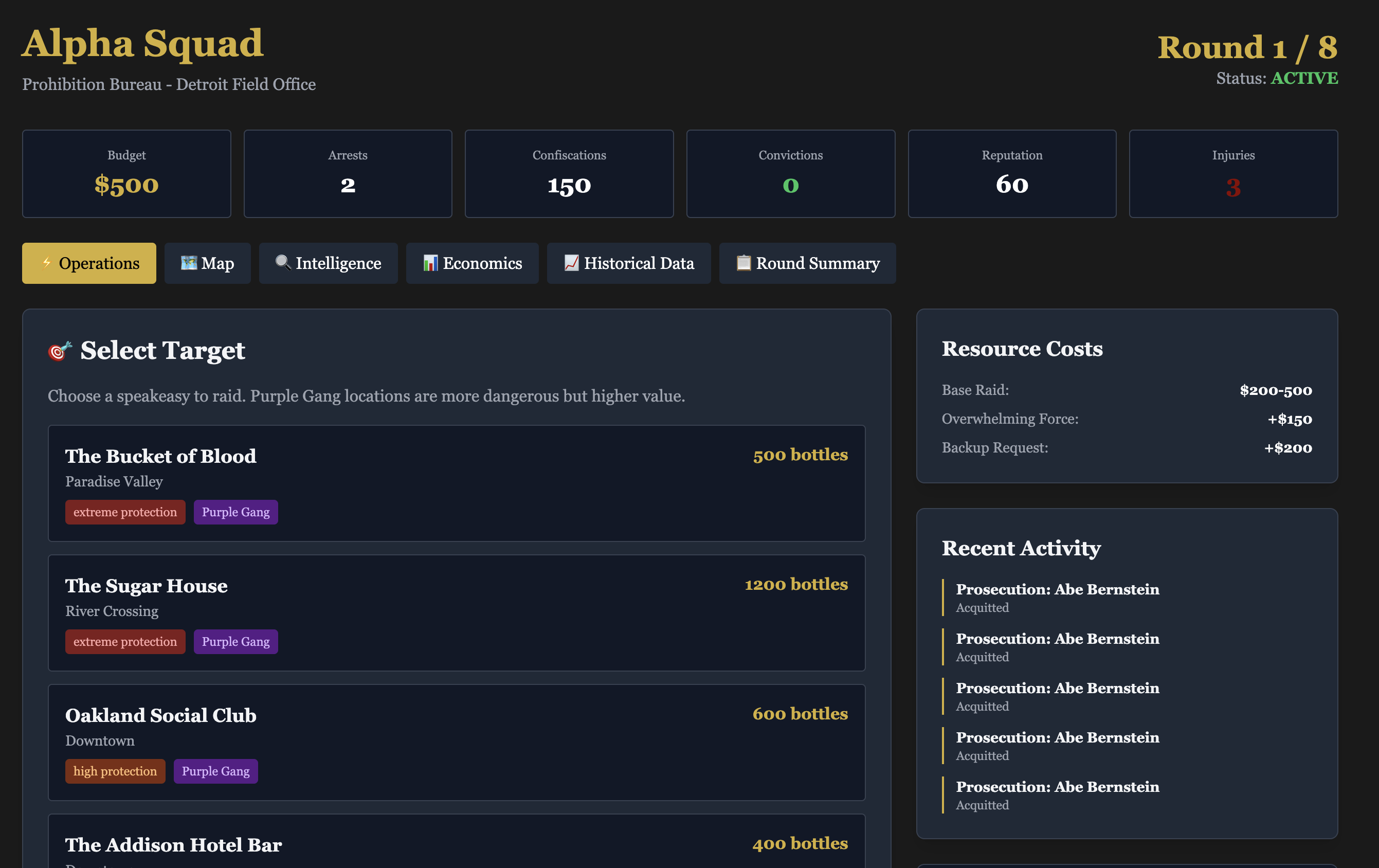
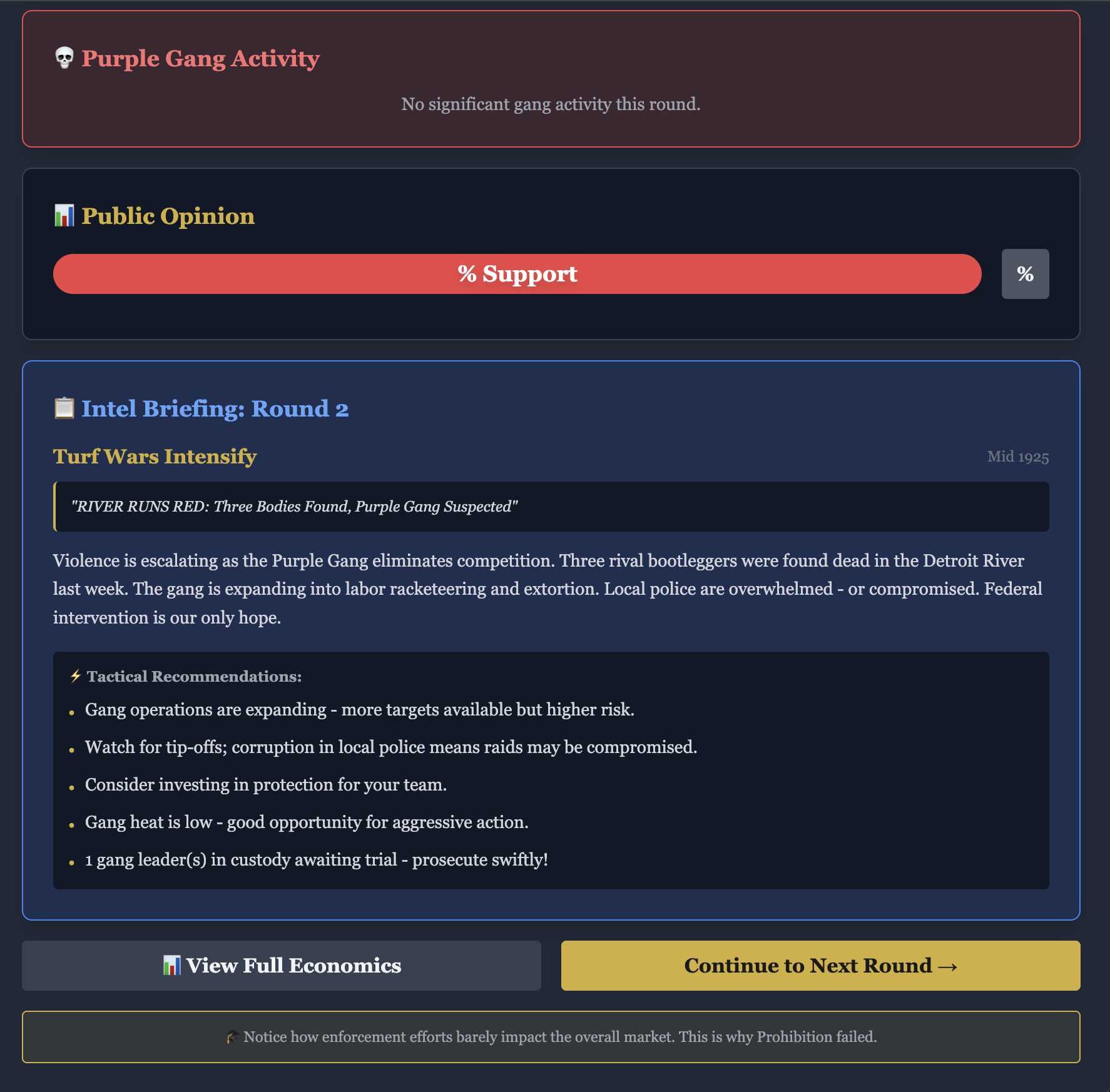
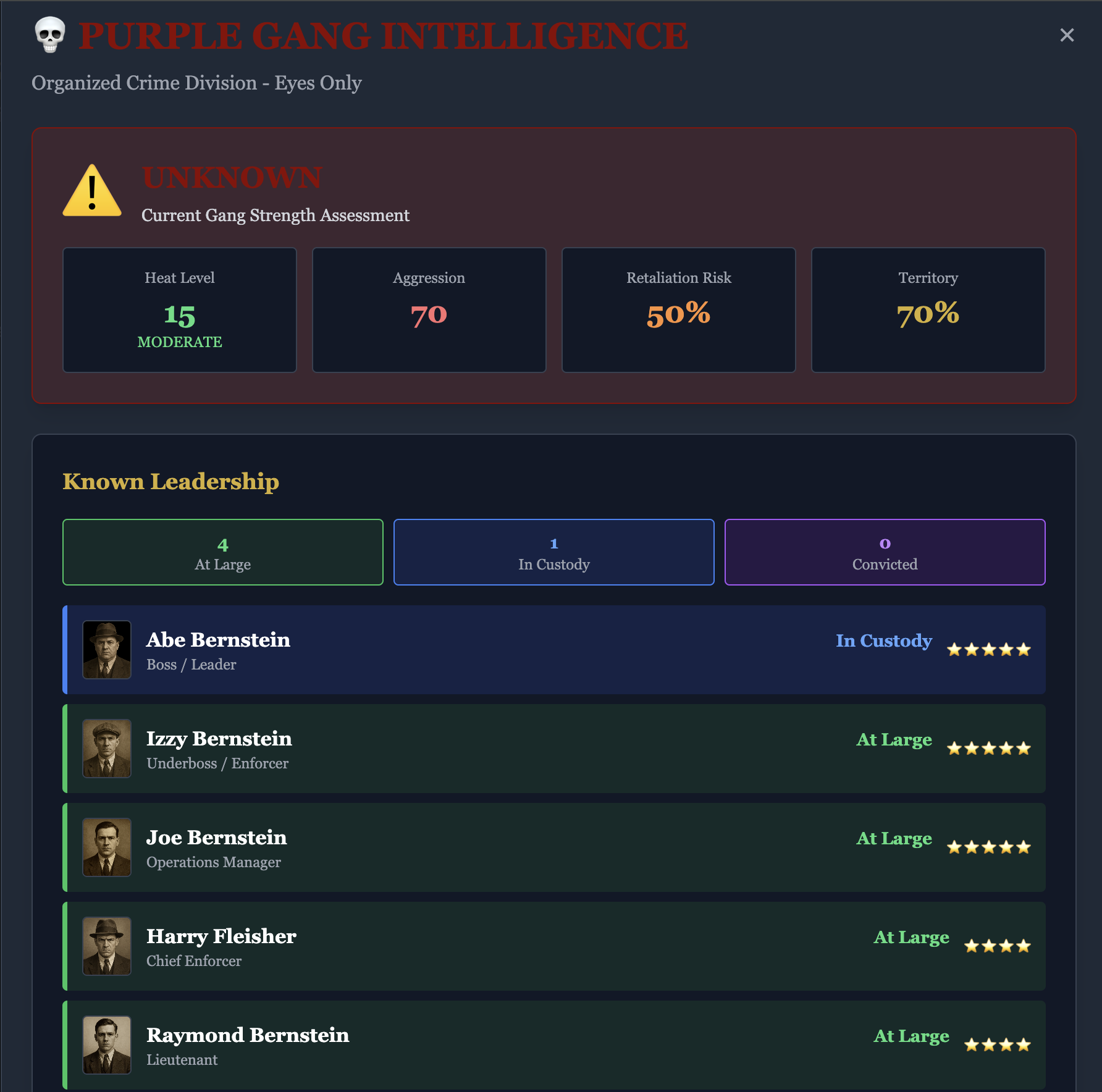
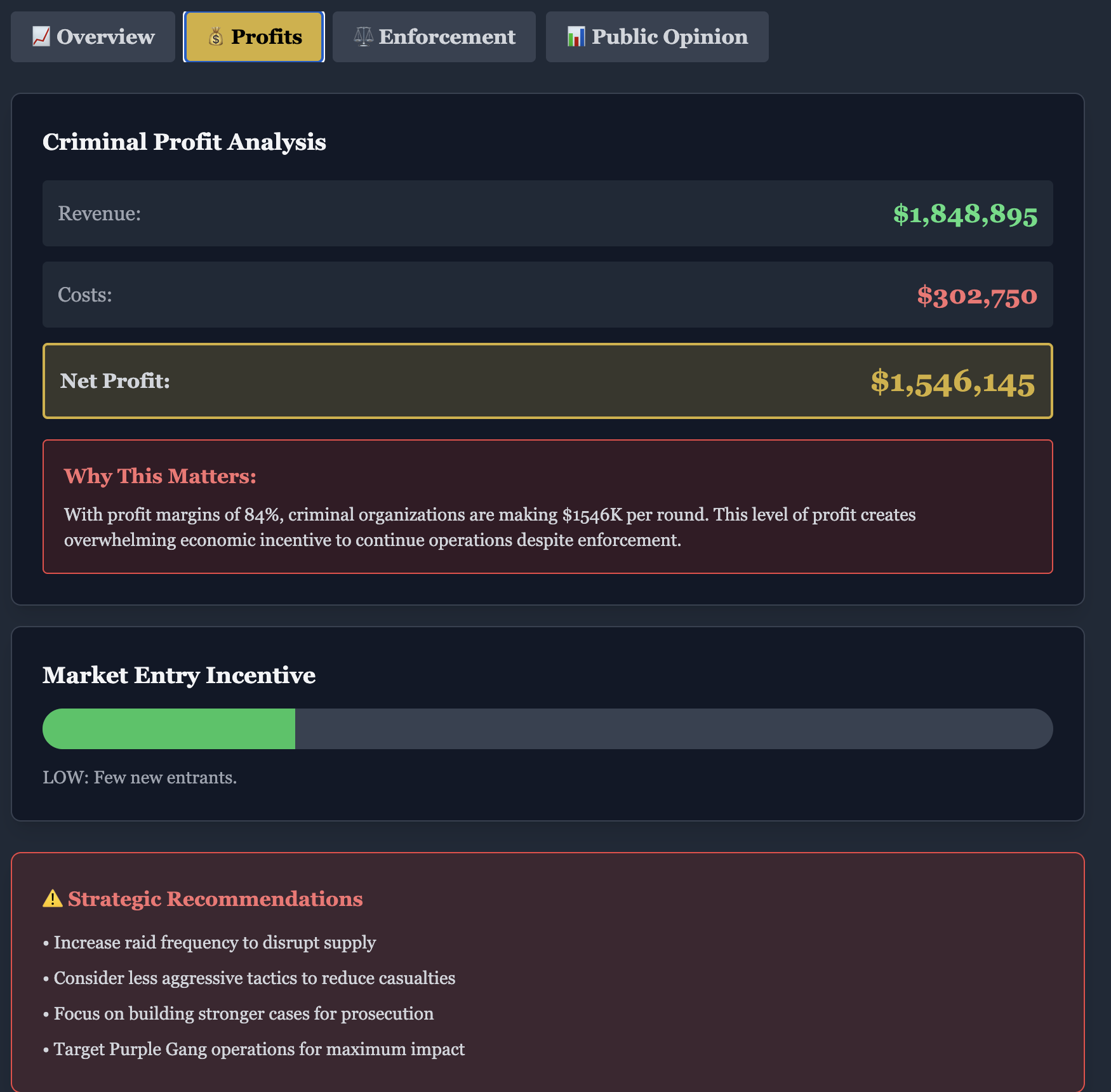
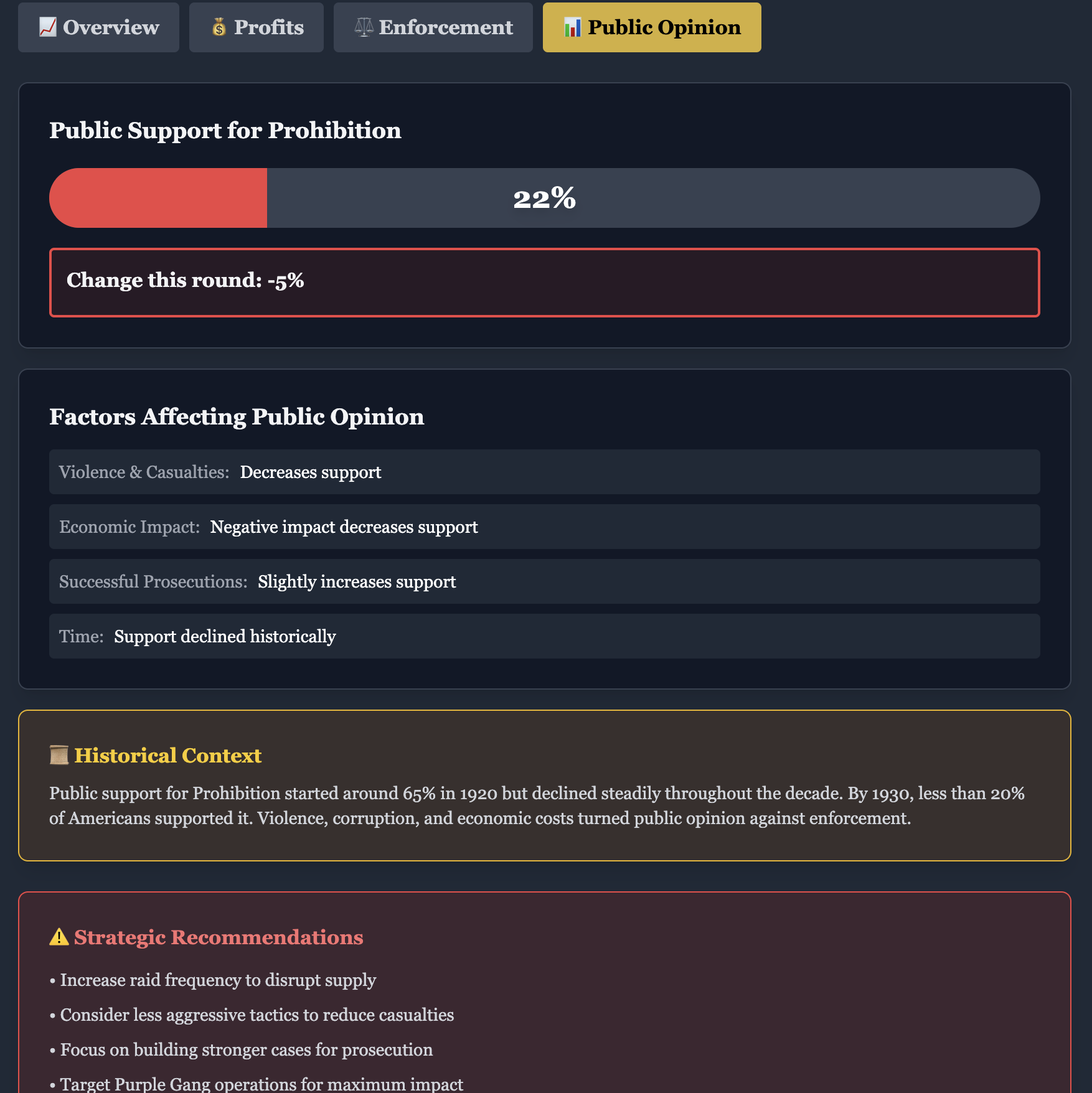
A role-driven learning experience centered on Prohibition-era Detroit, enforcement, corruption, and historical inquiry.
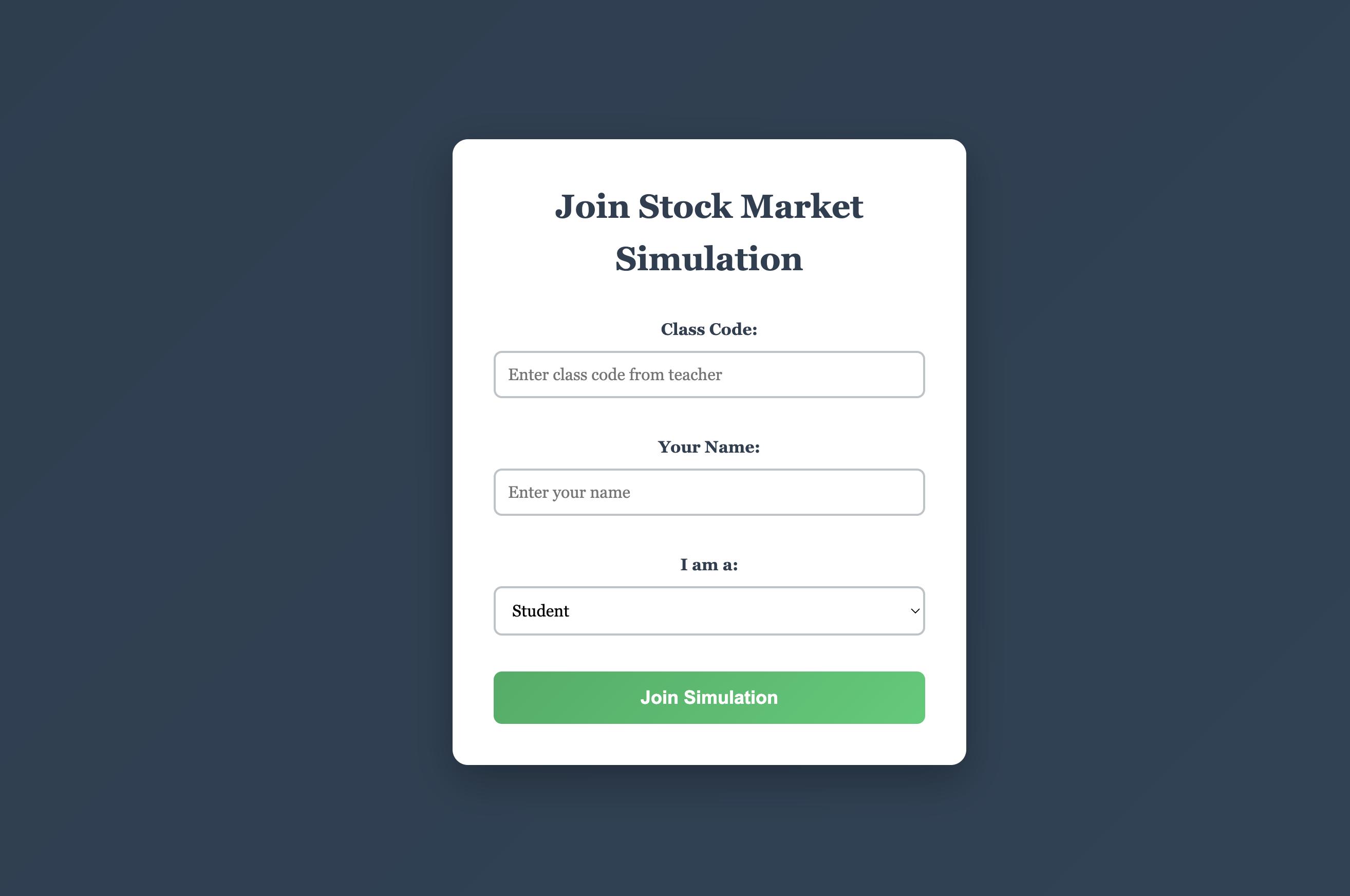
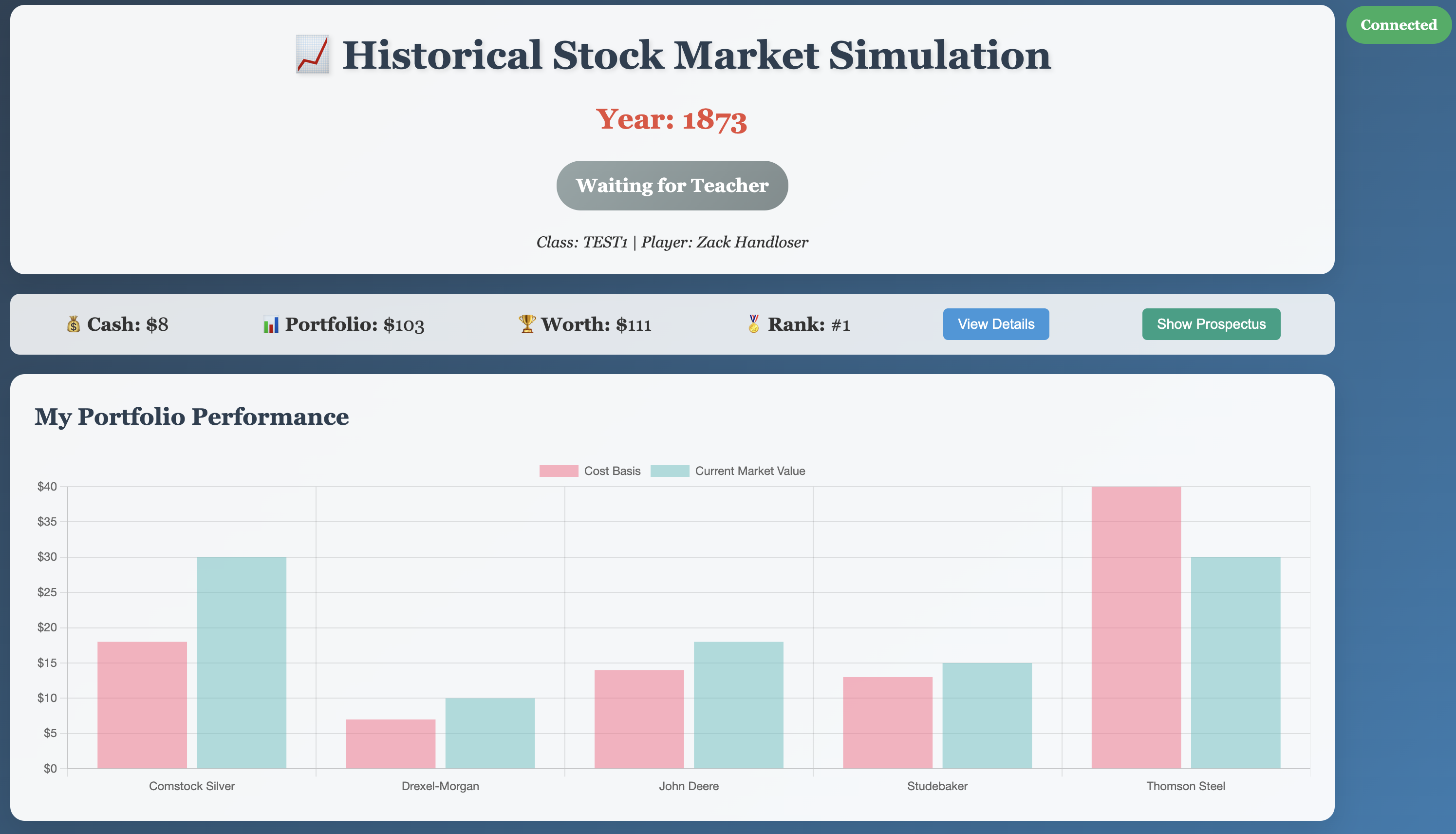
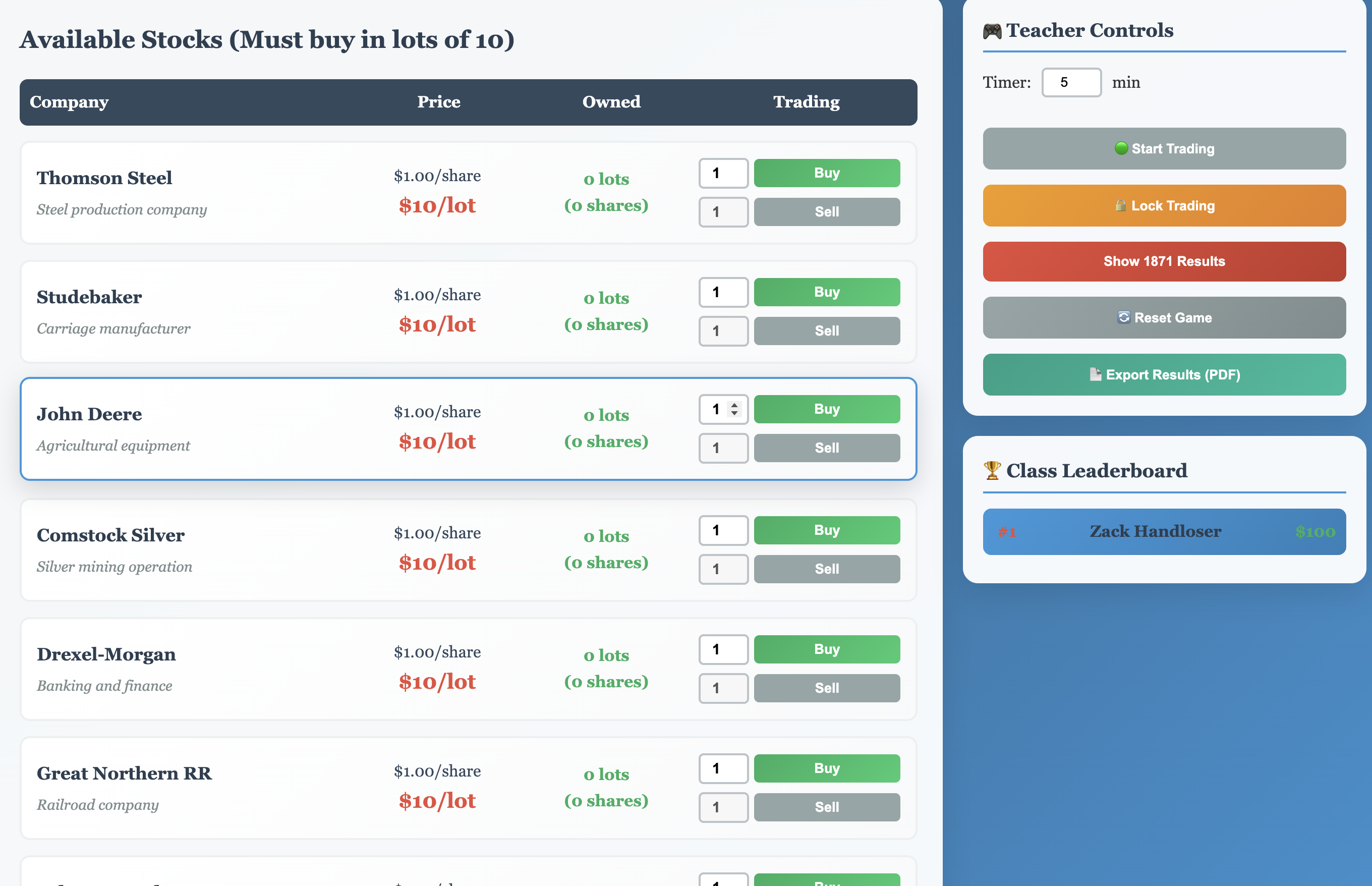
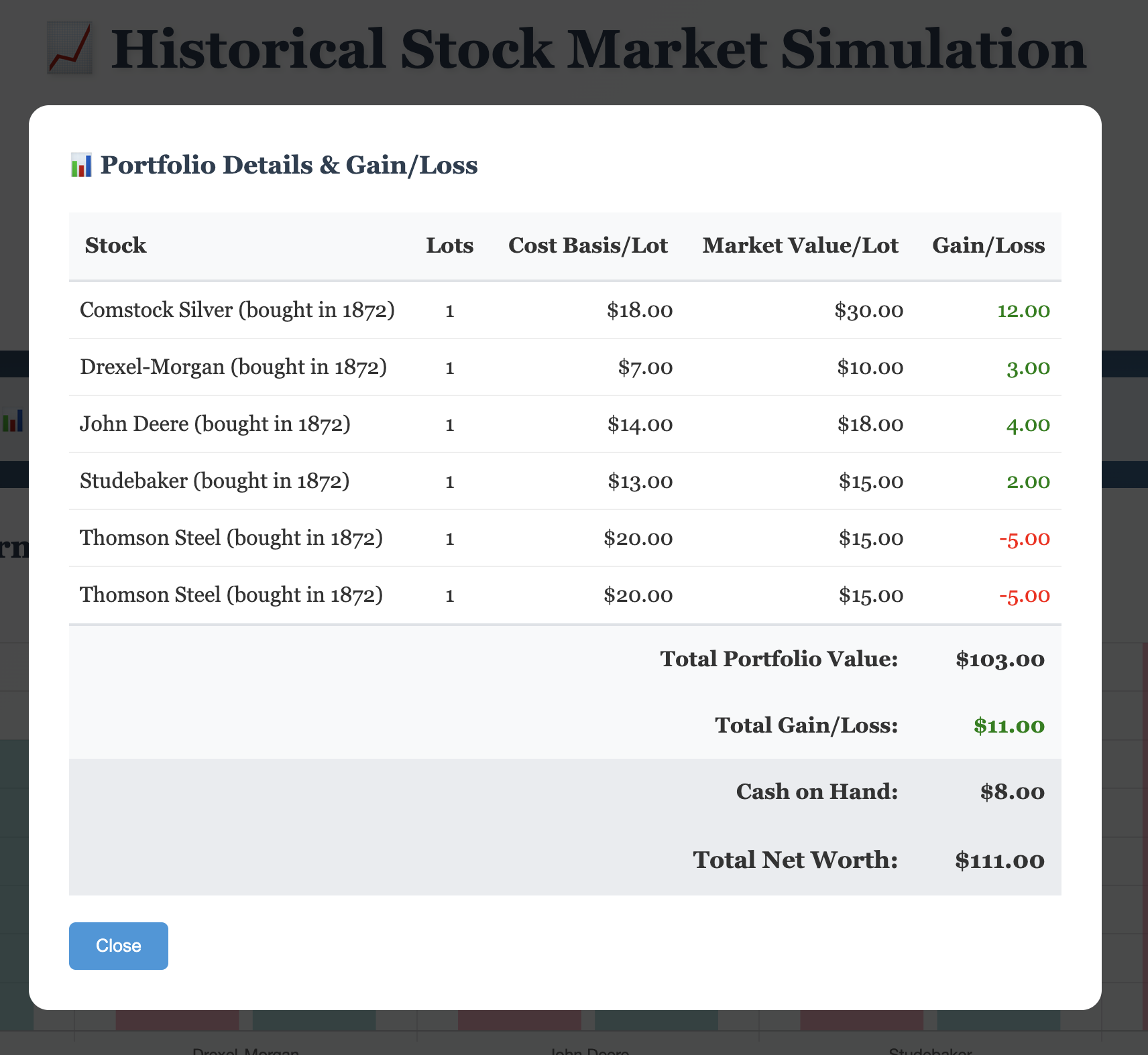
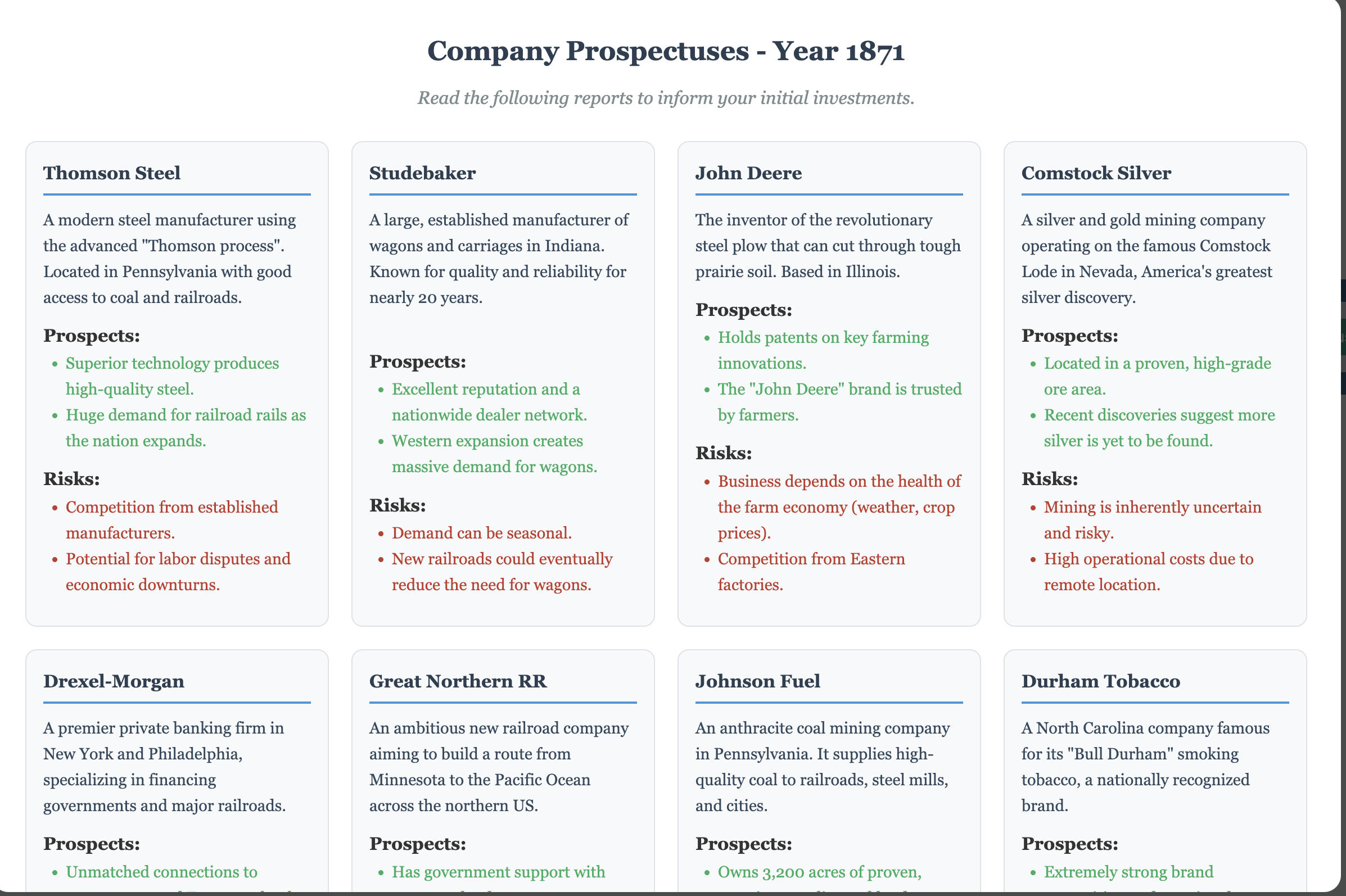
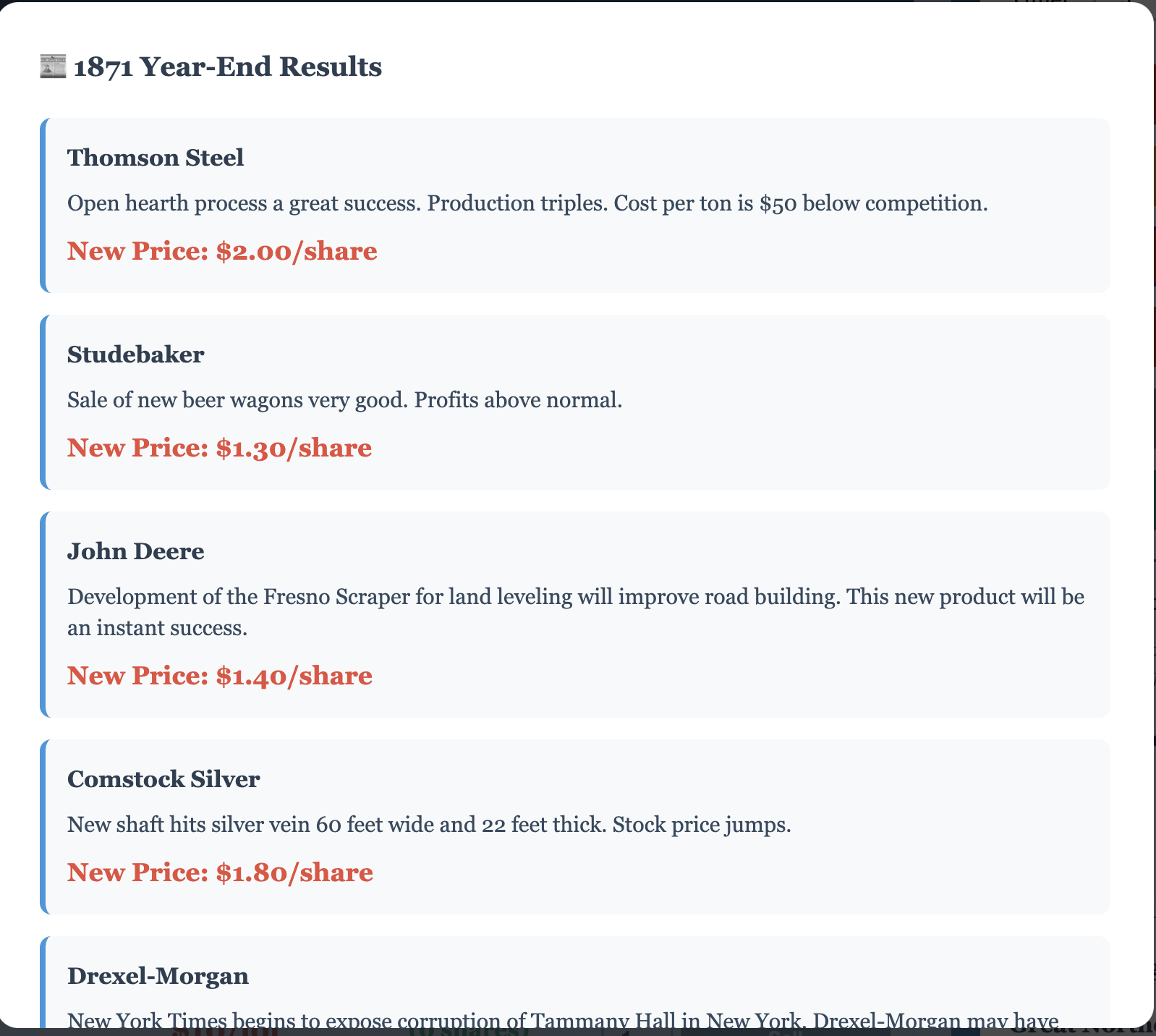
A market simulation that lets students explore investing decisions, historical context, and economic cause-and-effect through play.
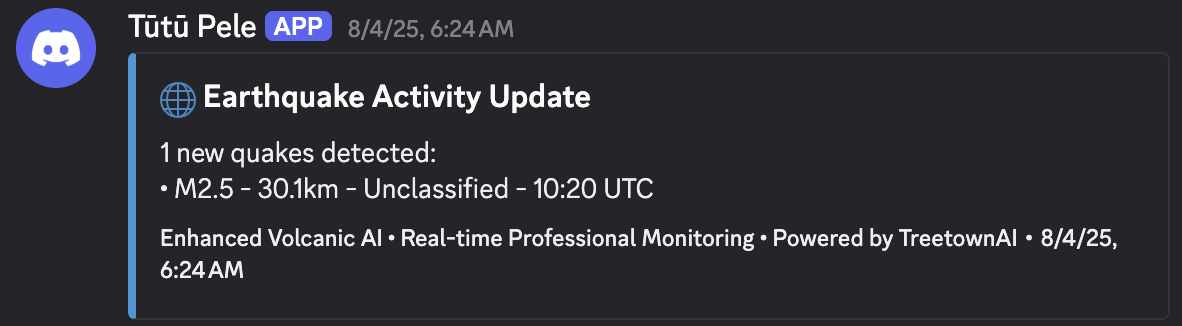
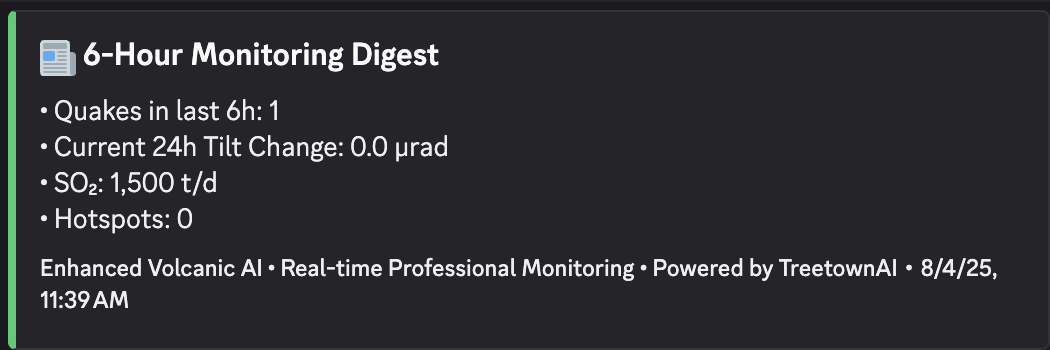
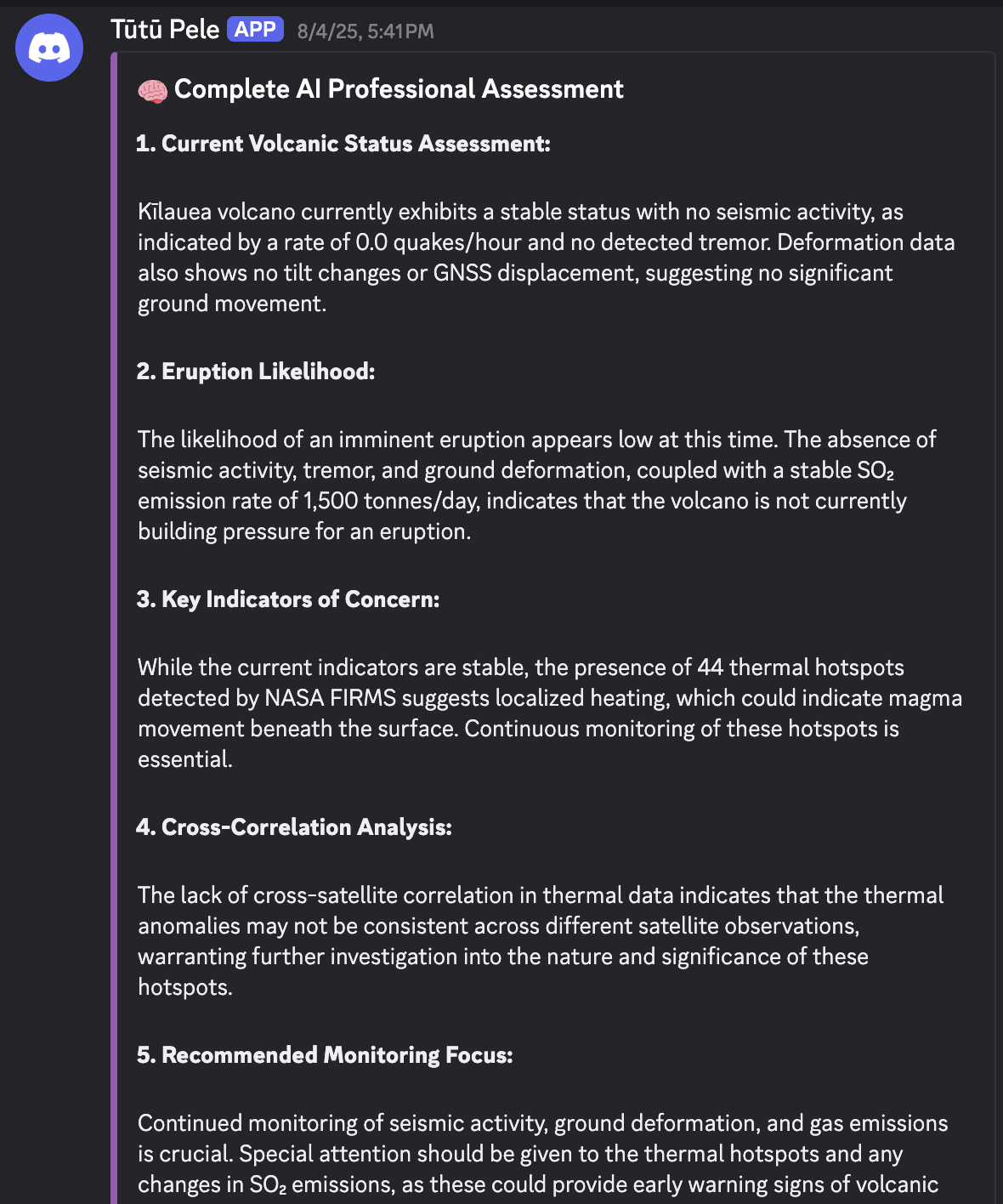
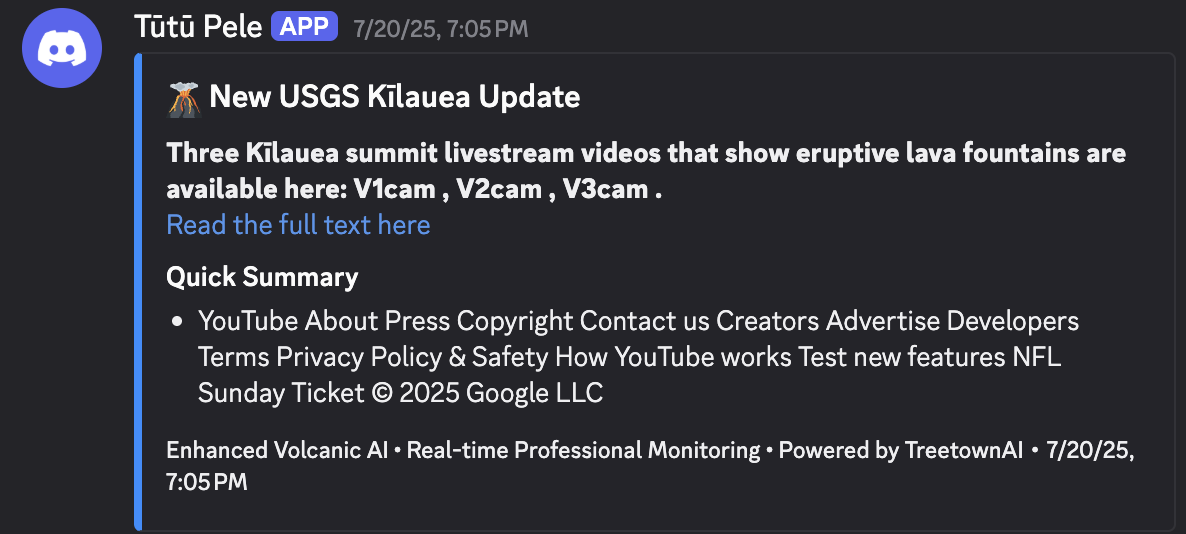
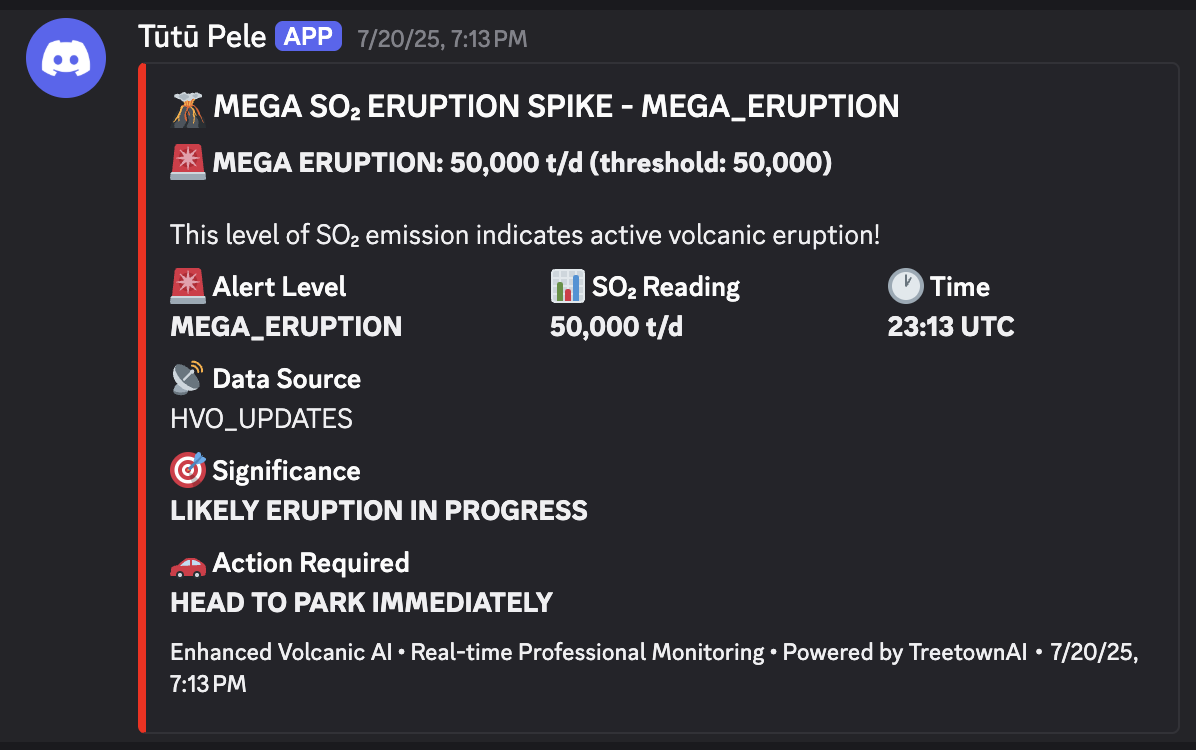
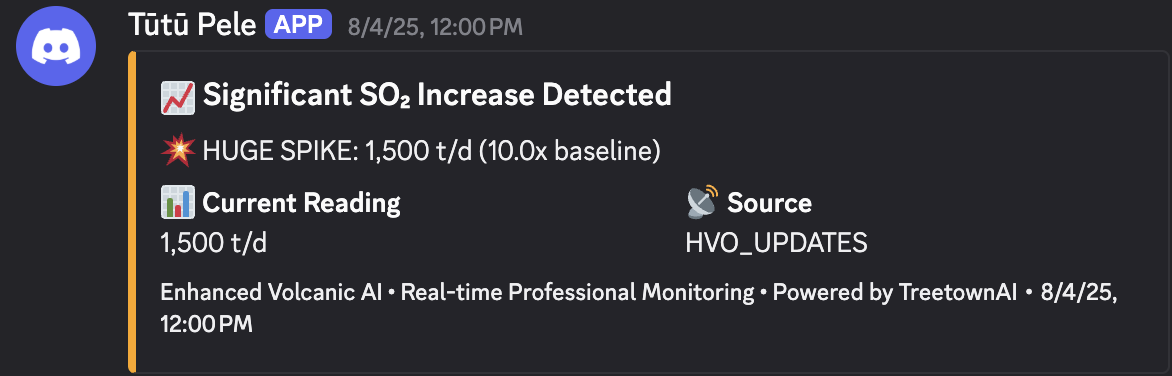
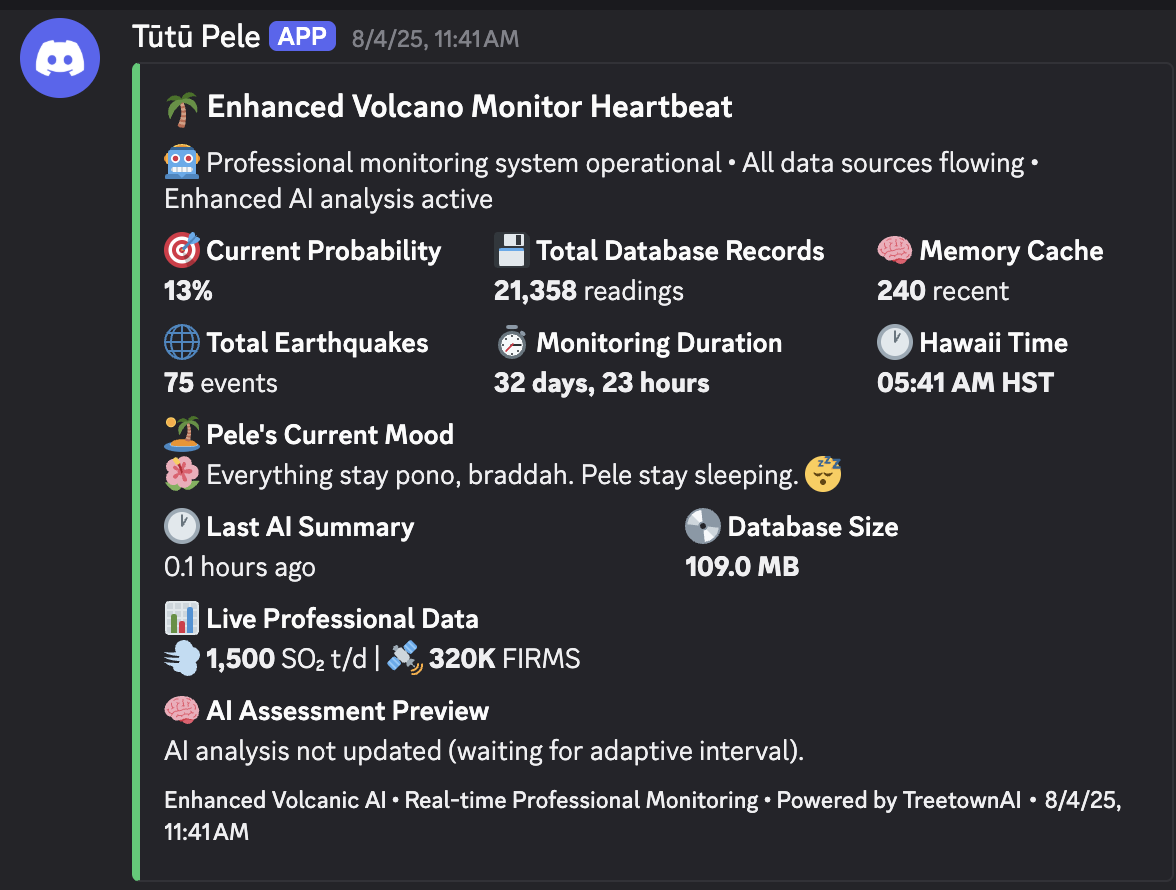
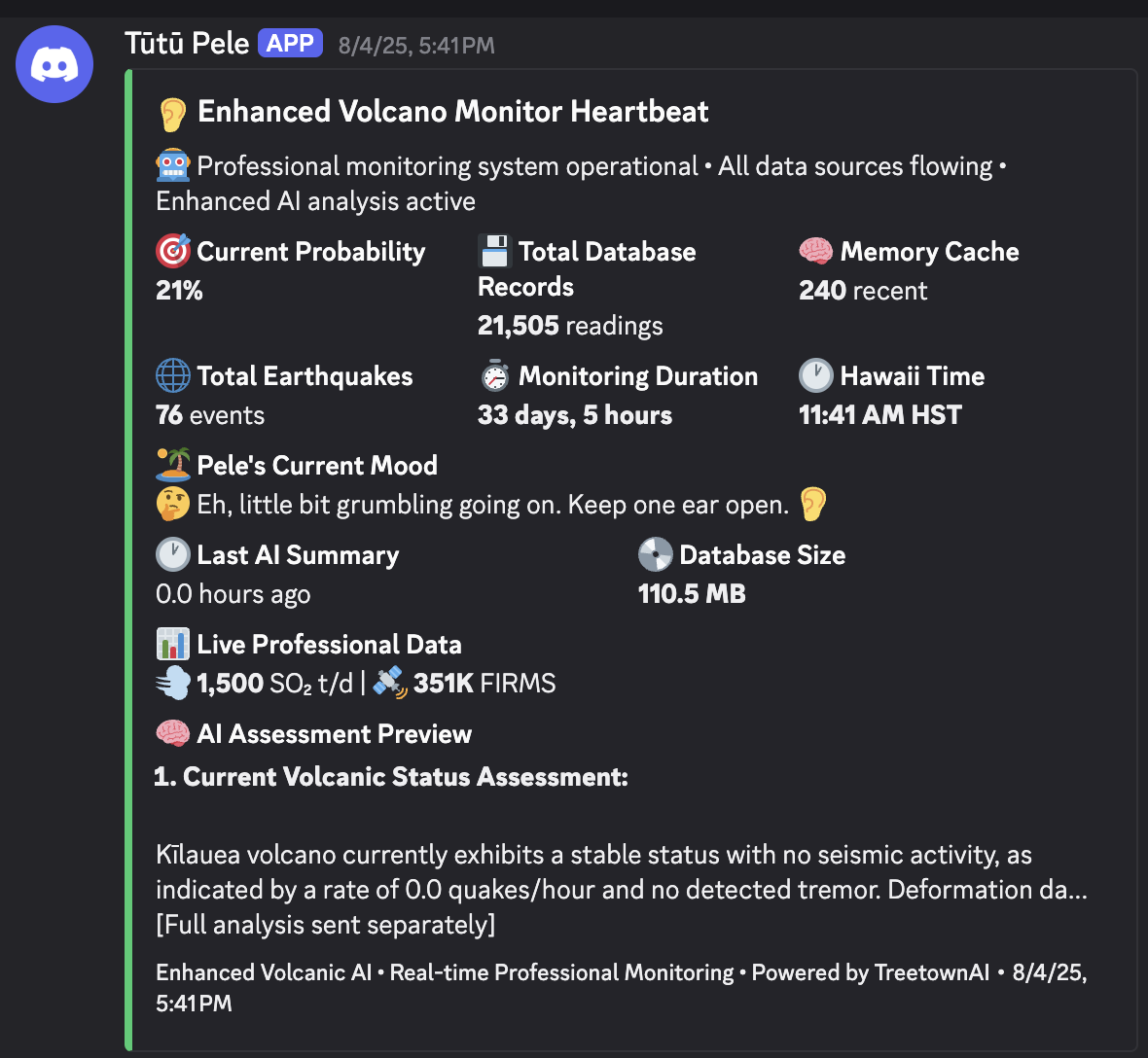
A monitoring interface that turns live geologic data into readable updates, visuals, and alert-ready information.
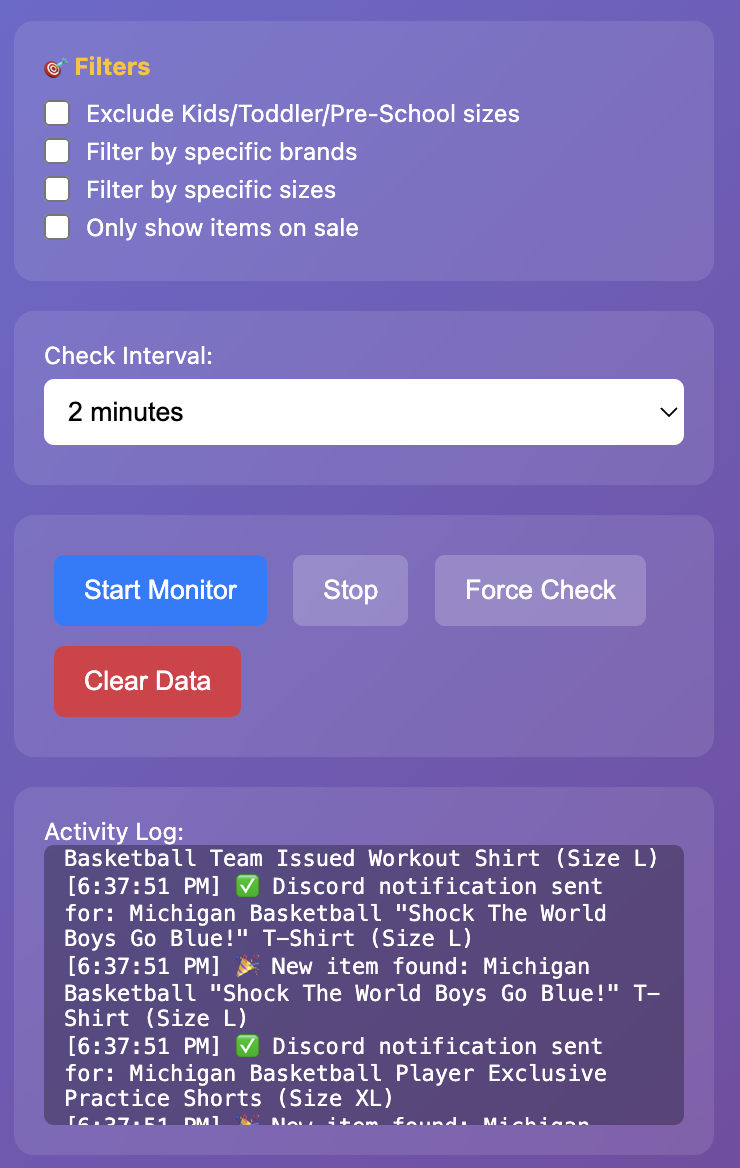
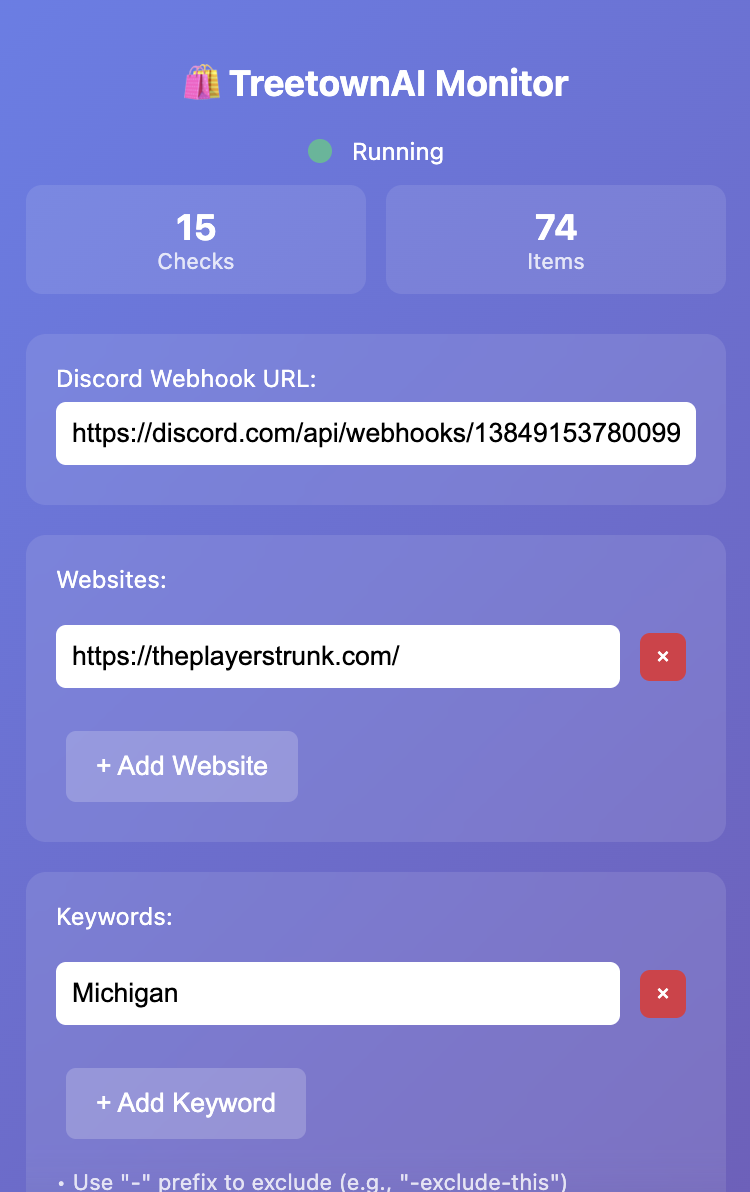
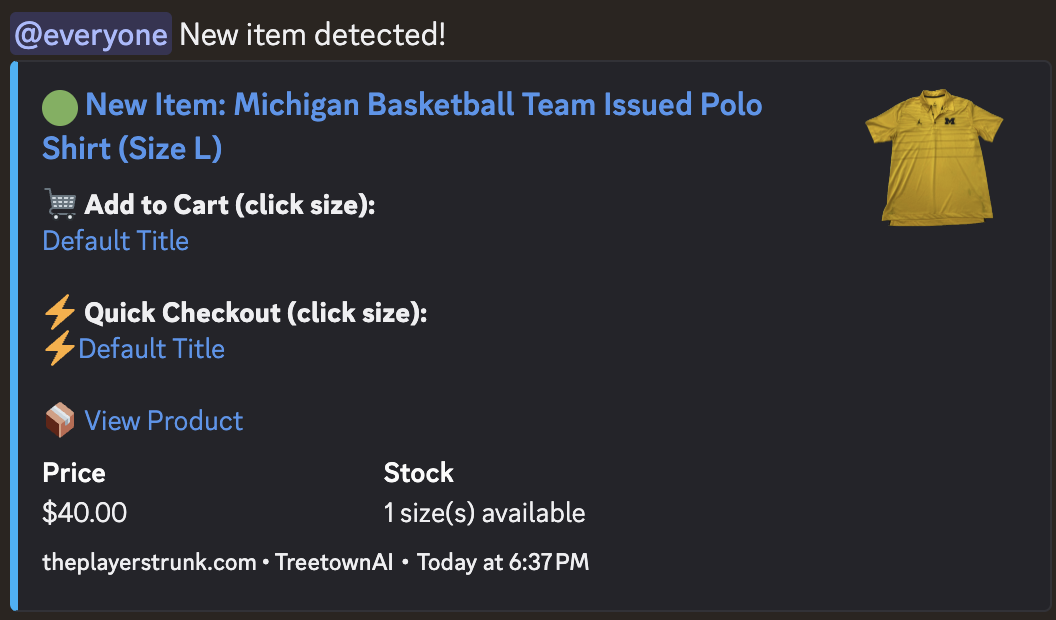
A browser-based monitoring tool built to surface important product changes, alerts, and backend activity more efficiently.
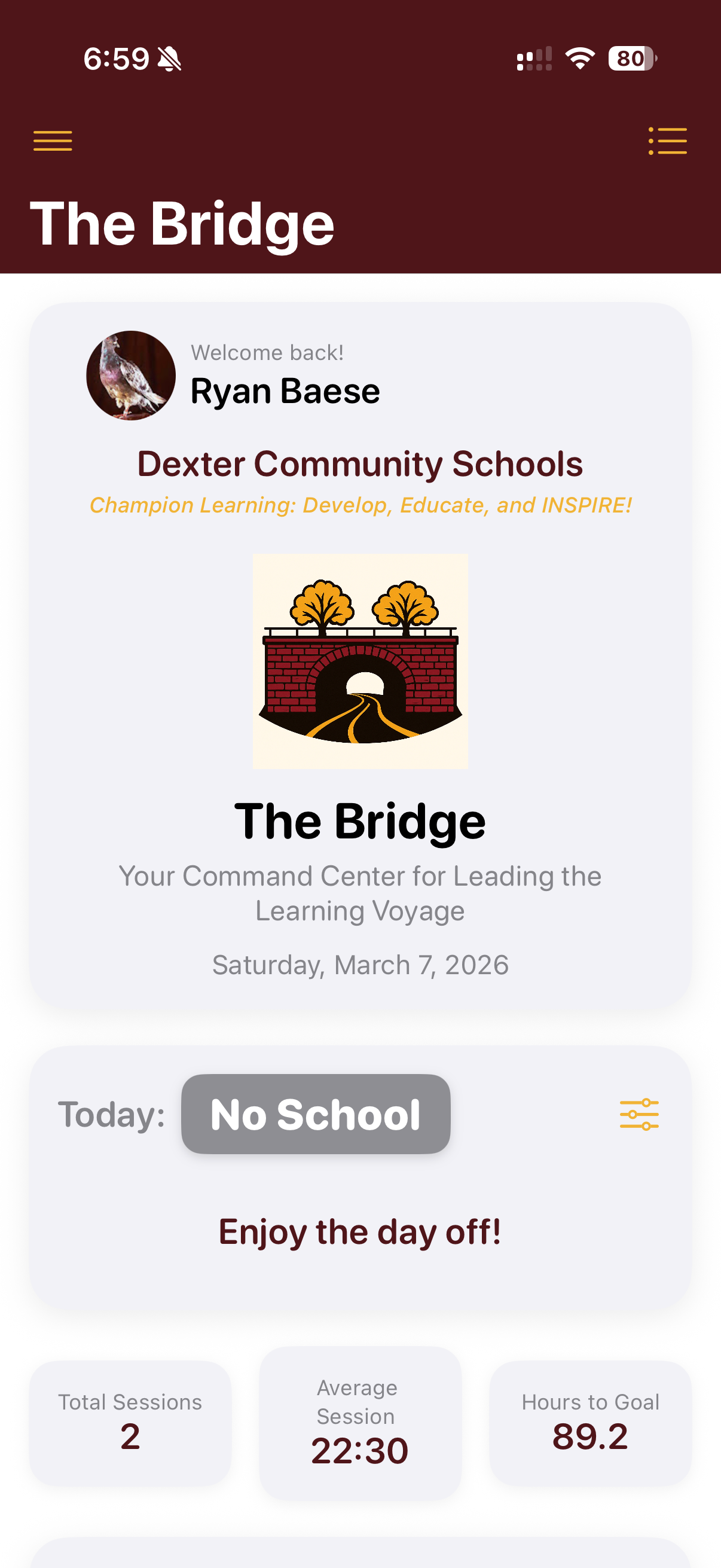
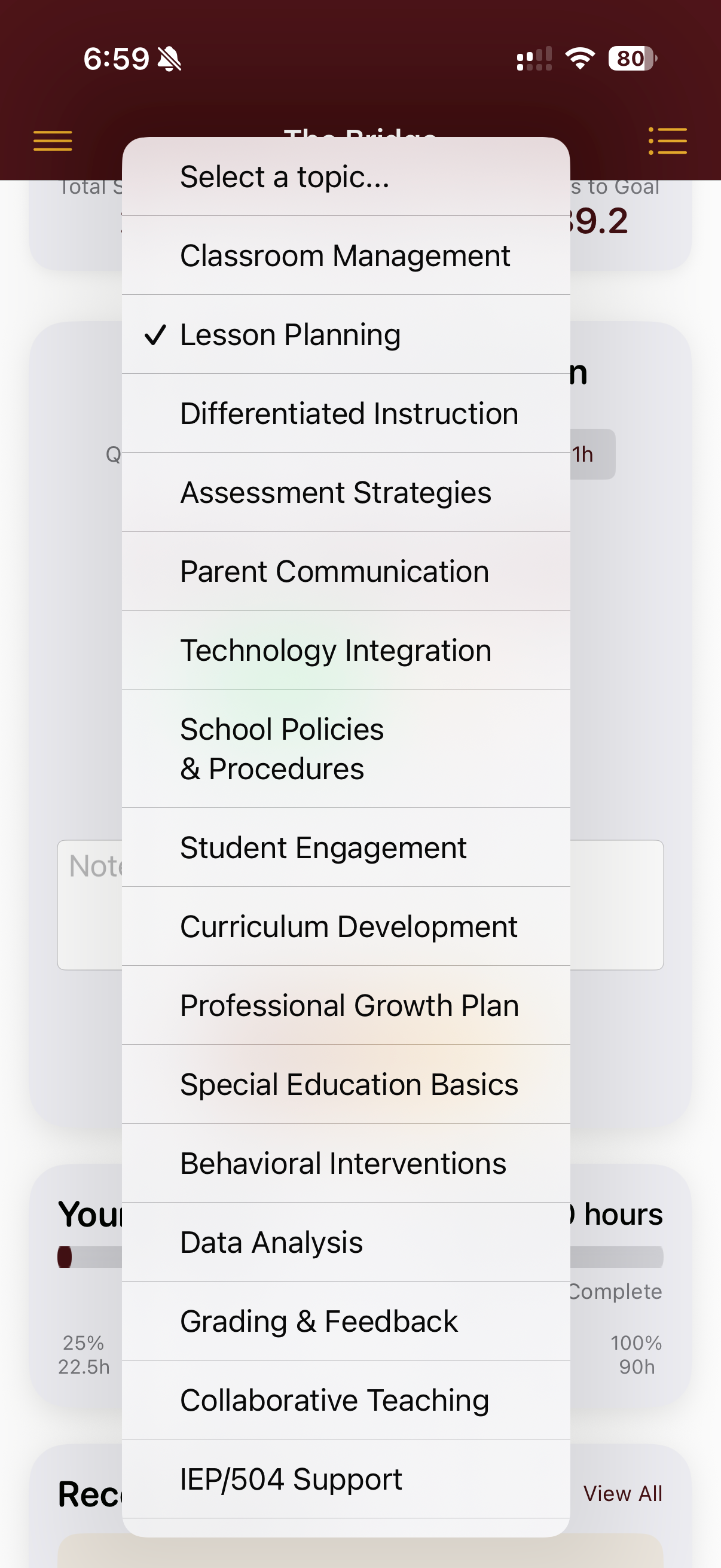
A mentor hour tracking system that helps schools manage support workflows, accountability, and visibility for coaching relationships.
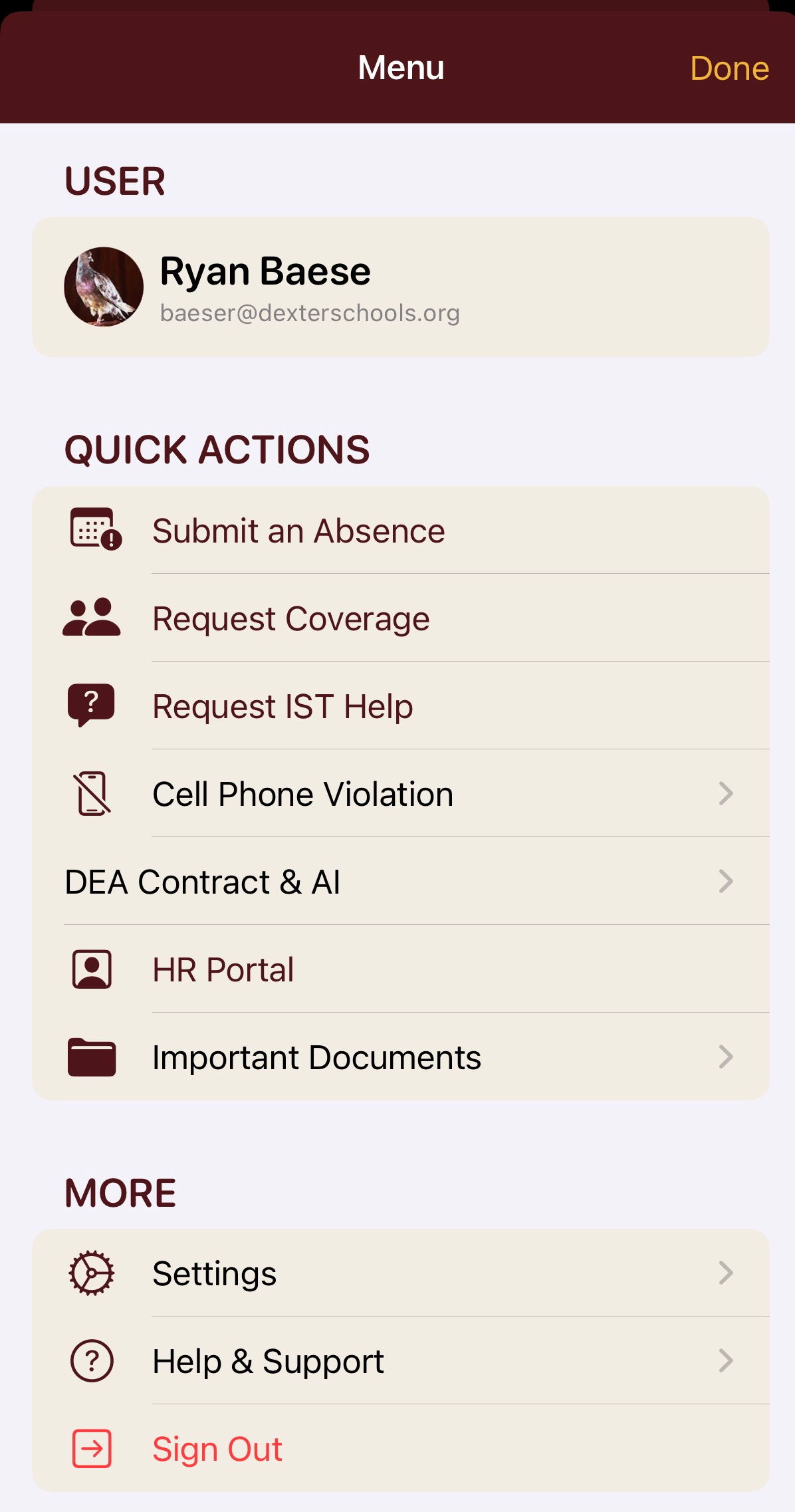
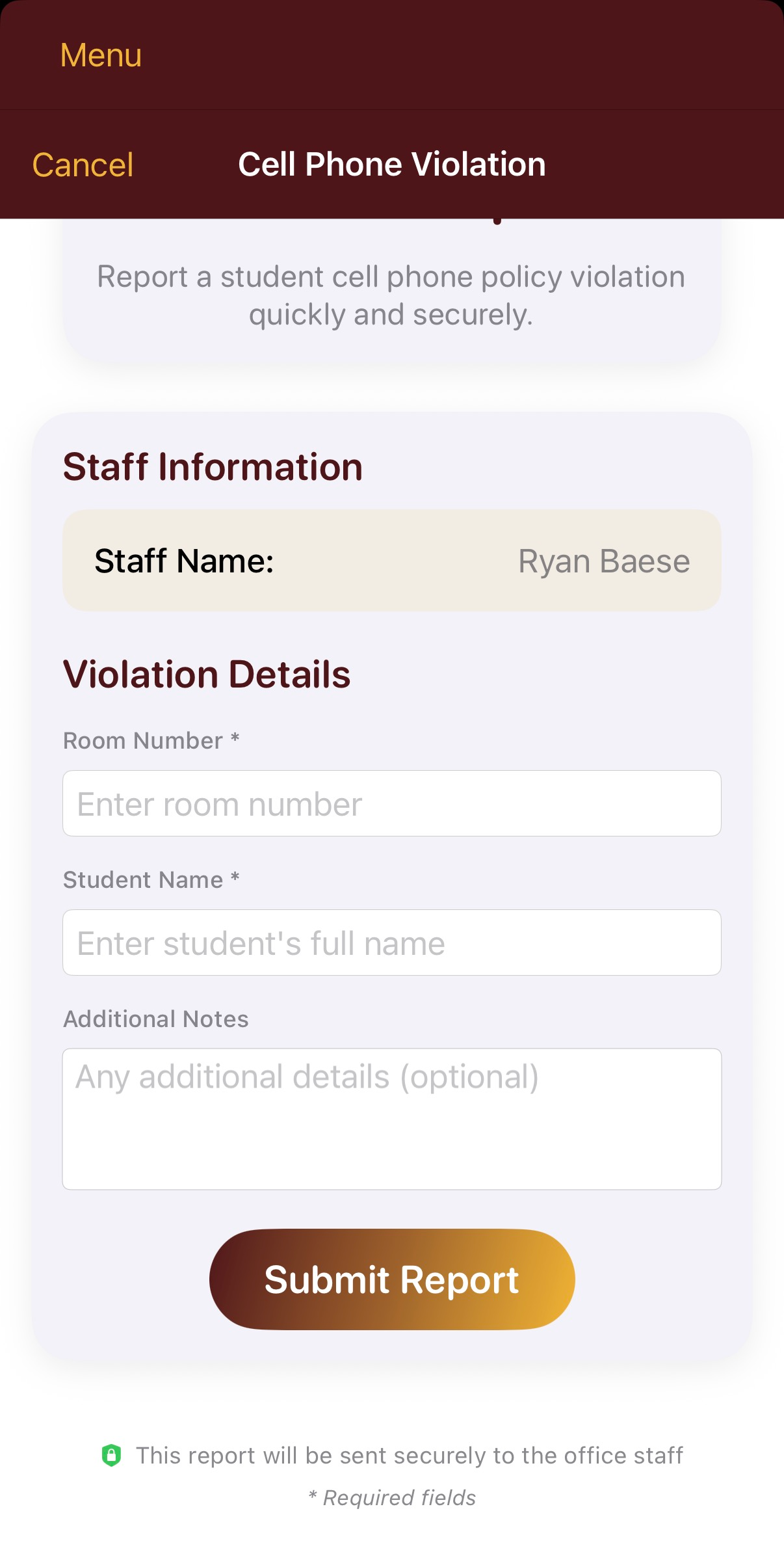
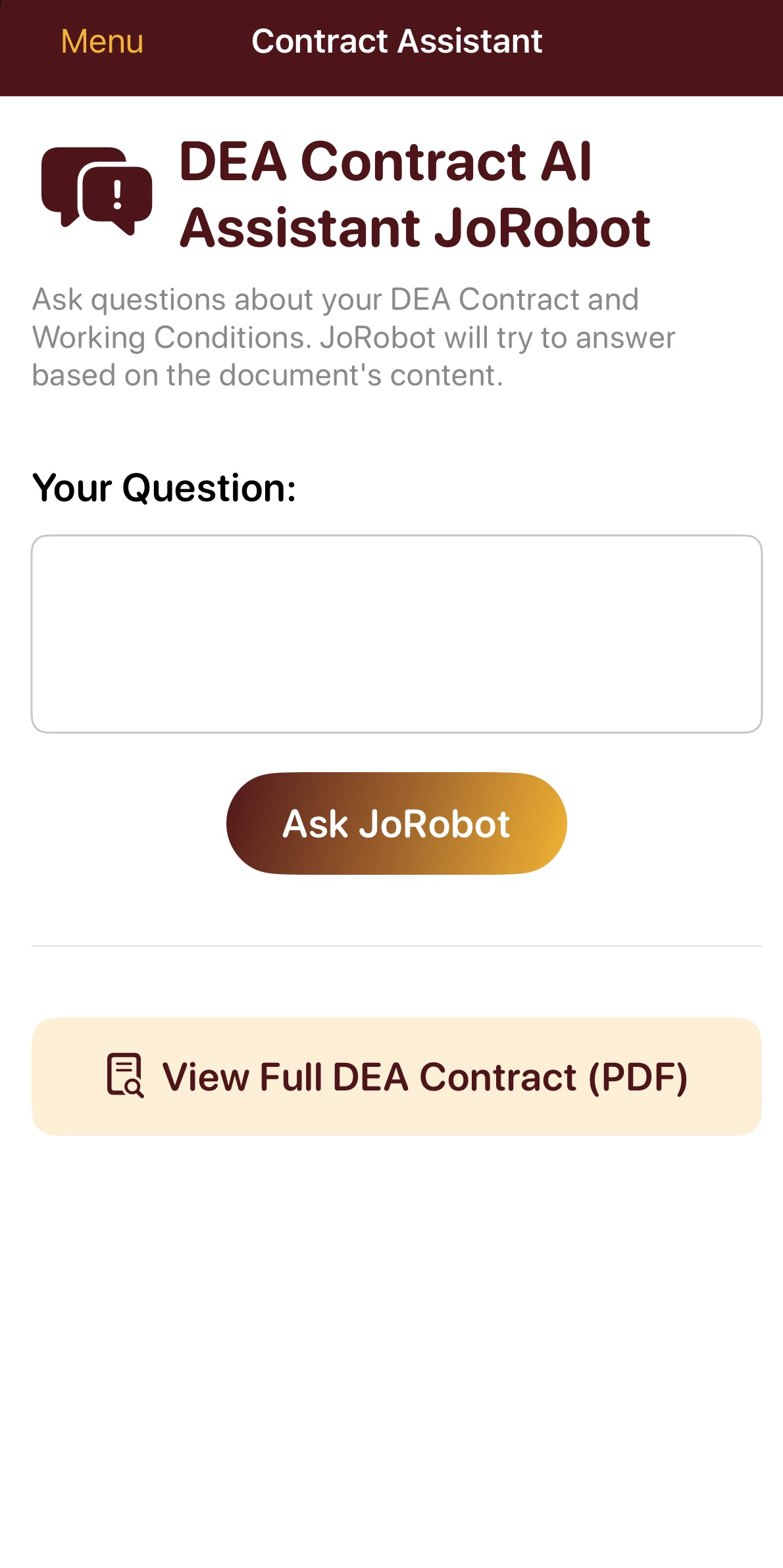
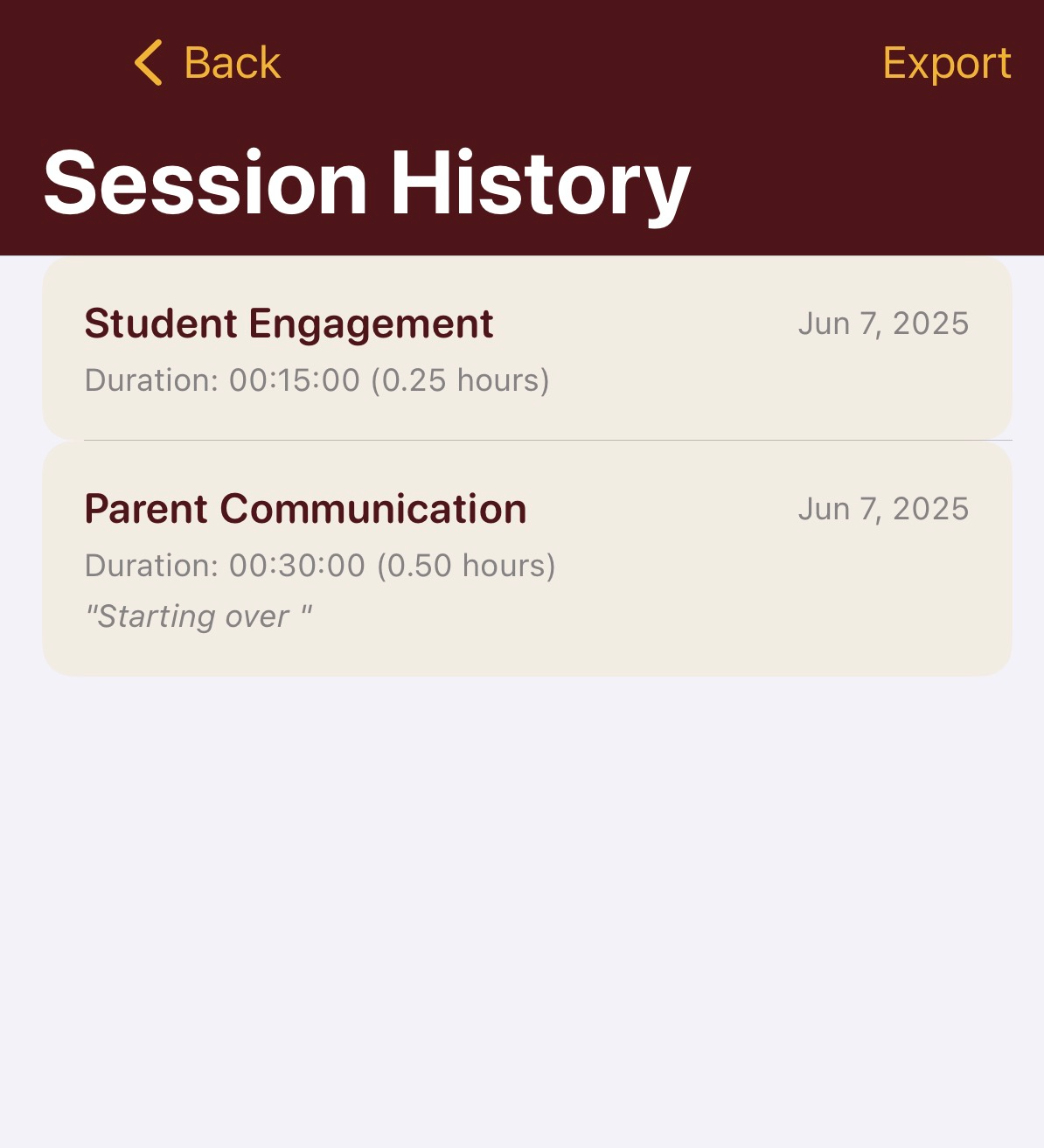
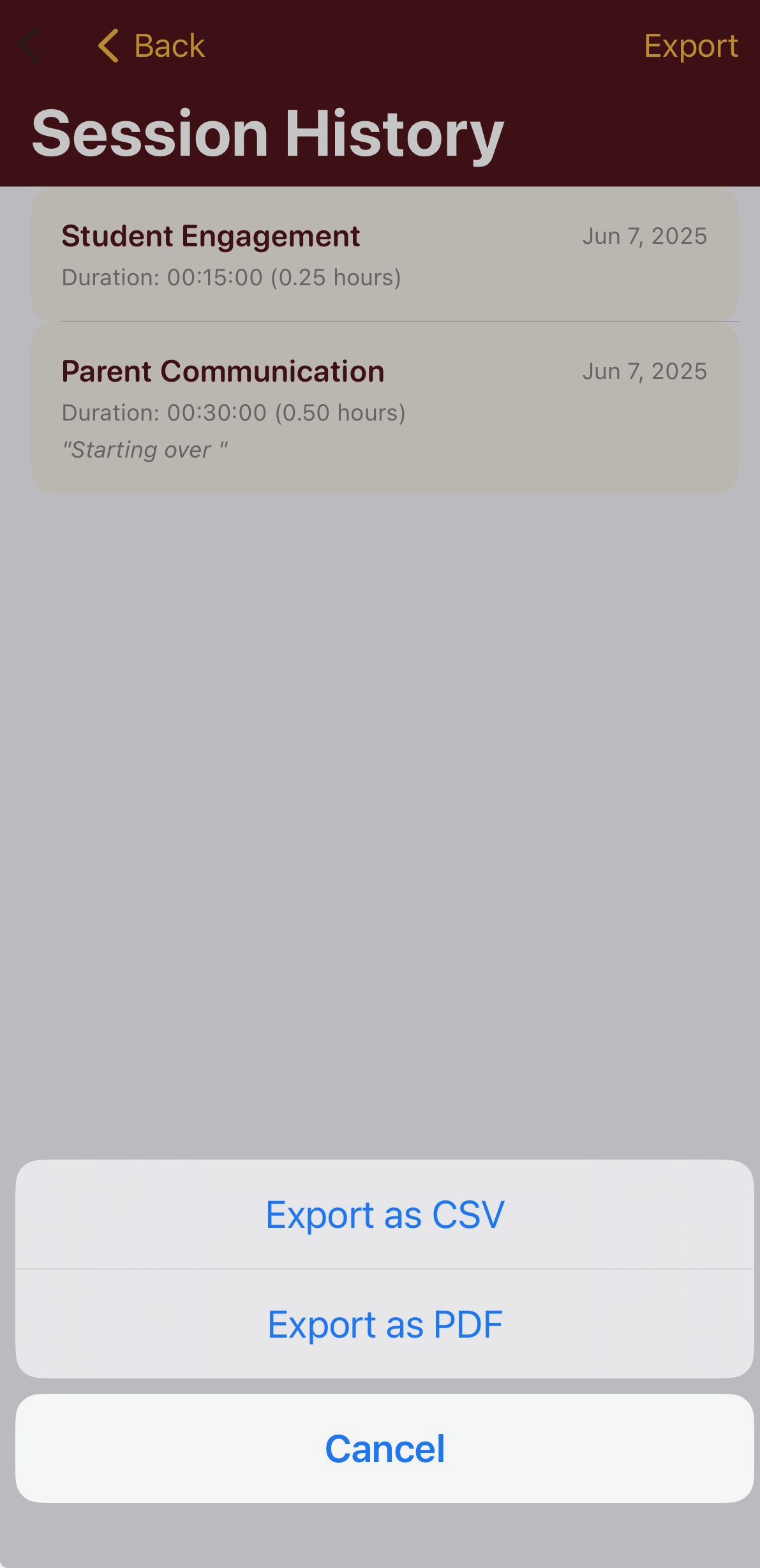
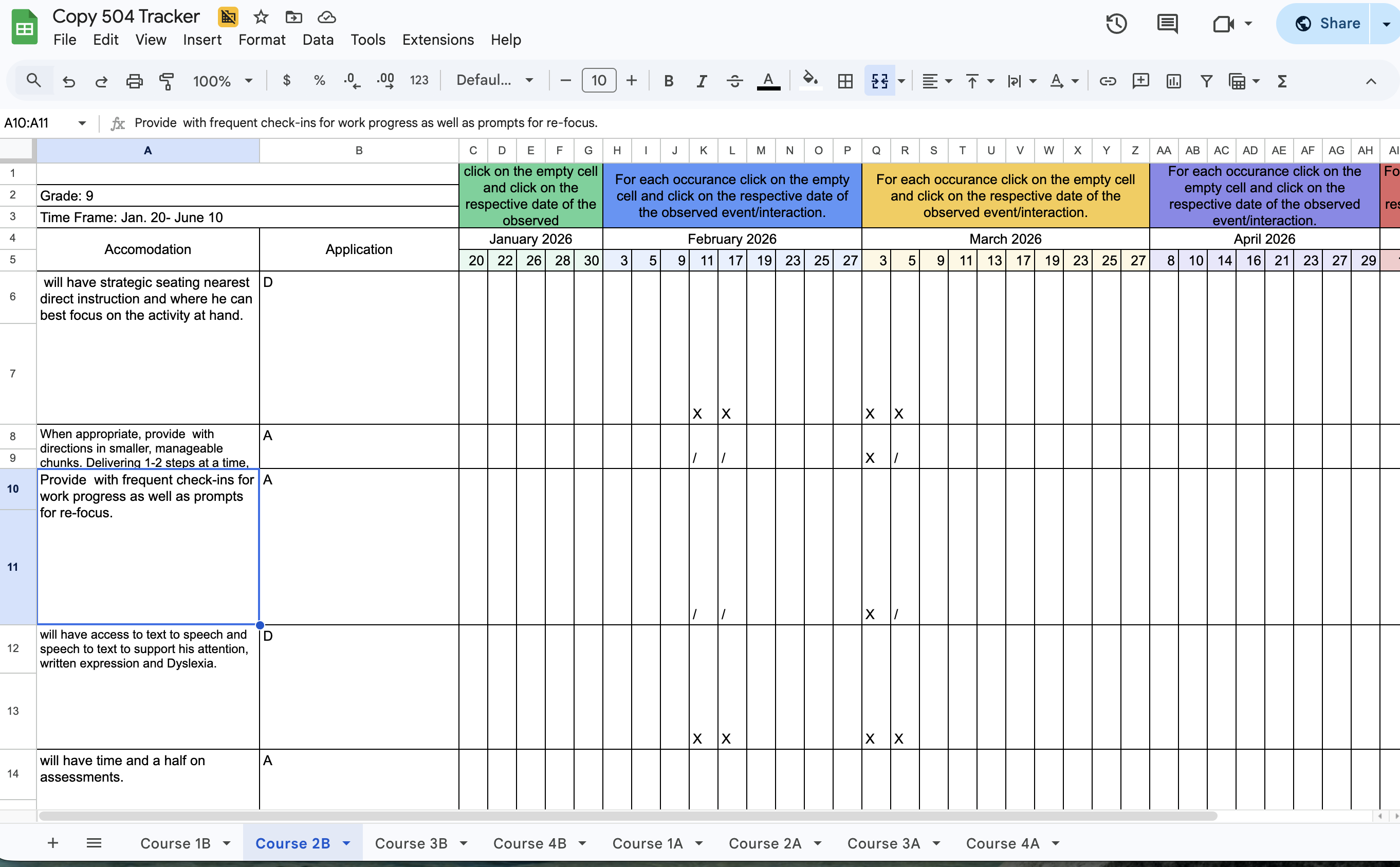
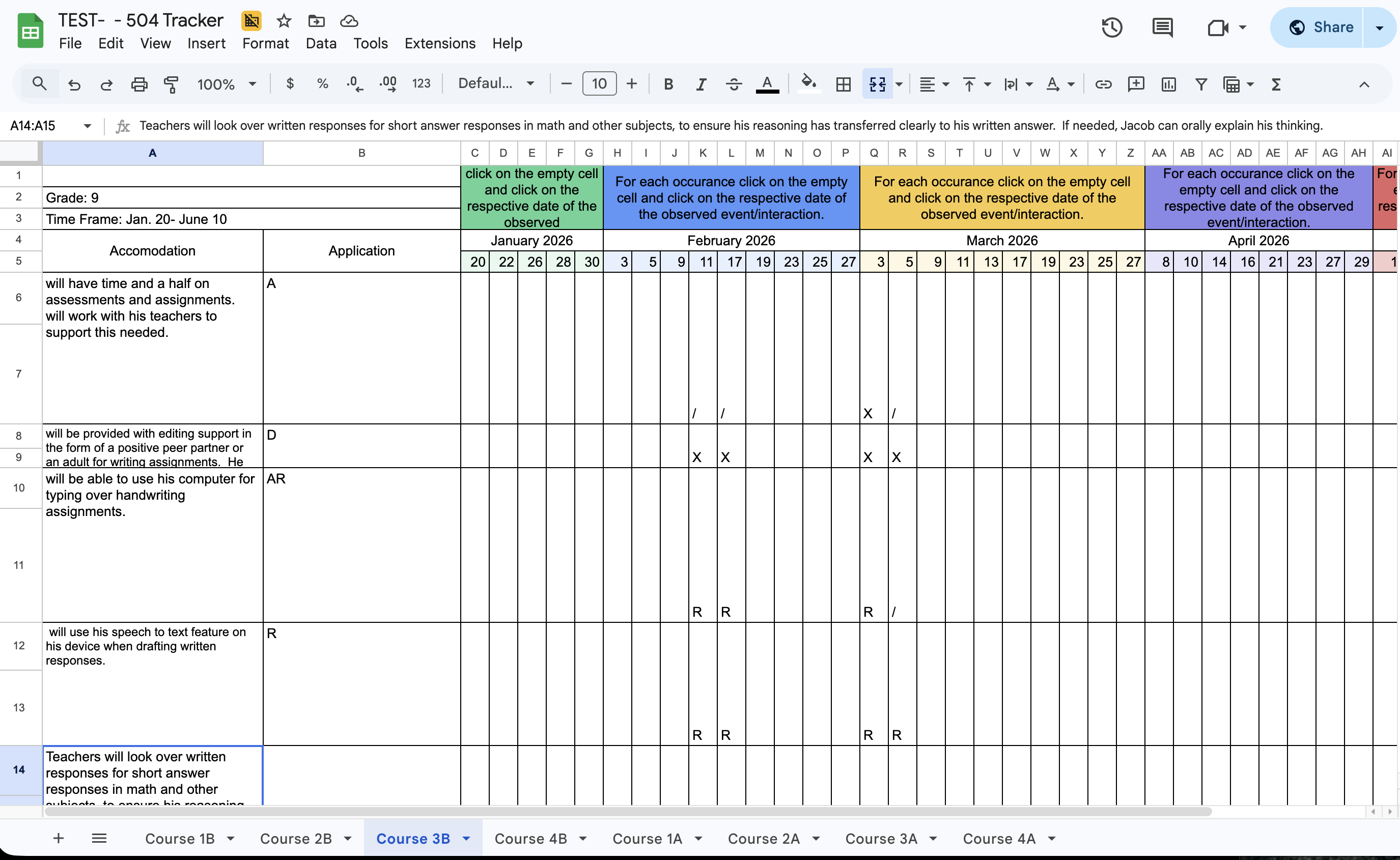
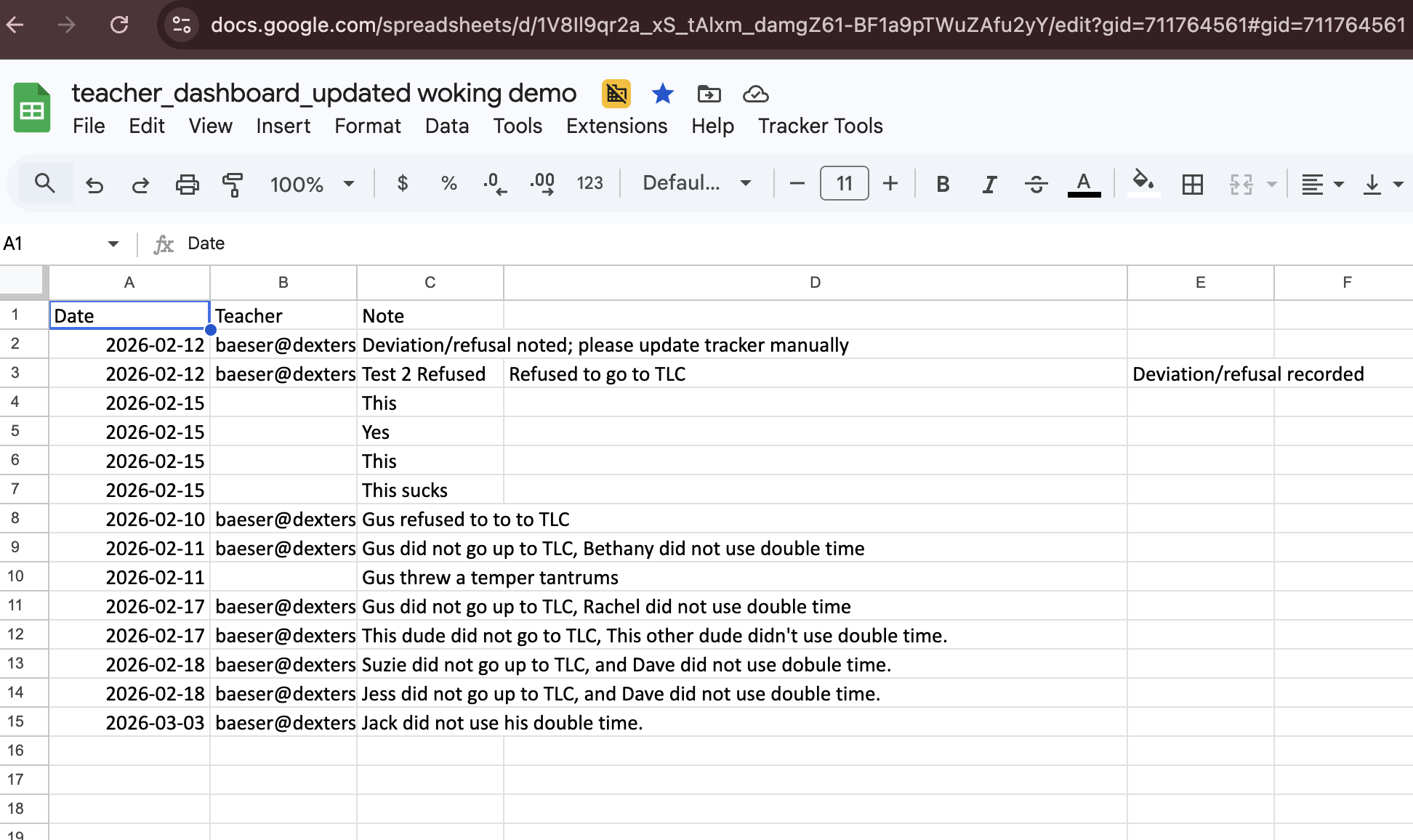
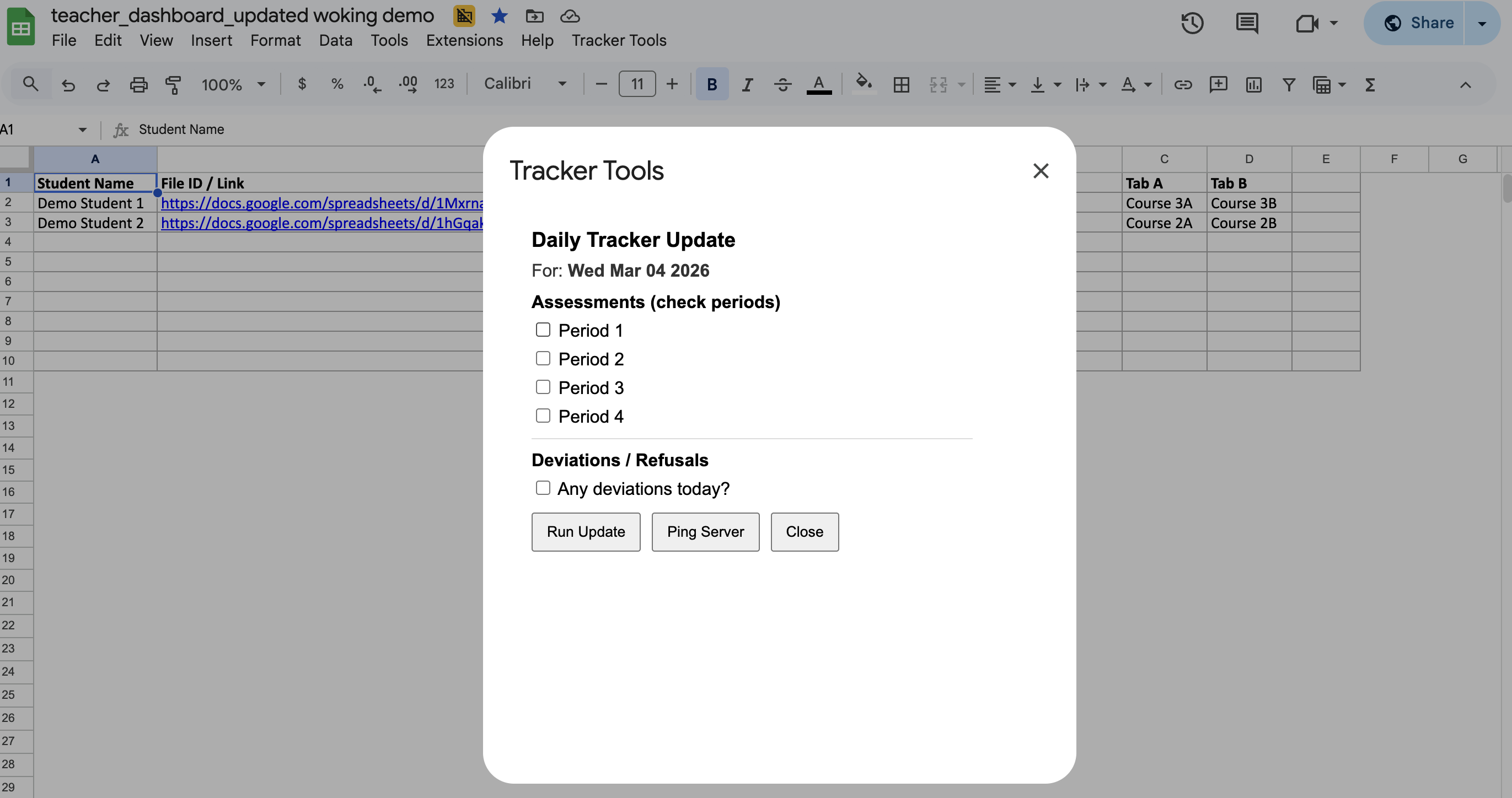
A teacher-facing dashboard that makes accommodations easier to understand, track, and use consistently in daily instruction.
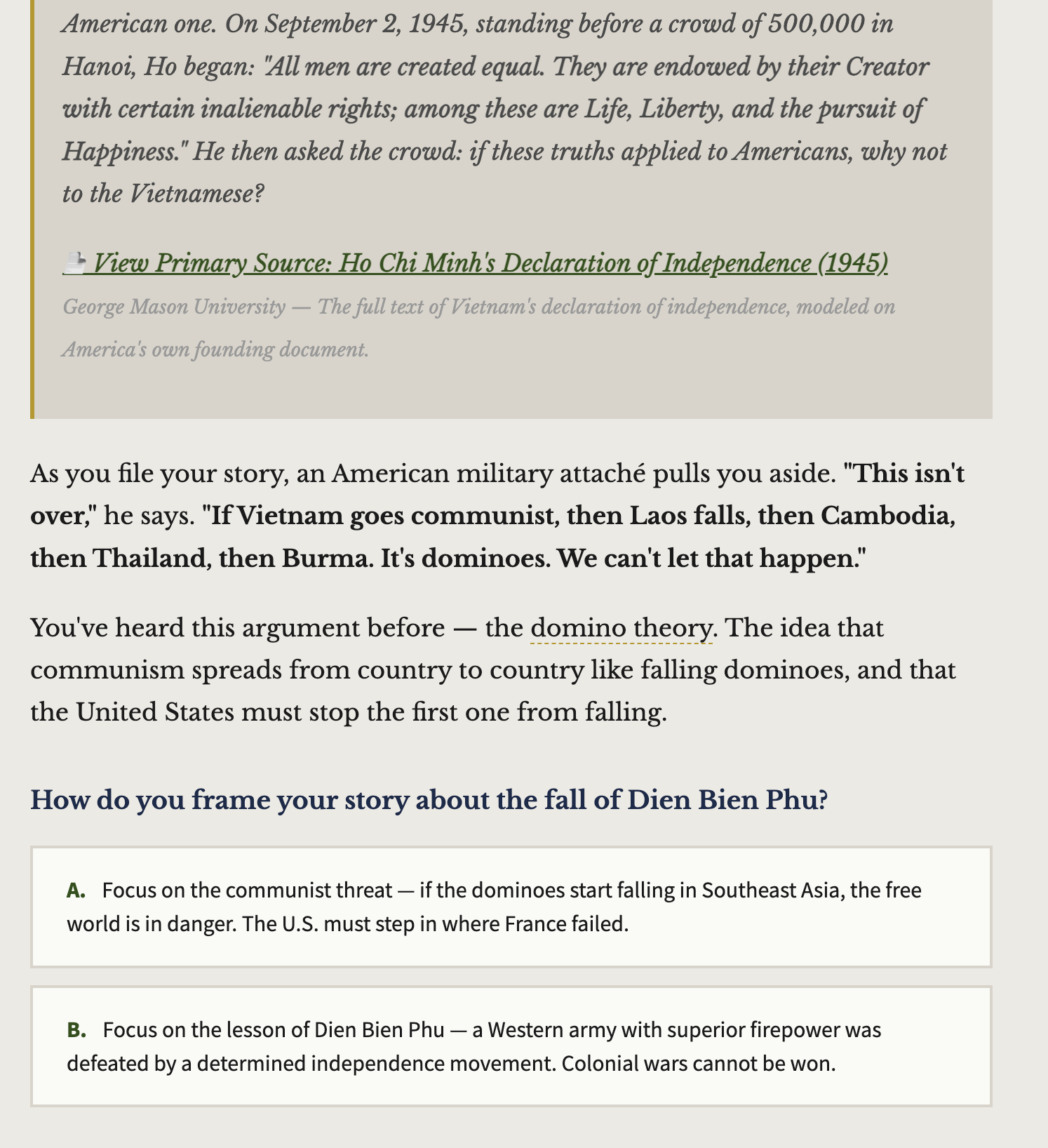
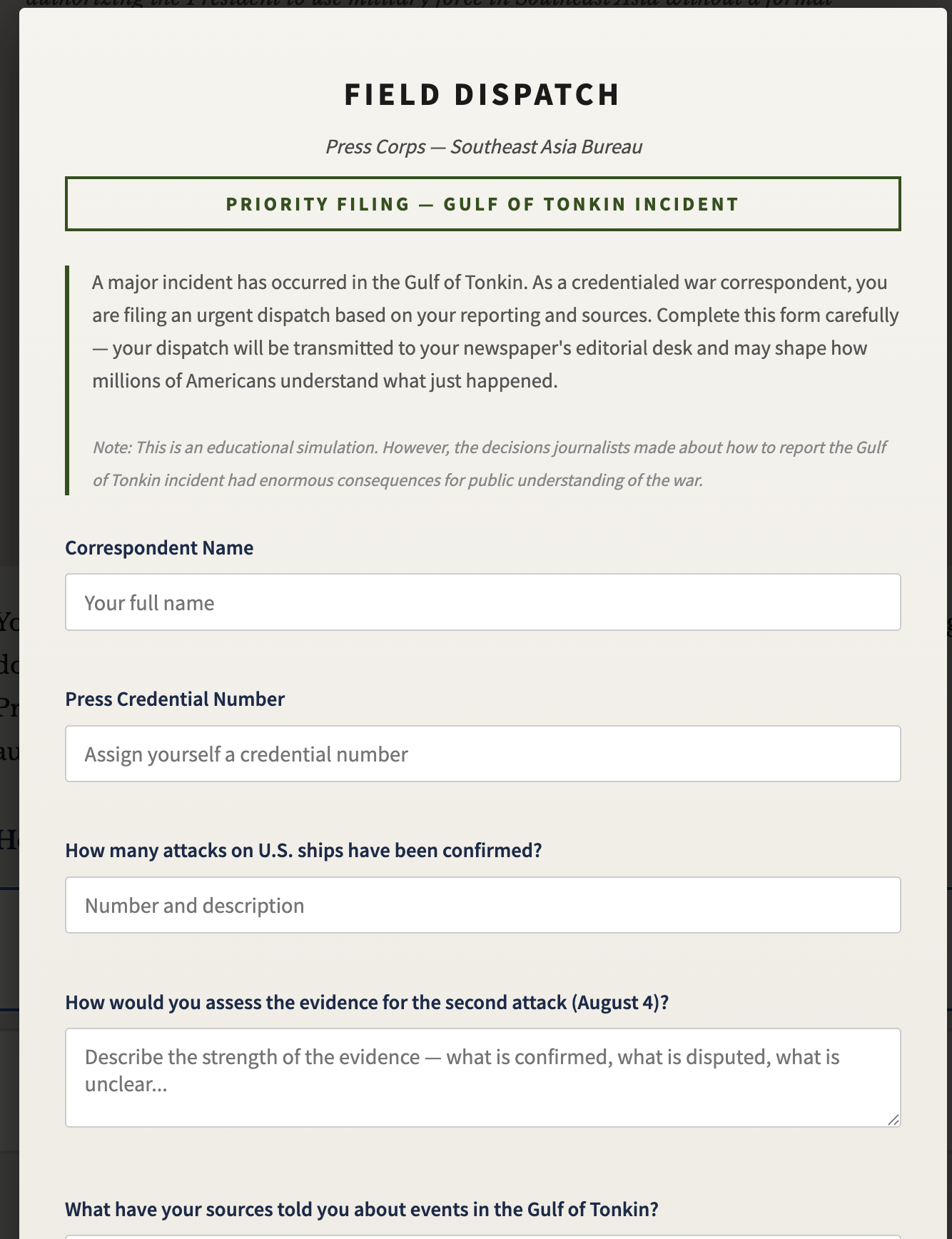
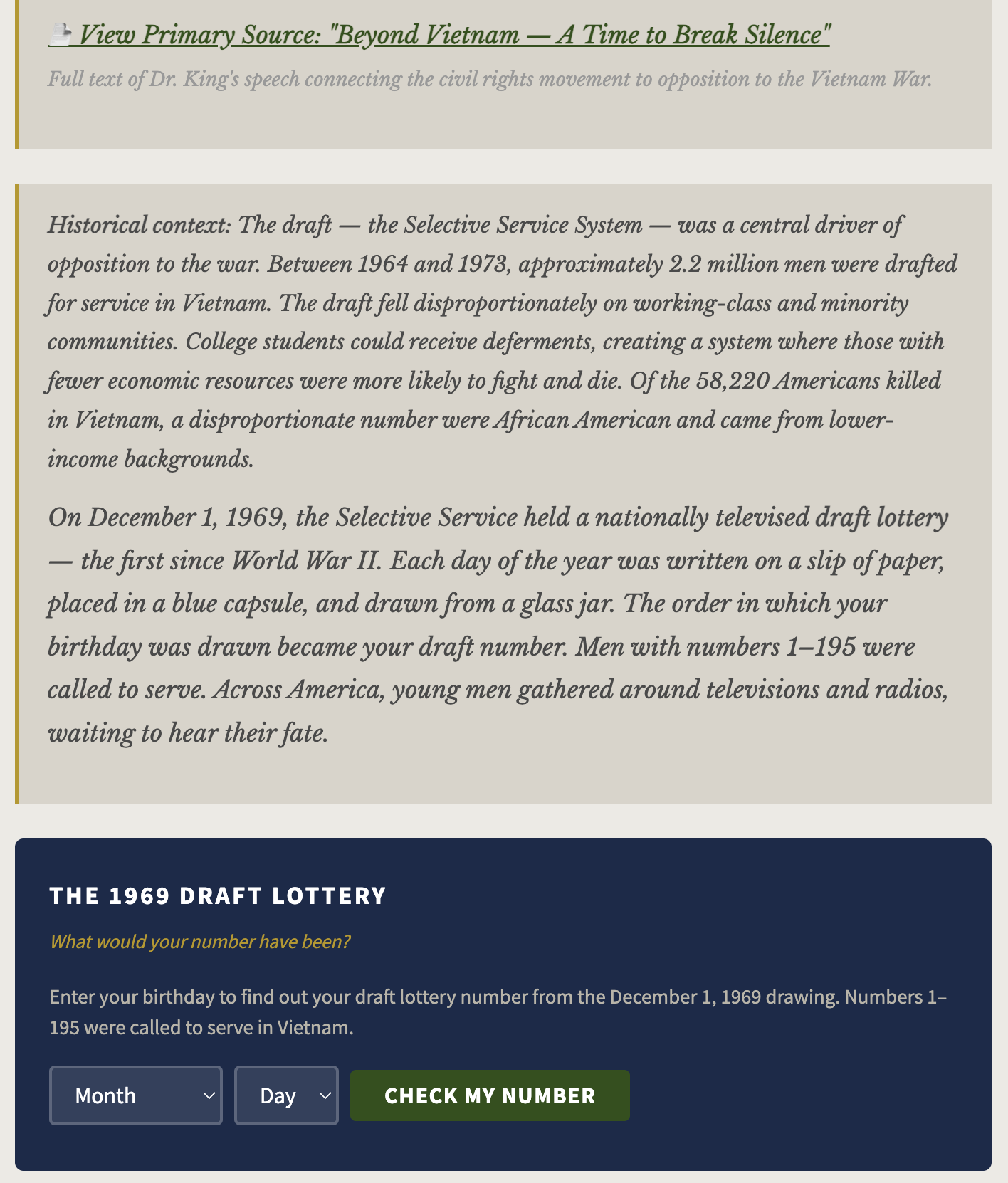
An immersive decision-making simulation that puts students inside the Vietnam War era — navigating the political, military, and human stakes of one of America's most contested conflicts.

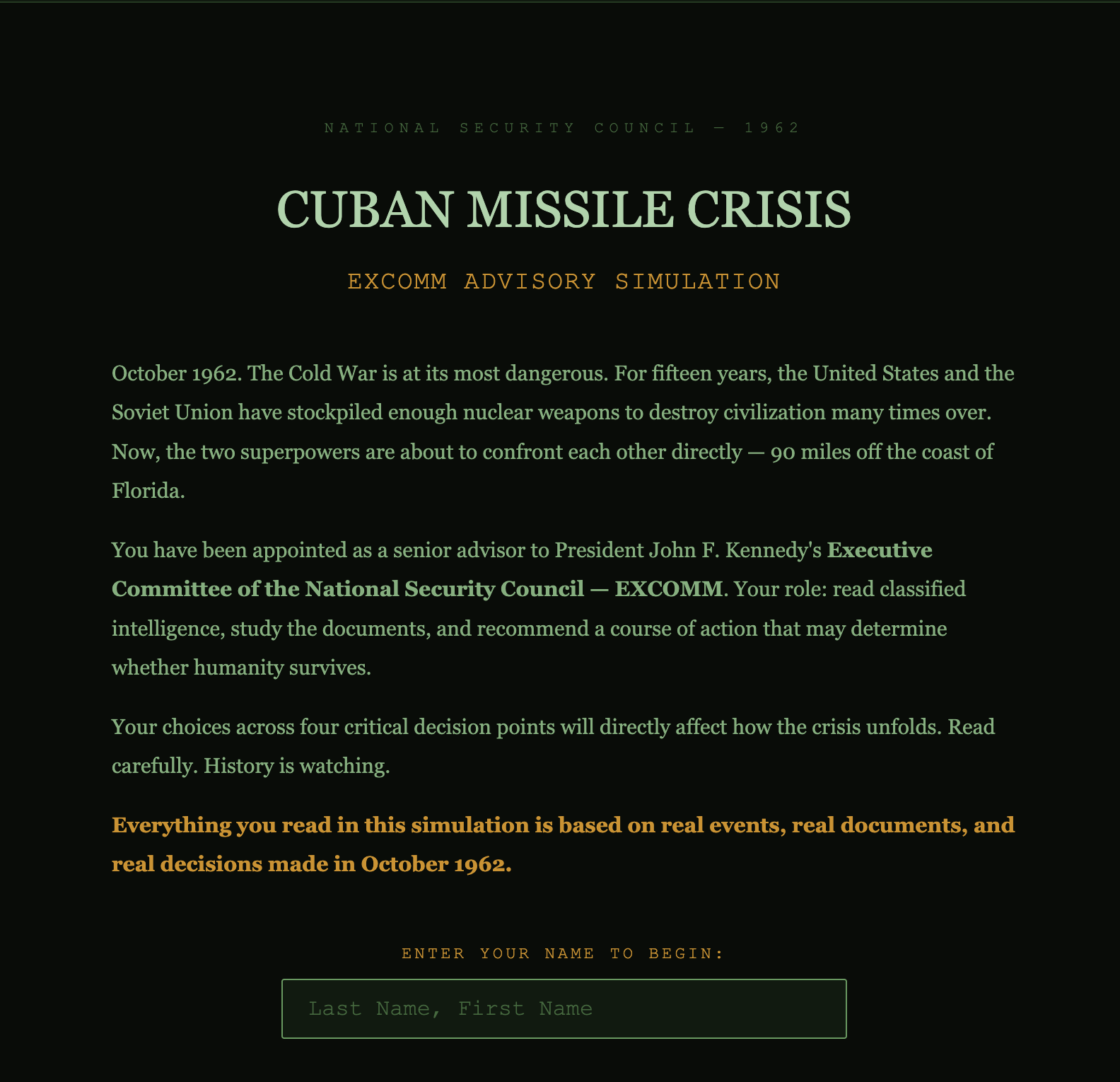
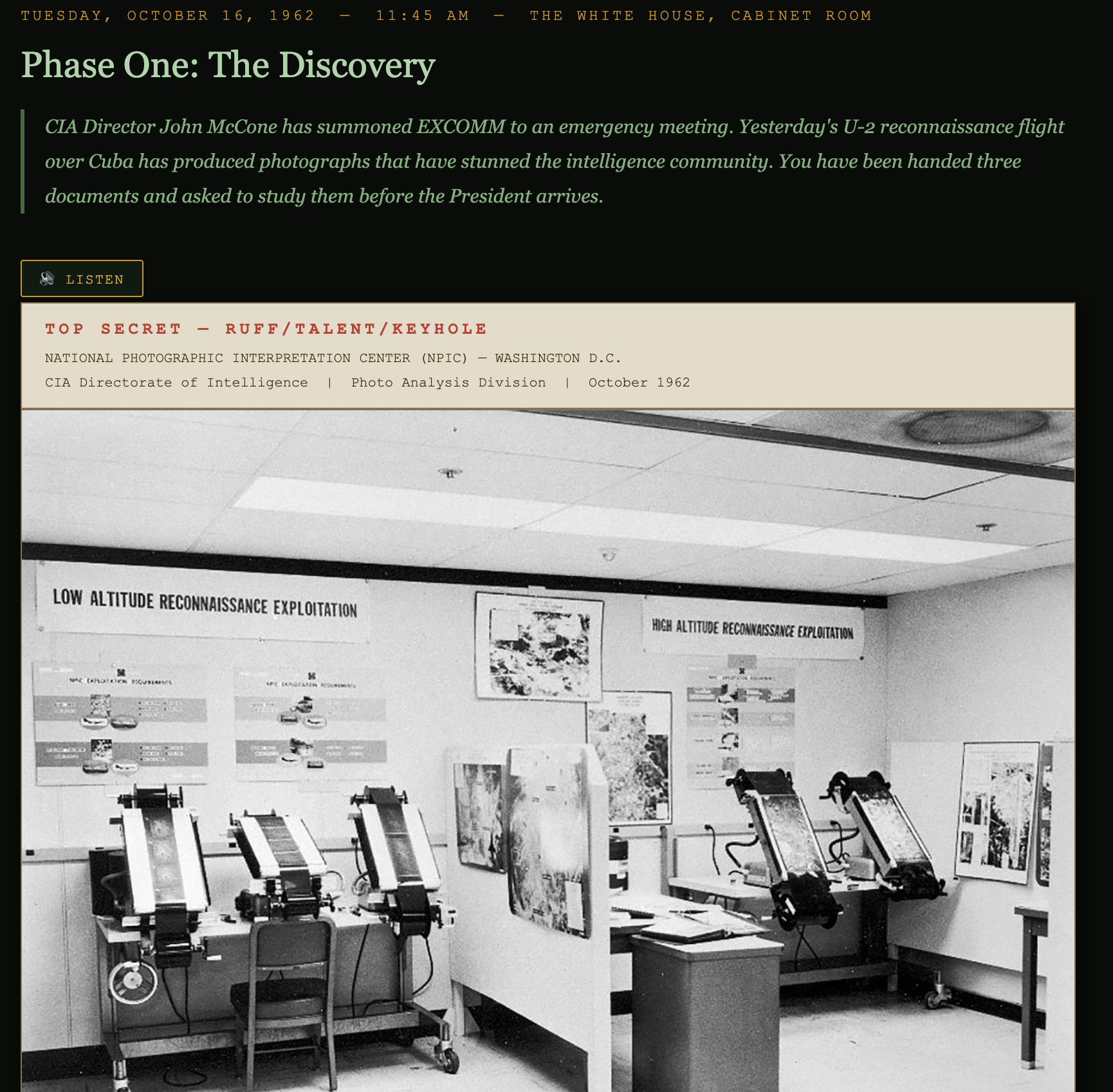
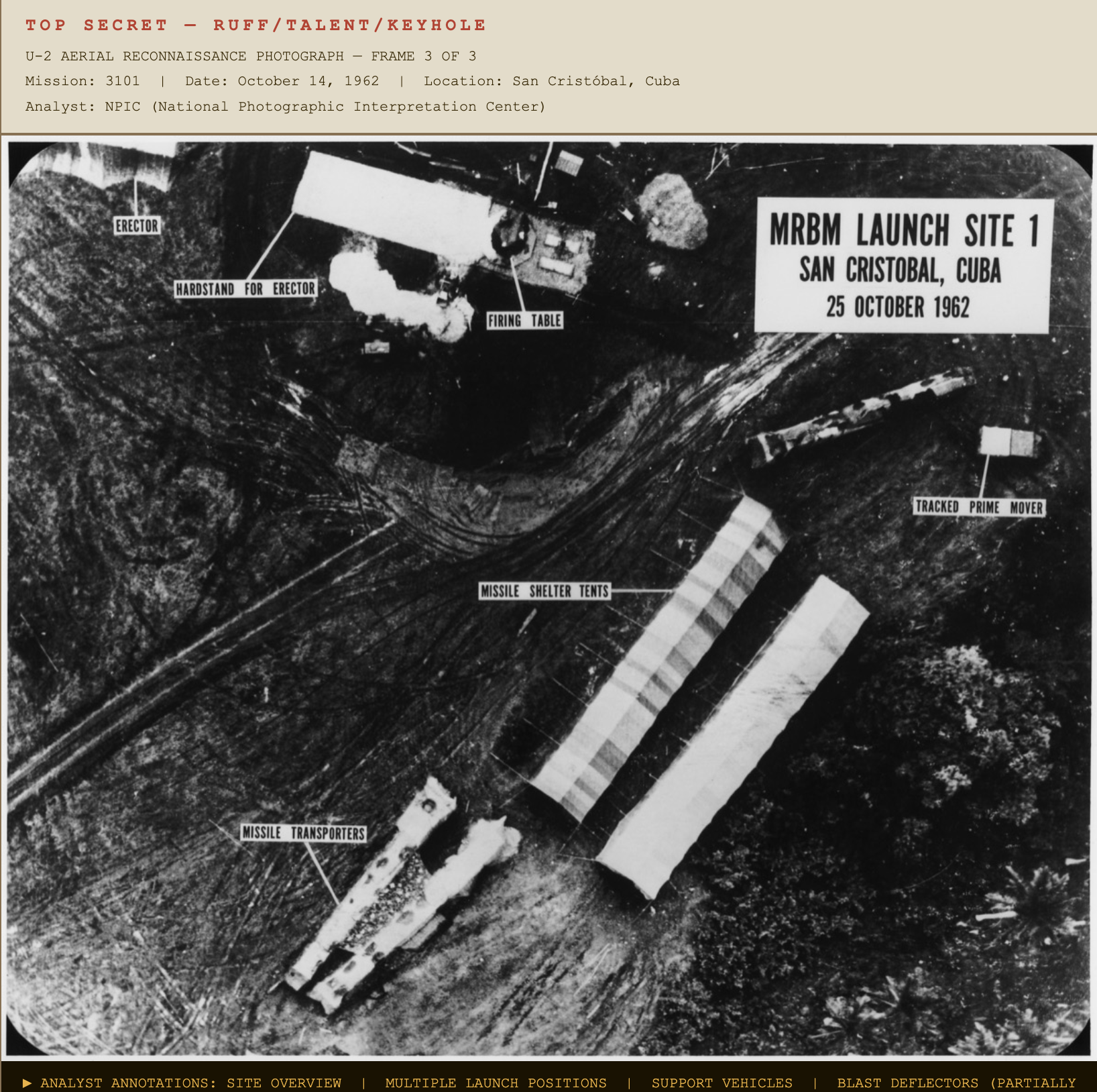
Students step into the roles of key decision-makers during the most dangerous 13 days of the Cold War — weighing intelligence, diplomacy, and the consequences of nuclear brinkmanship.

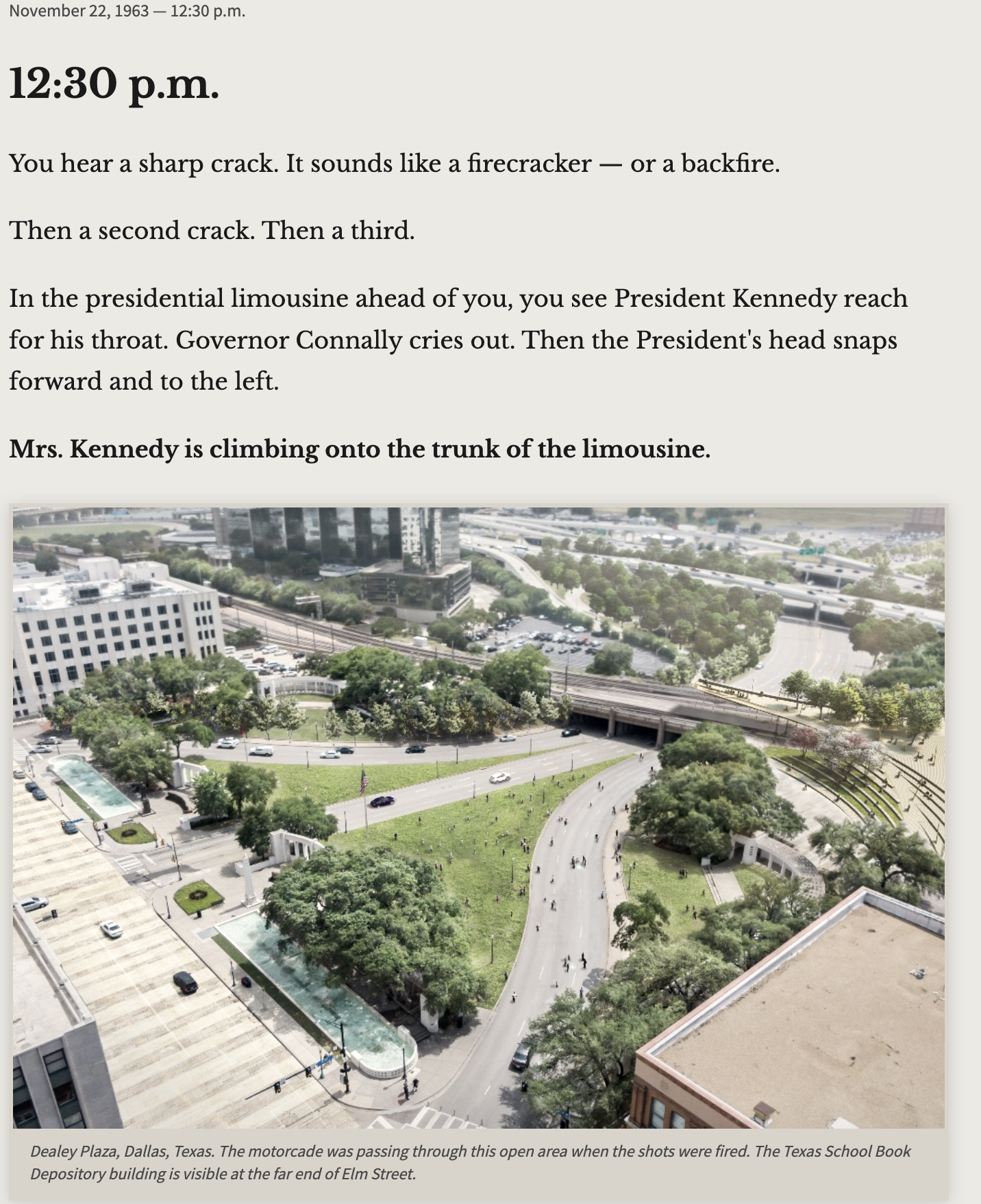
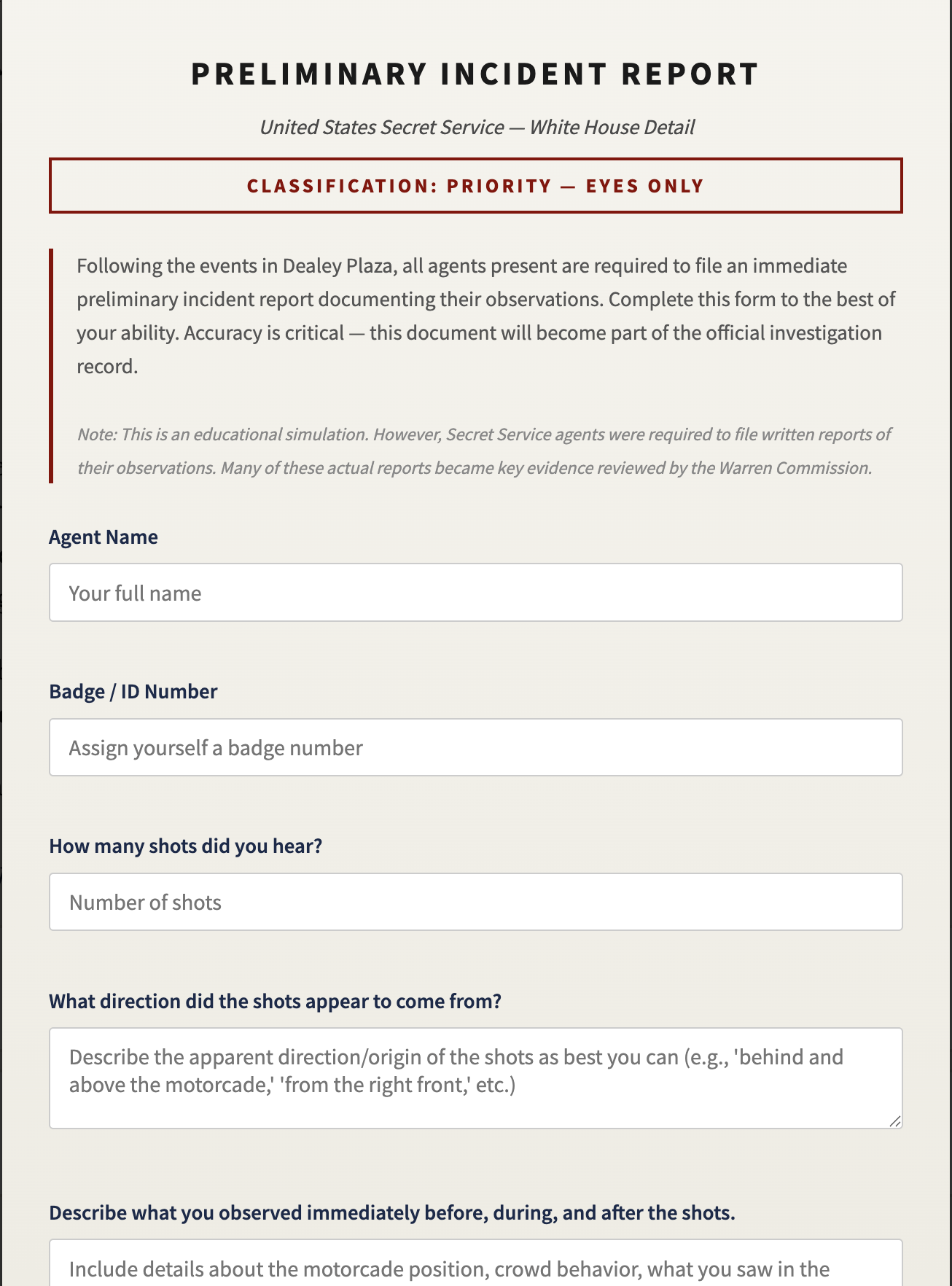
An interactive exploration of the Kennedy presidency, the Cold War pressures he faced, and the decisions that defined an era — built to spark historical thinking and informed debate.


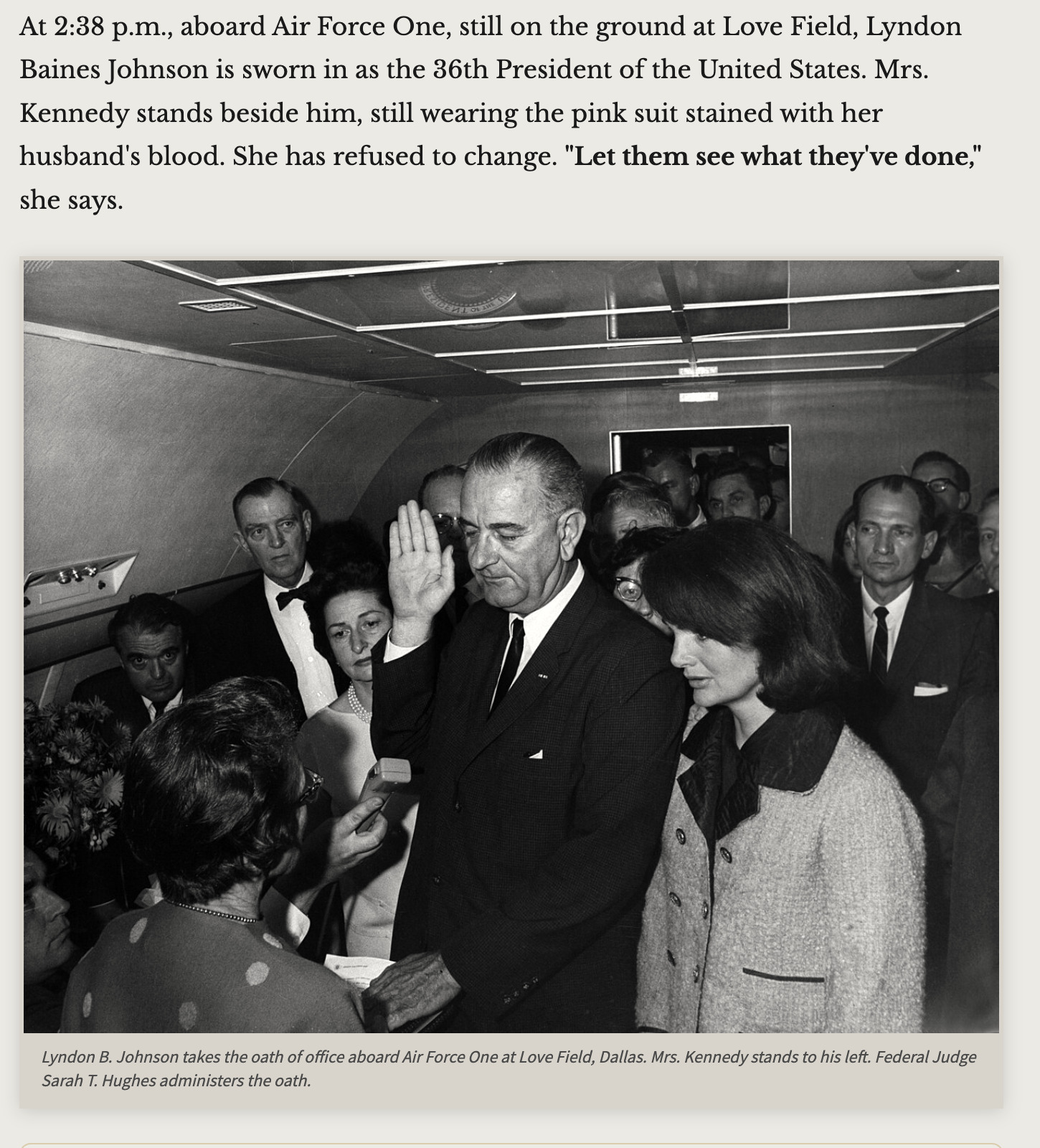
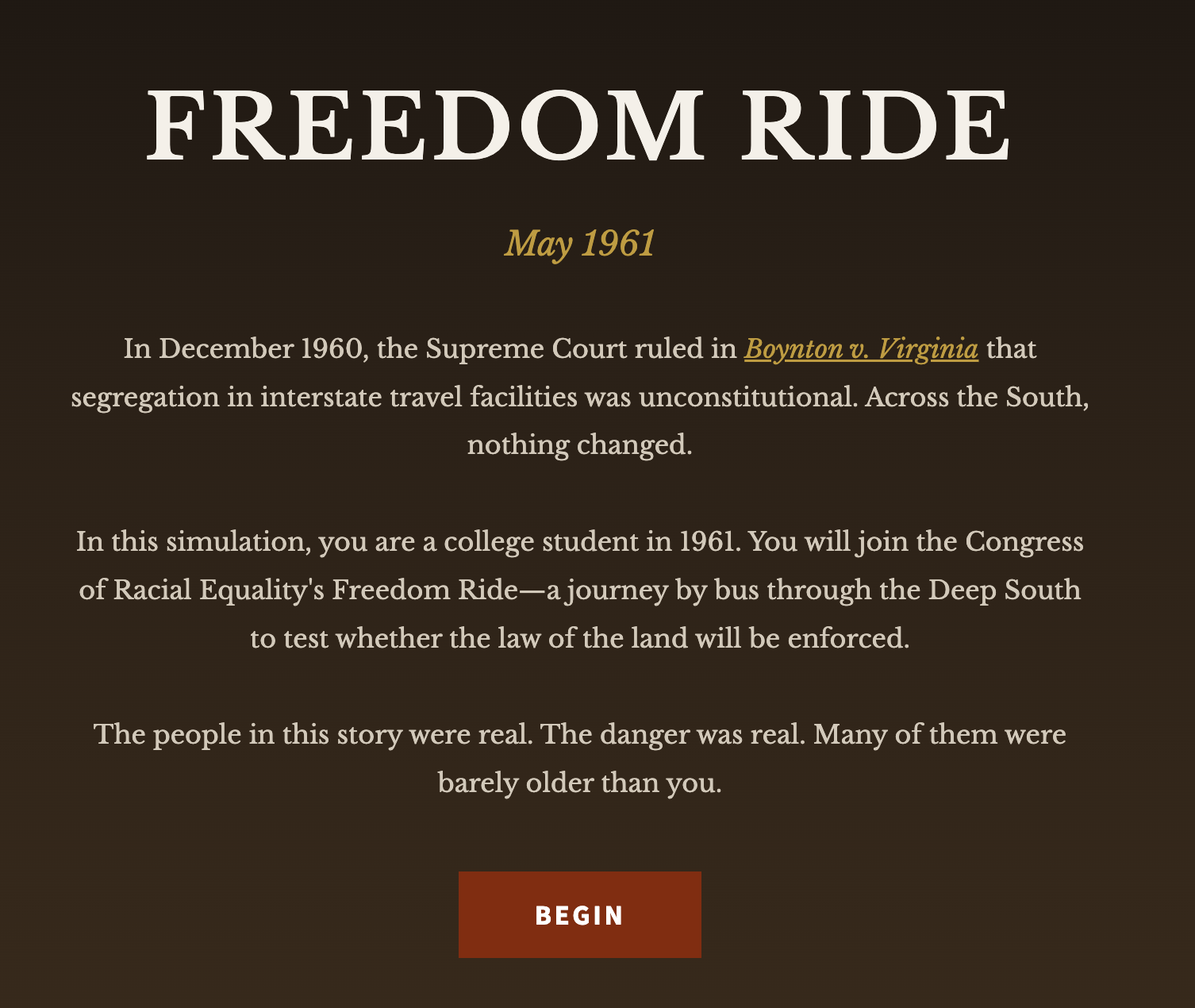
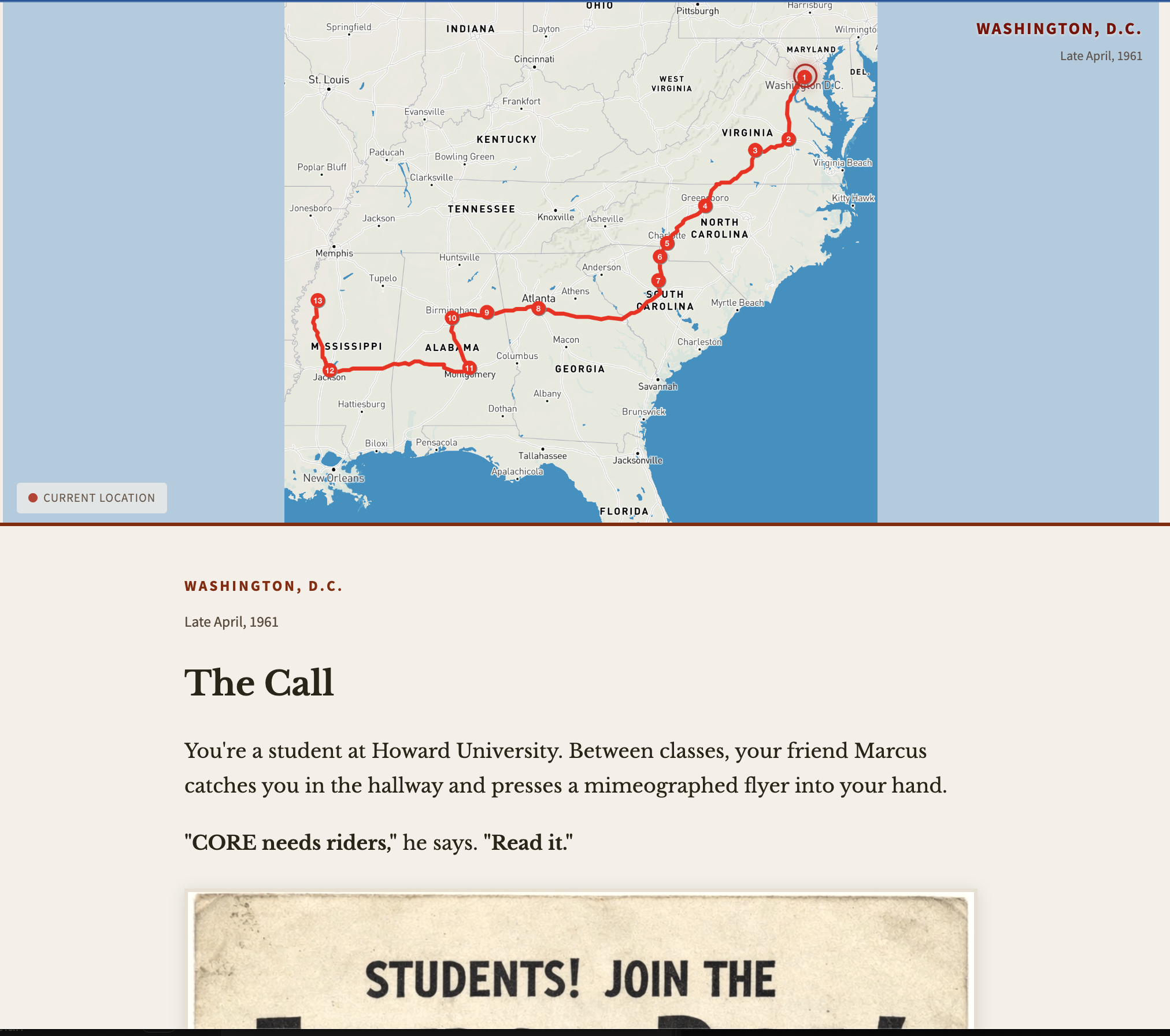
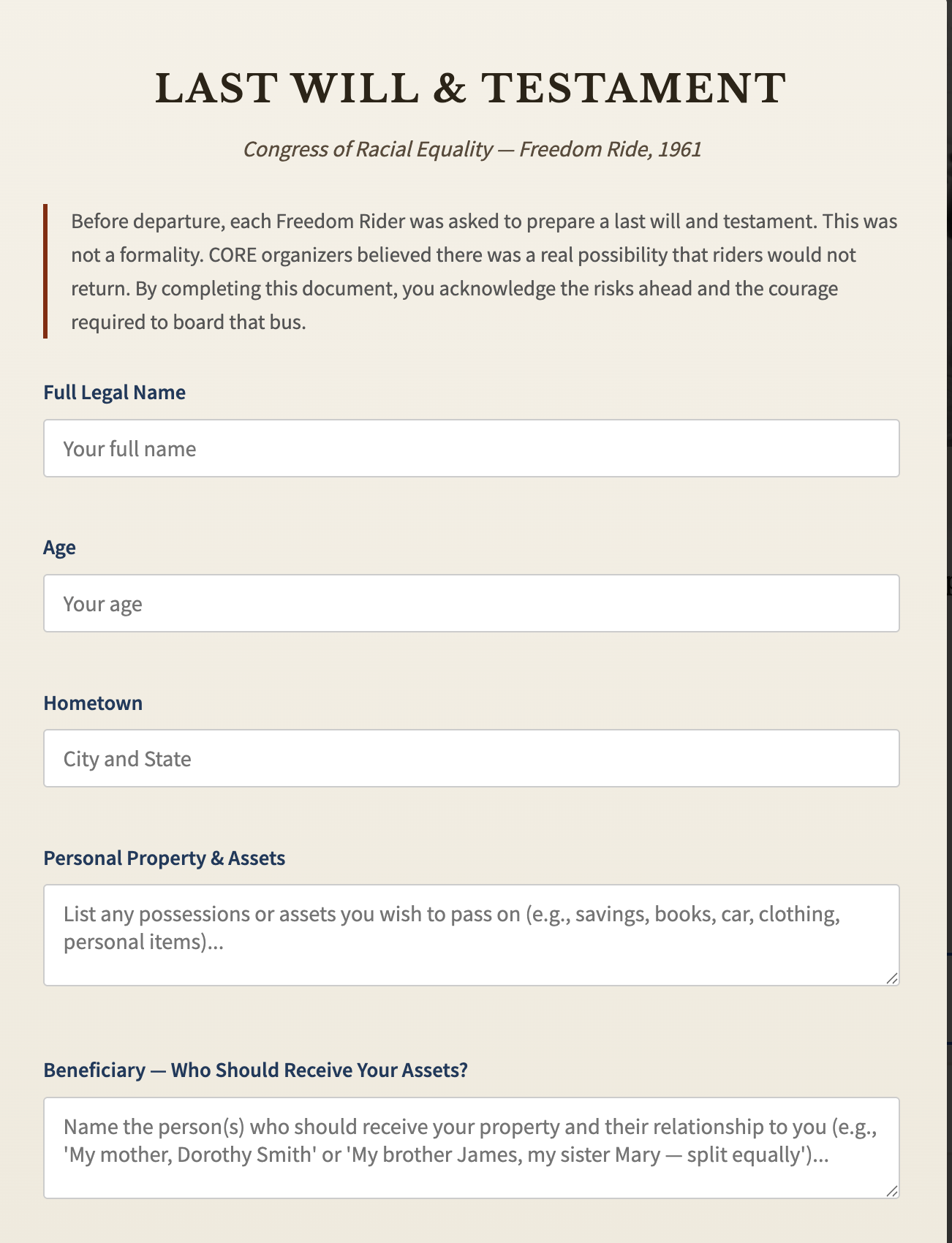
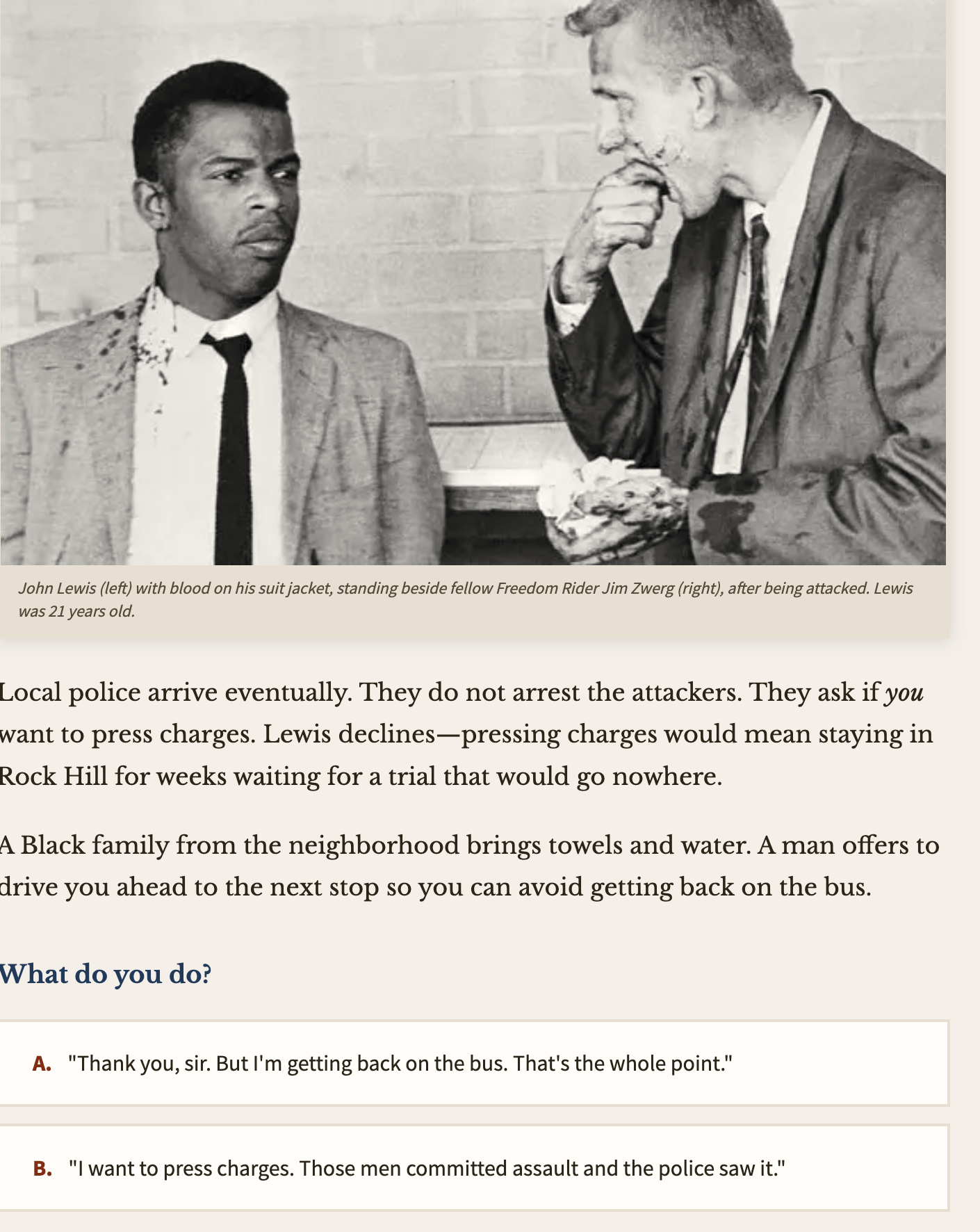
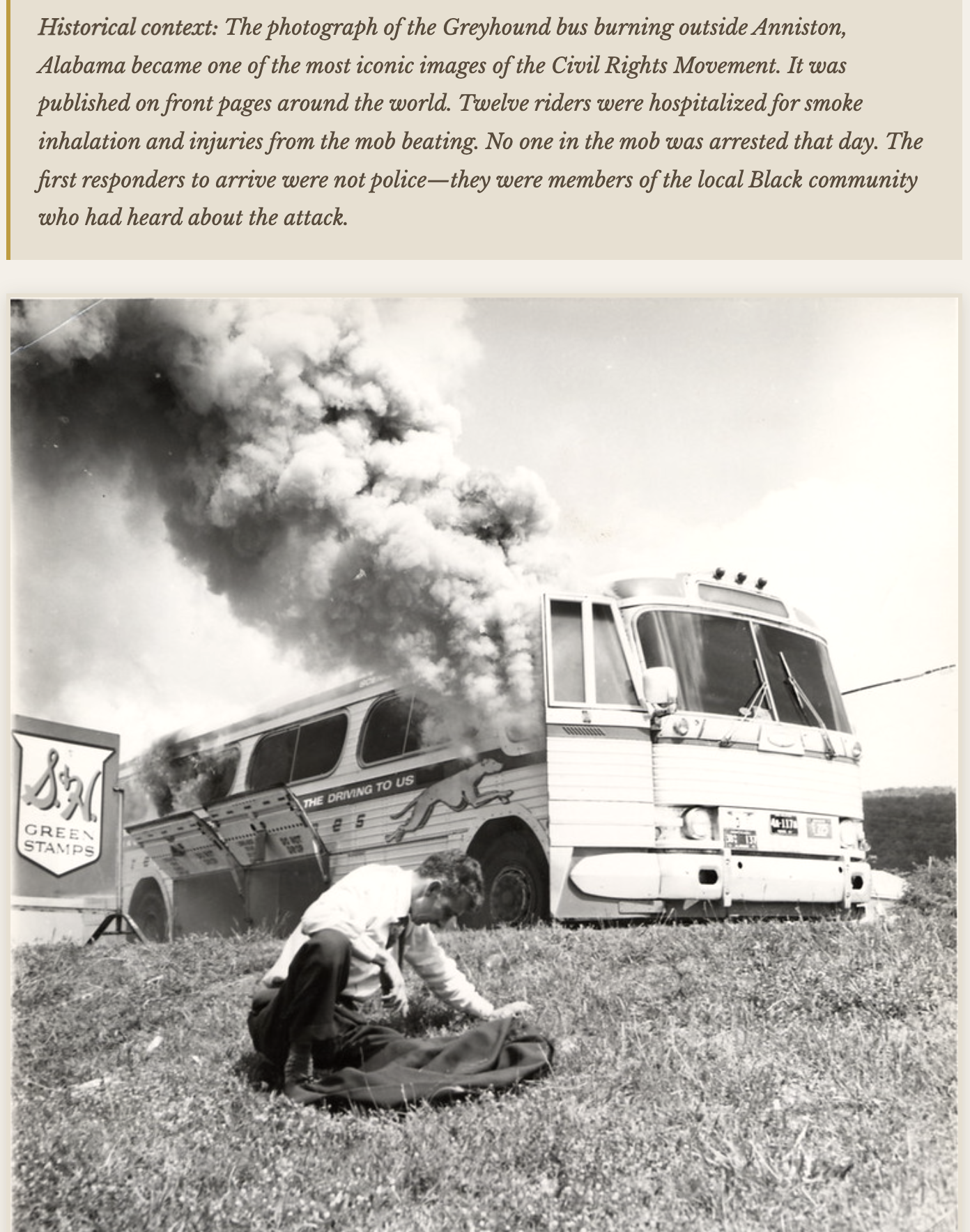
Students experience the courage and danger of the 1961 Freedom Rides firsthand — navigating the Civil Rights Movement through choices, consequences, and the voices of those who were there.
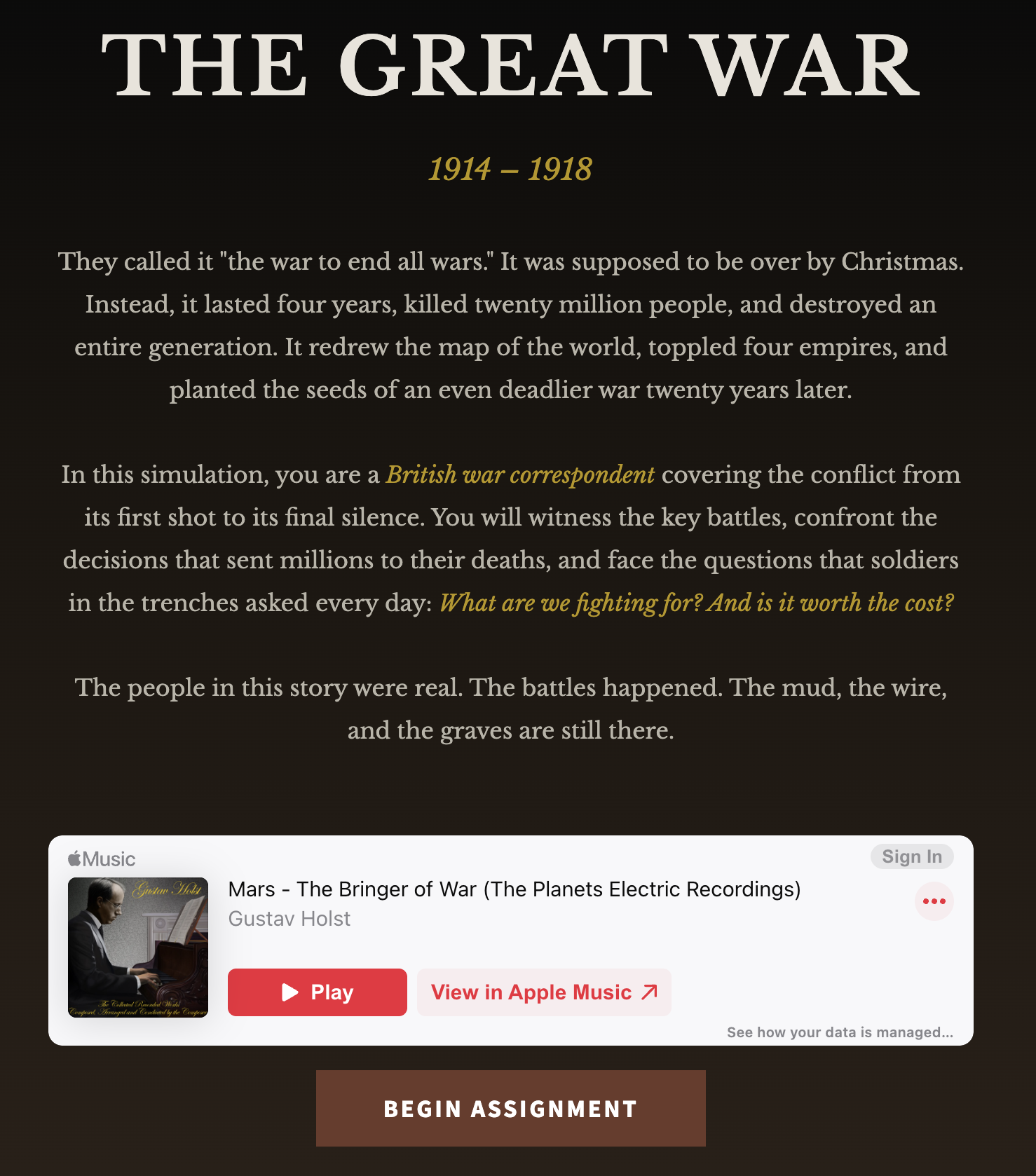
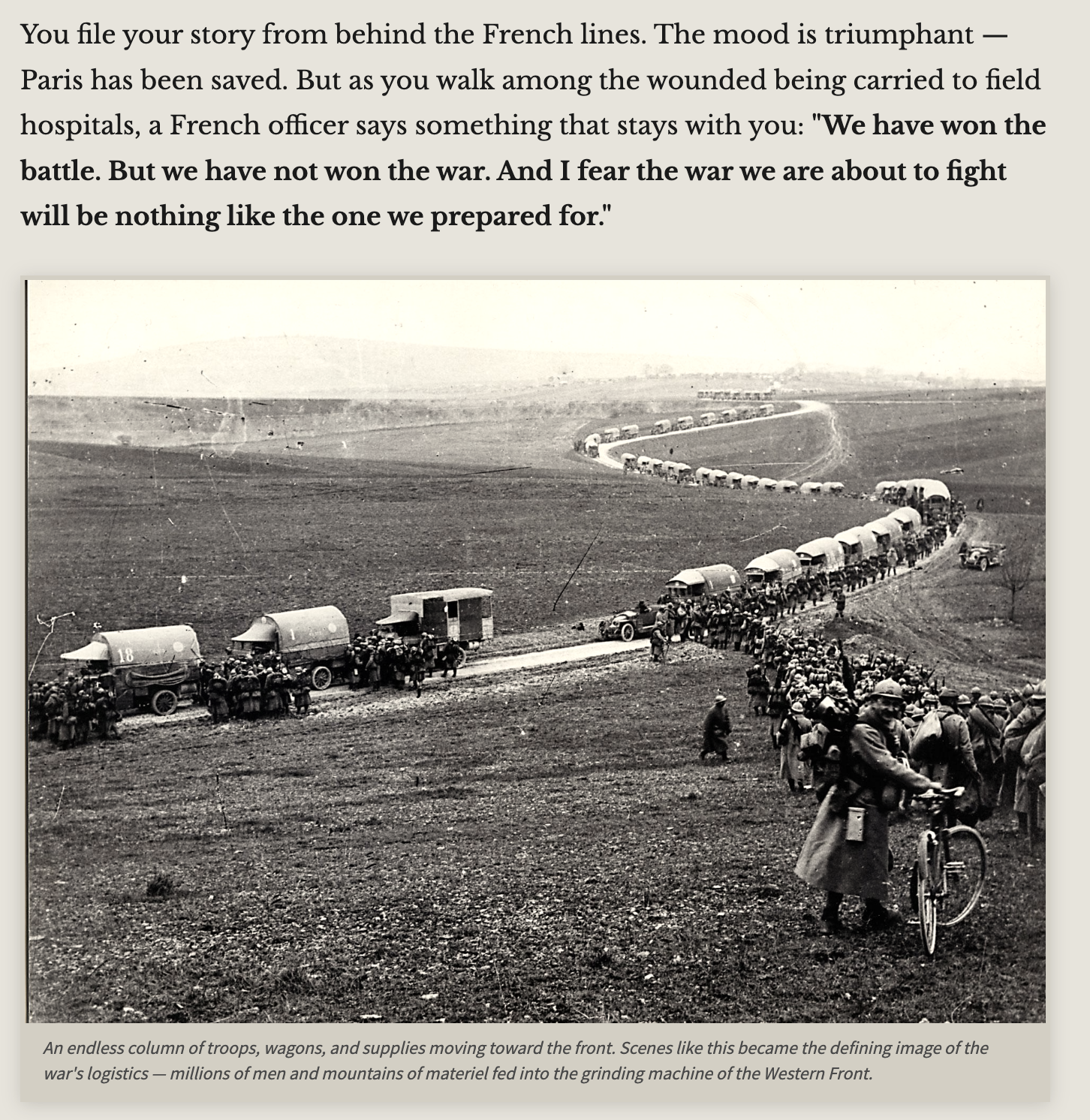
A classroom simulation that immerses students in the alliances, escalating tensions, and catastrophic decisions that turned a regional conflict into a world war.

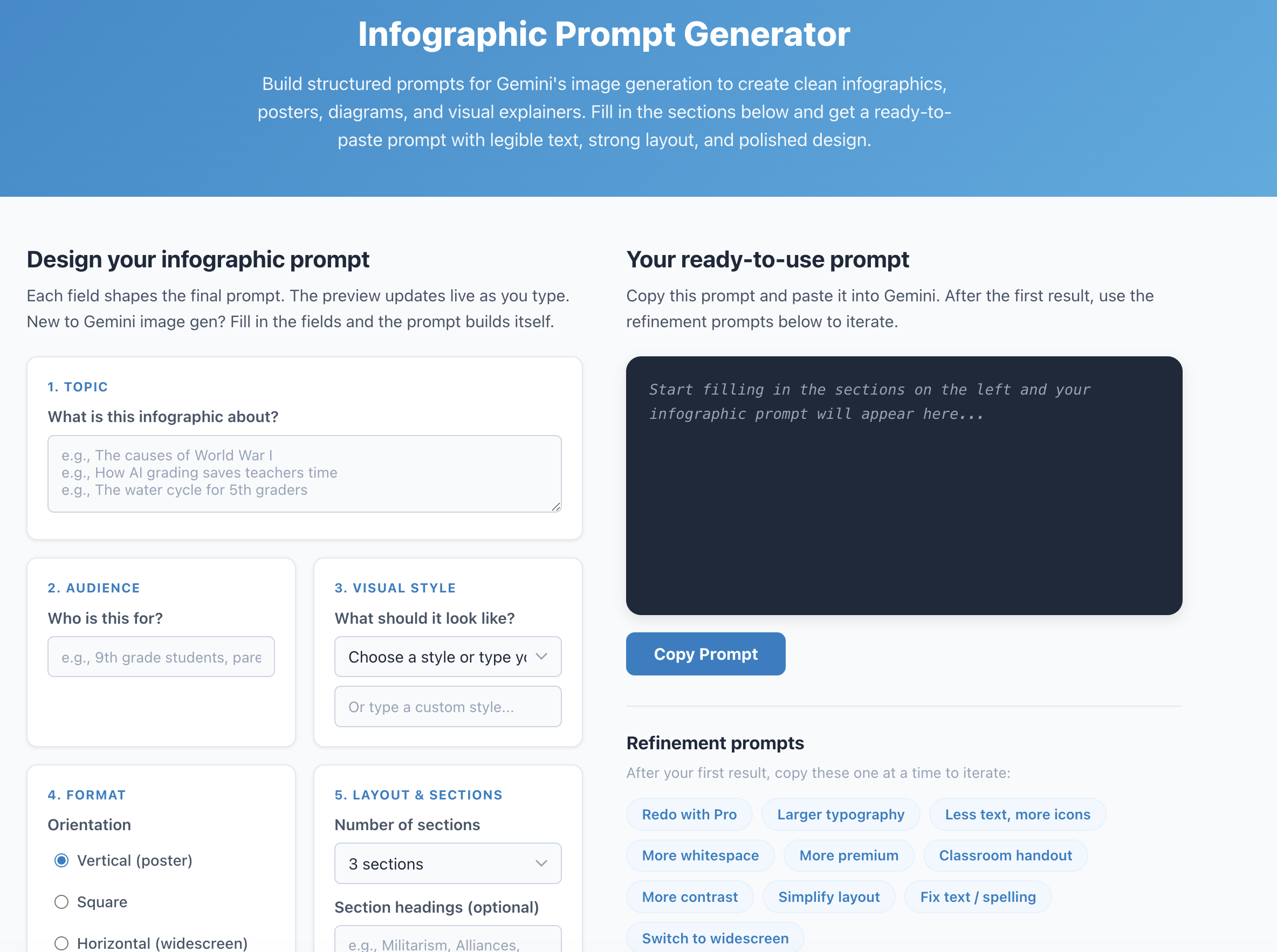
A free browser-based tool that builds structured prompts for Gemini's image generation. Fill in topic, audience, layout, and style — get a ready-to-paste prompt that produces clean infographics, posters, diagrams, and visual explainers with legible text.
Try it live → Download free →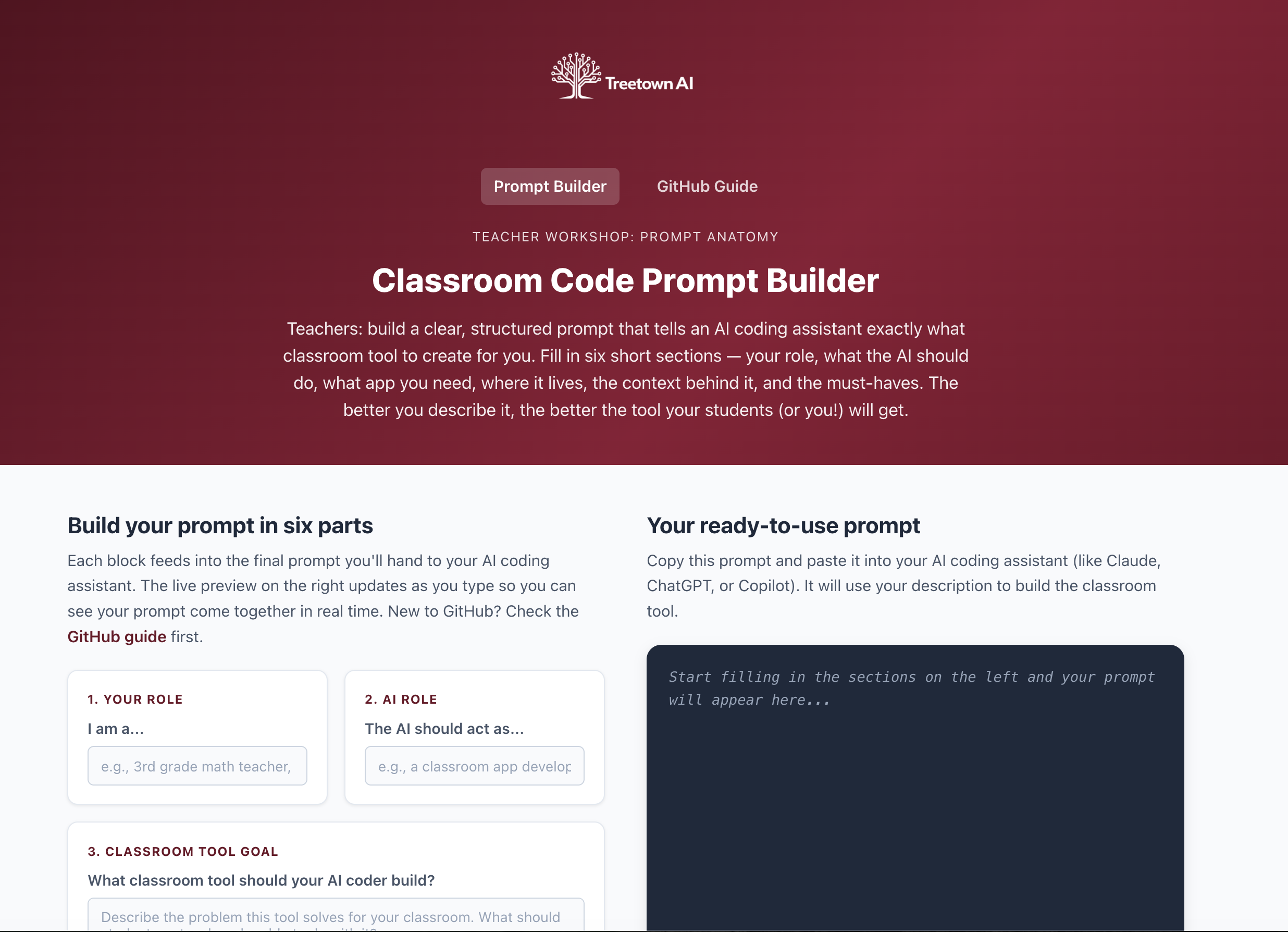
A free browser-based tool for teachers to build clear, structured prompts for AI coding assistants. Fill in six sections — your role, the task, the app you need, where it lives, classroom context, and must-haves — and get a ready-to-paste prompt that produces better classroom tools.
Try it live → Download free →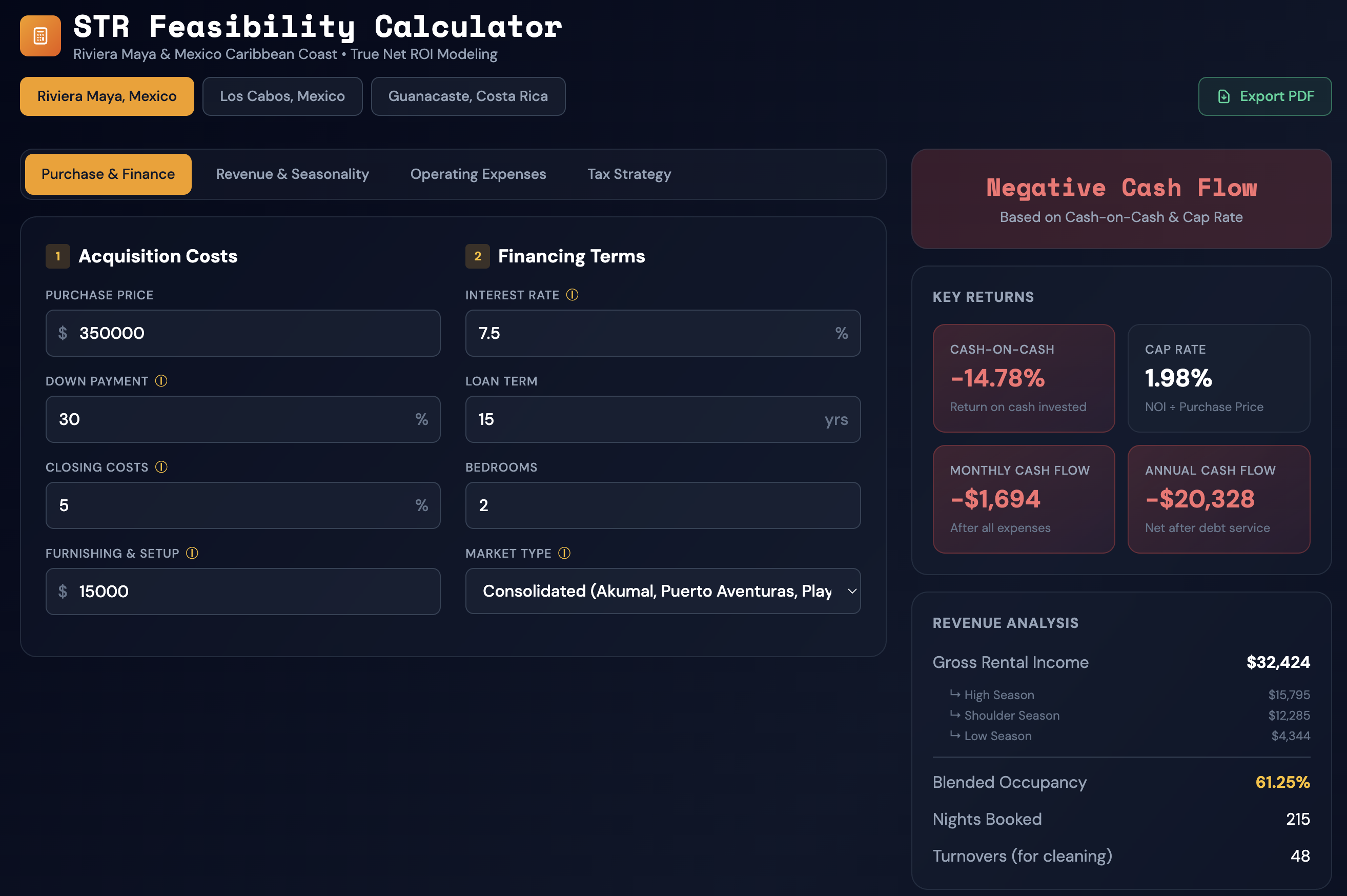
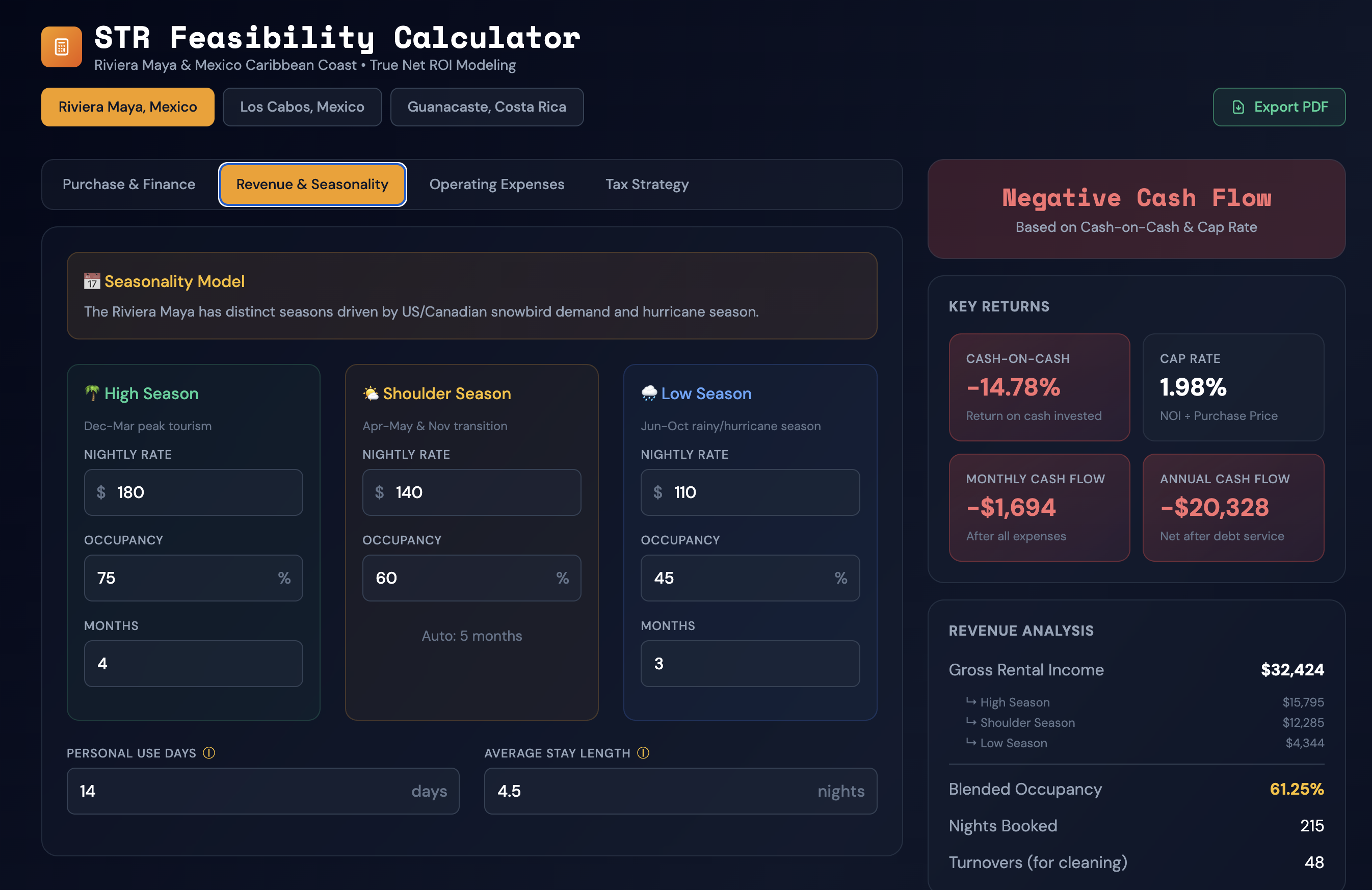
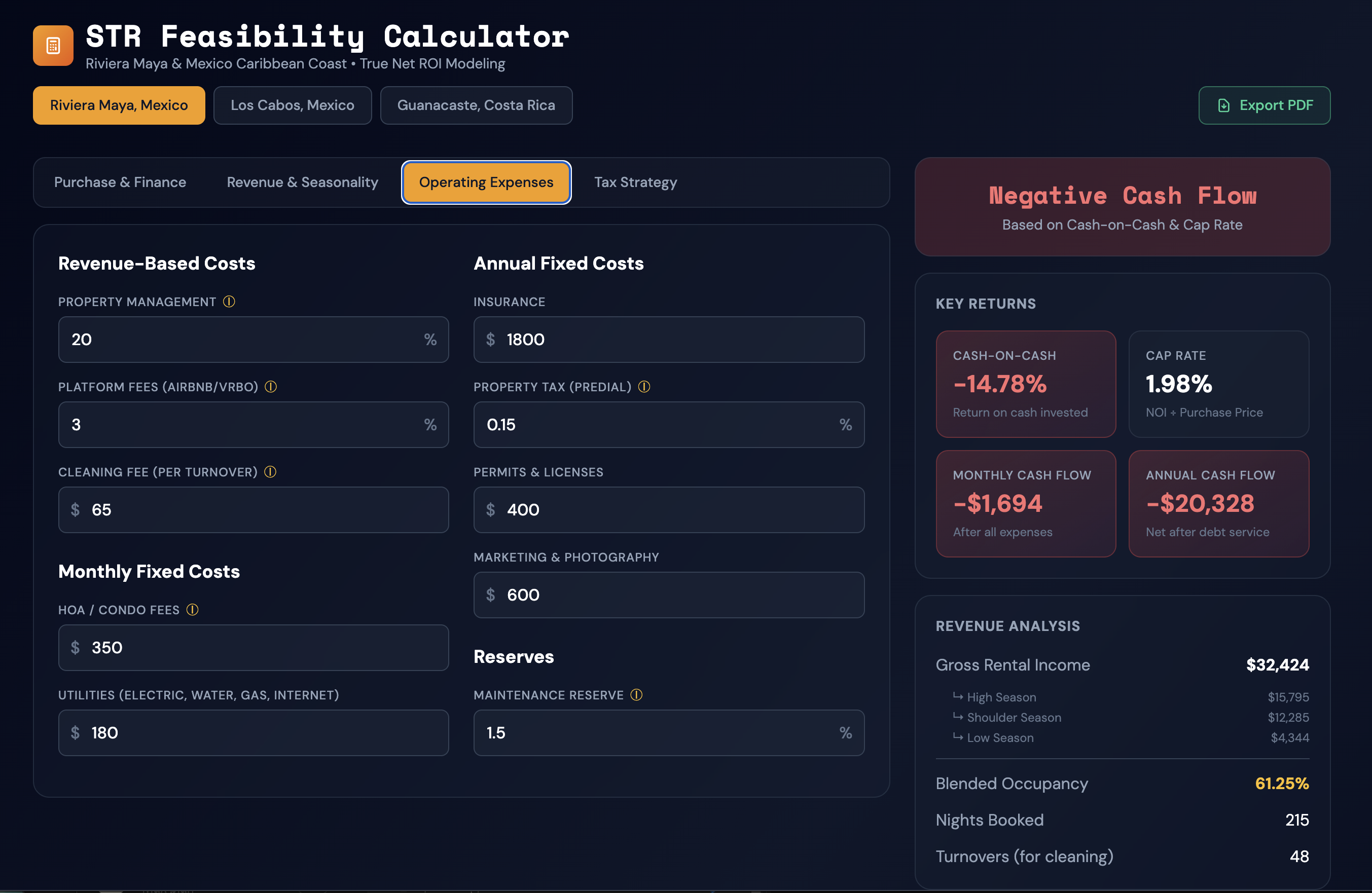
A free, single-file calculator for modeling short-term rental investments. Enter purchase price, financing terms, revenue projections, operating expenses, and tax strategy — get instant cash-on-cash return, cap rate, and monthly cash flow. No subscription, no account, runs entirely in your browser.
The site positions you as both a strategist and a builder: someone who understands classroom problems and can turn them into working software.
Start with the pain point: engagement, workflow inefficiency, lack of visibility, weak implementation, or a missing student experience.
Design a usable proof of concept with the right balance of speed, polish, and real-world teacher practicality.
Use classroom feedback and educator workflows to refine the product until it actually works where it matters.
Pair the software with professional development, onboarding, and support so adoption lasts beyond the first demo.
Treetown AI is a fit for schools, districts, and organizations that want thoughtful AI integration, custom educational software, or engaging simulation-based learning experiences.
Email a quick description of your goal, the audience, and what is not working with your current setup.

Ryan Baese is the founder of Treetown AI, where he creates custom software, AI-powered tools, classroom simulations, and educational games designed specifically for educators. With 23 years of teaching experience at Dexter High School and degrees from the University of Michigan in Secondary Education and Public Administration, Ryan combines deep classroom knowledge with strong technical problem-solving skills. His mission is to help schools and teachers use technology in practical, creative, and powerful ways.
As seen in The Sun Times News — "Dexter Community Schools Take on Artificial Intelligence"